EstimatingExplore estimating
Construction glossary · Process and Contract Terms

What are as-built drawings in construction?

As-built drawings show what was actually built, with every change from the construction documents marked: moved walls, rerouted pipes, added equipment. Further down: a table of as-builts against record drawings, a 62-sheet set at closeout, our view, and a link to a free completion certificate template.

Free 30-minute walkthrough on your own drawings. No card.

Updated November 2026 · Reviewed by the Ruh construction team

The definition

As-Built Drawings, Explained.

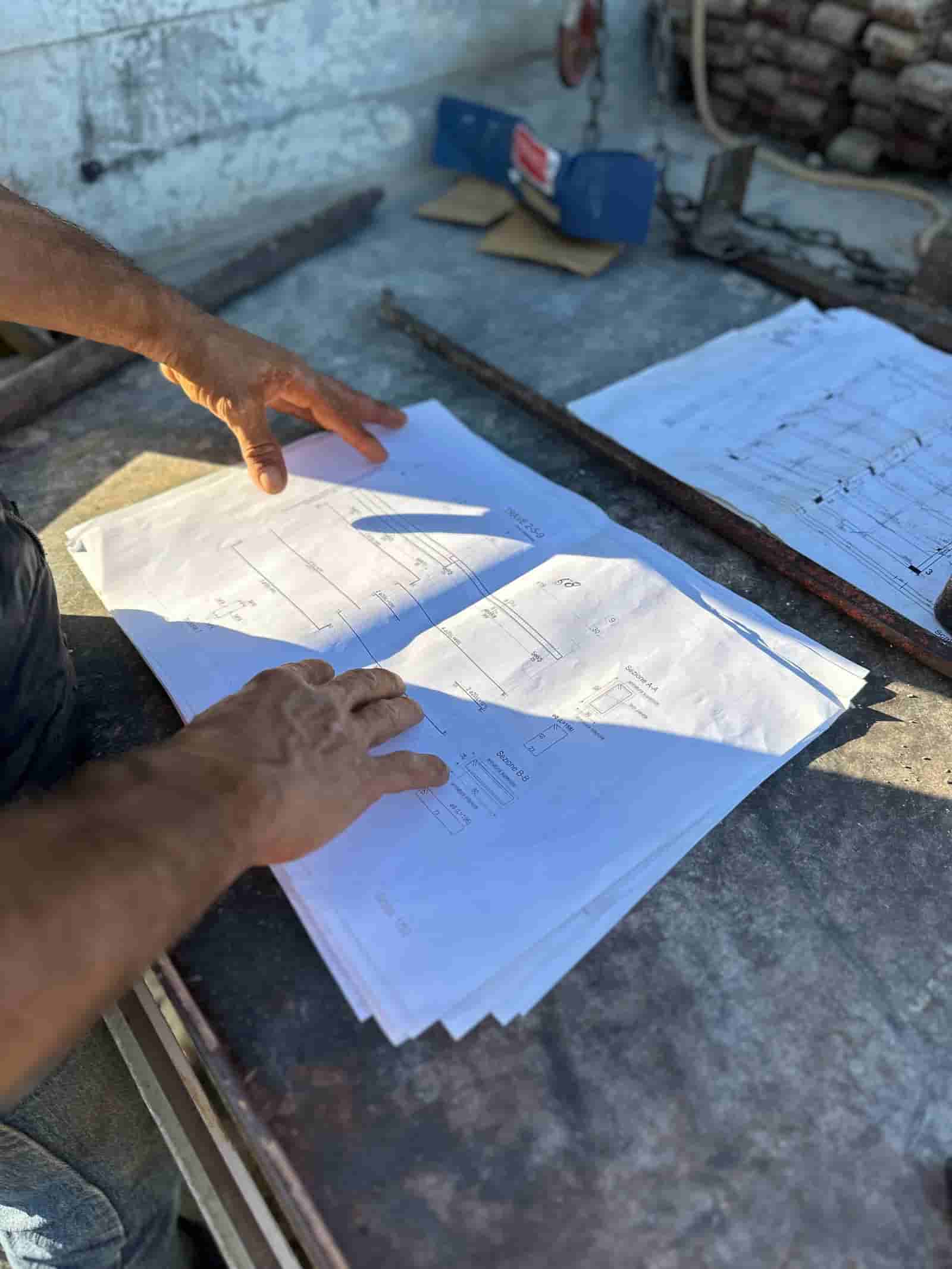
The contractor keeps a set of the drawings on site and marks each change as it happens, from RFI answers, change orders and field adjustments. At closeout those marks are handed over, often redrawn cleanly by the designer as record drawings.

Owners use them for years after: to find what is behind a wall, to plan a renovation and to maintain systems. Contracts commonly list them as a closeout deliverable, often tied to final payment.

As-builts are one of the items left at handover. To record that date and the open items, use the free certificate of substantial completion template.

How it is measured

As-built drawings are measured by completeness: every changed sheet marked, every change traceable to its RFI, change order or field note, and the set delivered by the date the contract sets.

As-Built Drawings vs Record Drawings

As-builts are usually delivered at closeout, after substantial completion and the punch list.

As-built drawingsRecord drawings
Who makes themThe contractor, during constructionUsually the designer, at the end
What they areThe field set with changes markedA clean set drawn from those marks

Typical practice. Contracts sometimes use the two names for the same thing, so read which one yours asks for.

Our View

In our view, mark the set the day a change happens. As-builts rebuilt from memory at closeout are where final payment stalls.

Worked example

A Worked As-Built Set

Illustrative example. An office build-out is drawn on 62 sheets, and at closeout 14 of them carry changes, each sheet counted once by the source of its change.

A 62-sheet set with 14 changed sheets at closeout: 9 from RFIs, 3 from change orders and 2 from field adjustments.

Source of the changeSheets marked
RFI answers9
Change orders3
Field adjustments2
Sheets with changes9 + 3 + 2 = 14 of 62

Each mark cites its RFI or change order number, so anyone can trace why the building differs from the design.

Illustrative figures, not a customer job.

How Ruh handles it

How Ruh Handles As-Built Drawings.

Try Ruh on a real bid.

Start with a walkthrough

As-Built Drawings: Frequently Asked Questions

What are as-built drawings?+

Drawings marked to show what was actually built, with every change from the construction documents recorded.

Who prepares as-built drawings?+

The contractor marks the field set during construction. The designer often turns the marks into clean record drawings at the end.

Are as-built drawings the same as record drawings?+

Not quite. As-builts are the contractor's marked set, and record drawings are the clean set made from them, though contracts sometimes use the names the same way.

When are as-built drawings due?+

At closeout, usually as a condition of final payment. Your contract sets the exact deliverable and date.

Still measuring by hand? Your next takeoff can run while you review this one.

See it on your plans

Related Terms

Keep going: A Worked As-Built Set, the free certificate of substantial completion template or explore General Contractor Software.

The Construction Estimating Cheat Sheet
Every unit, waste factor, and conversion on one page. Free PDF.

Figures on this page are illustrative. Construction estimates depend on project-specific conditions, source documents, market pricing, and professional judgment. Ruh's AI assists the estimator and does not replace professional review: your team reviews, validates, and approves every estimate, bid, and pricing decision.
Try Ruh on a Bid You Are Pricing Now.

Put Your Next Takeoff on Ruh.