














NEWRuh AI for Construction is live, bring your ugliest invoice, we'll demo it live
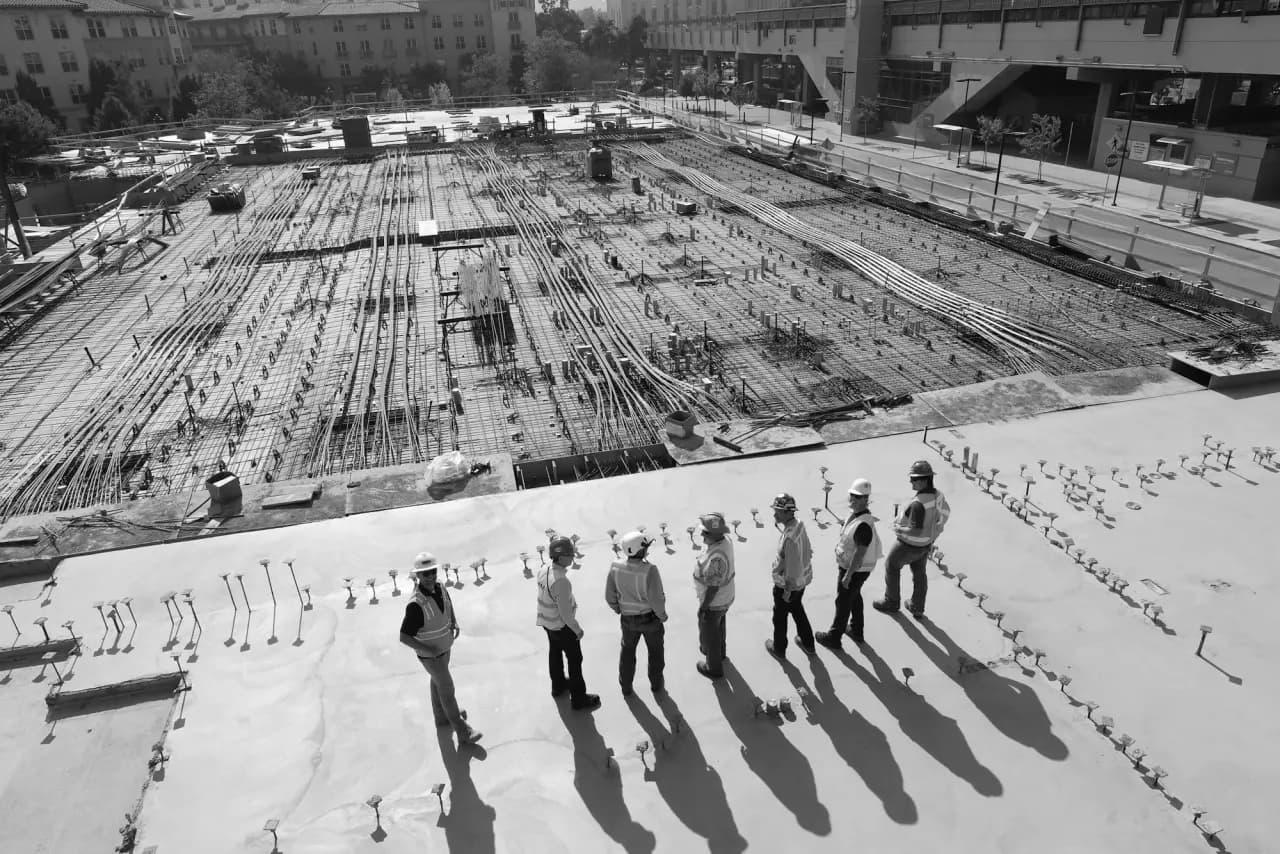
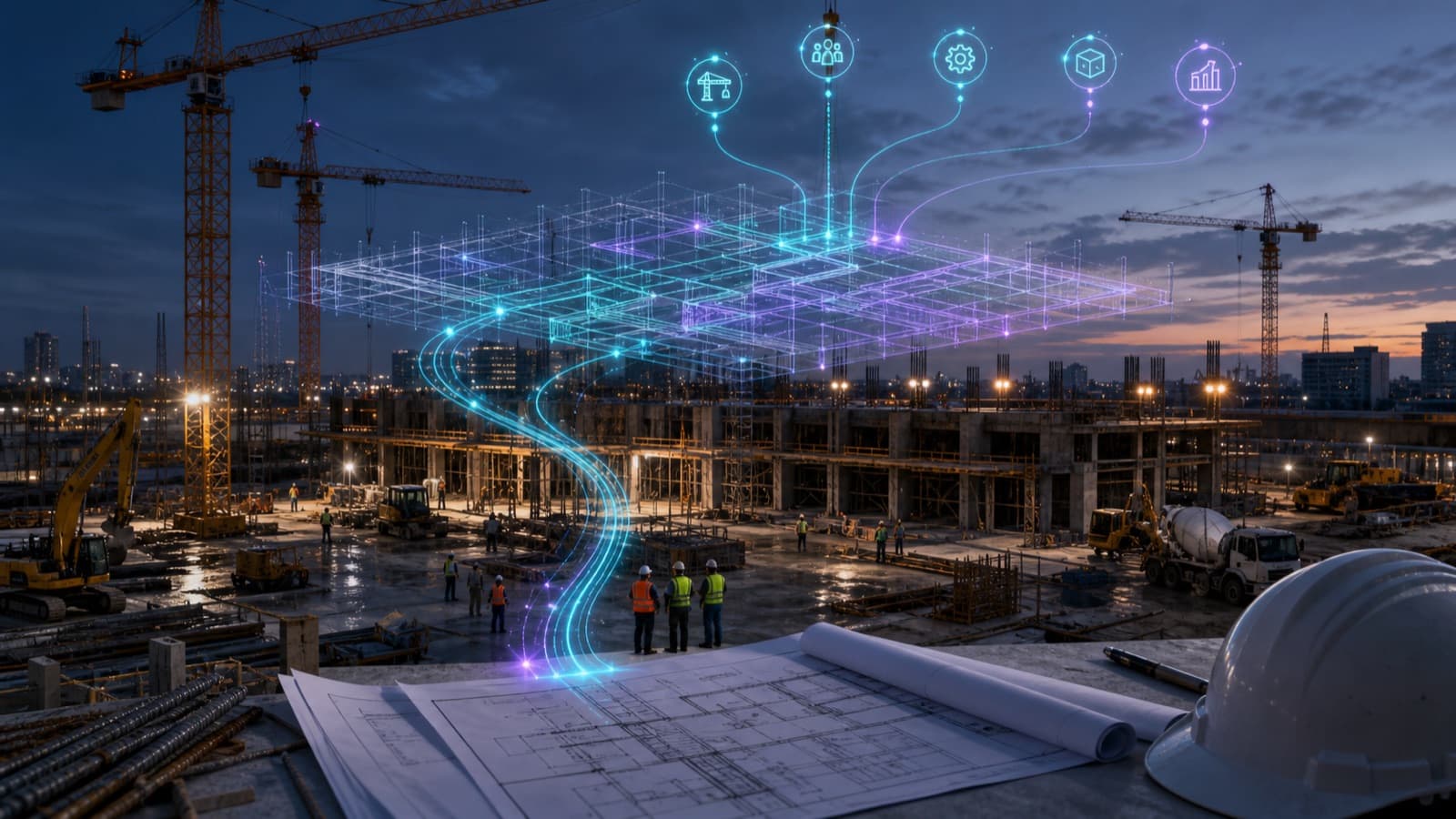
Active construction site with cranes and building framework at sunset
AI for Construction

AI for construction, Human Emulators that automate AP, district ops, RFIs, and field reporting.

Record backlog. Data centers on 16-month schedules. A trade-labor pipeline that's shrinking. Ruh AI deploys Human Emulators across AP, district operations, executive support, change orders, estimating, and scope-impact, inside your tenant, on your AI license, against the tools your team already trusts.

Uses your tools
Confidence thresholds
Coach it like a new hire

End-to-end execution

Invoices → PO match → approvals → exceptions → reporting. Run start to finish, not “step one of seven.”

No tool replacement

Works in your current systems, spreadsheets, and email. No migration. No rip-and-replace.

Built for variability

Handles the weird cases that break “automation.” Field invoices, mid-job changes, vendor exceptions.

Where the expensive minutes go

Modern construction runs on six painful gaps.
Every one of them is a Human Emulator job.

The tools are modern. The work between them isn't. Each of these gaps used to require a salaried hire, until purpose-built construction automation could do it. With a digital workforce, you take on more and hire less.

AP misrouting and rework

VIM-style OCR mis-assigns invoices. Duplicates block corrected re-submissions. Voucher status and payment never reach the PA in real time.

District workflows that depend on discipline

Paperless flows only work when the right person scans, names, matches, and stamps with the right tool, every time.

Senior staff burning hours on admin

Travel rebookings, calendar Tetris, call triage, the work that costs the company the most per hour.

Change orders that touch 10+ subs

A CRX lands. The PM has to cross-reference drawings, specs, ASIs, and ten trade scopes before they can even respond.

Conceptual estimates that need 10 people, 6 weeks

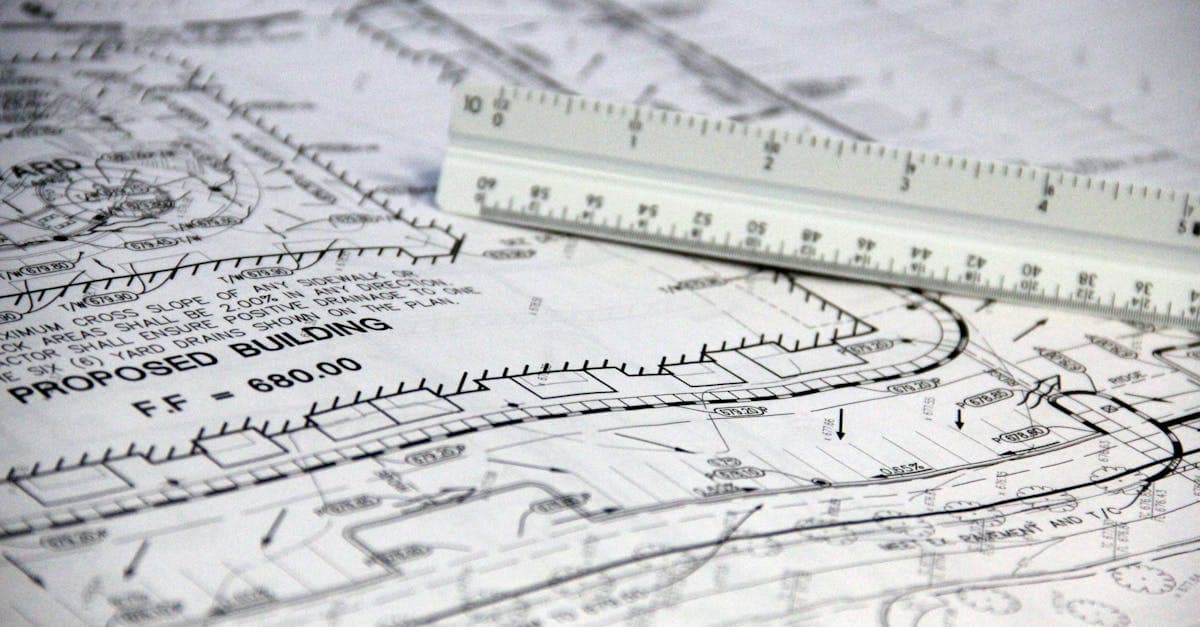
Reading drawings, performing takeoffs, pricing per region. Every project starts the cycle over.

ASIs that ripple through the build

An owner-issued ASI changes drawings. No one knows which 10-12 subs are affected until a PM hand-traces every plan.

Which one of these hits you hardest?

Tell us. We'll demo a Human Emulator on it live, with your data.

Ruh AI

You're not buying software.
You're hiring digital employees.

Ruh AI deploys hyper-intelligent Human Emulators into construction businesses to do the work people shouldn't have to do.

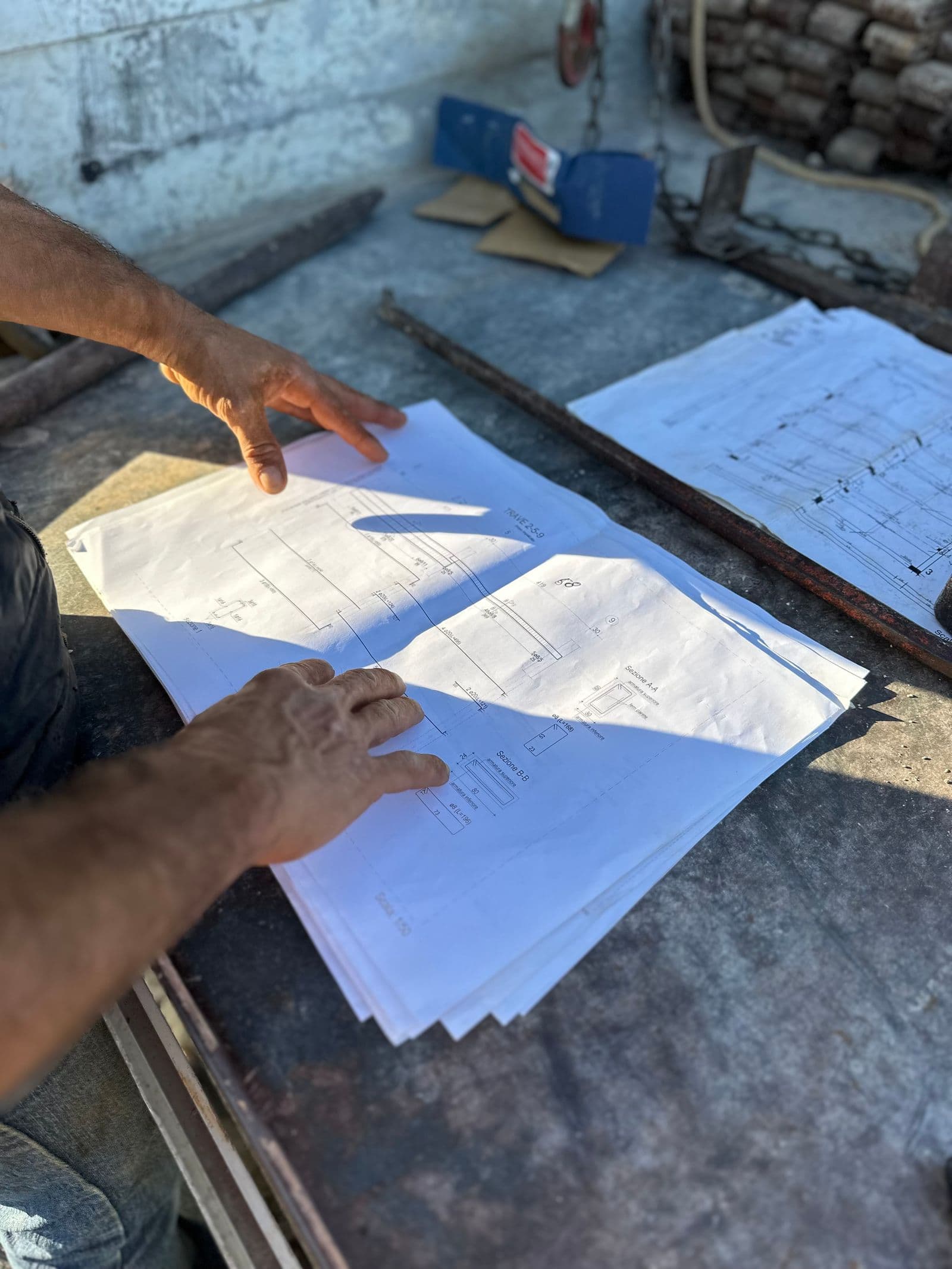
Construction foreman reviewing project documents on-site
01

Human Emulator = Digital Employee

A worker you can assign outcomes to: “process invoices,” “build weekly reports,” “keep schedules updated.”

Construction site supervisor coaching crew members
02

Coach it like you coach a new hire

Correct it once → it updates procedures and follows the process consistently. No retraining cycles.

Construction site with tools and equipment in use
03

It uses your tools

Email, PDFs, spreadsheets, your current accounting and ops tools, no migrations required.

Ten Human Emulators

Ten functions. One digital workforce.

A Human Emulator is a construction AI agent you can assign outcomes to, process invoices, build daily reports, vet change orders, that runs end-to-end inside your tenant against the tools the team already trusts. Three workstreams in active build, seven on the engagement roadmap , all the same architecture.

Stack of vendor invoices on a desk with calculator and pen
National AP · In build

AP Invoice Intelligence

Owns the full five-stage AP pipeline: intake, OCR routing, project assignment, MATX-backed audit, and JD Edwards E1 voucher posting. Real-time VIM ↔ E1 sync replaces the manual status-update layer. Corrected re-submissions supersede the original automatically, no PA cleanup.

  • Auto-routes invoices to the right project and PA on context
  • Pulls receivers from E1, matches MRRs from MATX automatically
  • Runs freight, eco-fee, billing-entity, PST treatment audit checks
  • Voucher rename + archive happens at posting, not after
Explore AP Invoice Intelligence
Construction drawings spread across a table with markup
CRX · In flight

Change Order Vetting

Ingests every drawing, spec, and ASI on the project, continuously. When a CRX lands from a subcontractor, the agent has already mapped the scope, the budget impact, and the reasoning. The PM curates the response instead of cross-referencing ten plans.

  • Pre-vets CRXs against full project record before PM review
  • Returns proposed revisions with reasoning a PM can verify
  • Owner-facing change order package generated automatically
  • Every correction becomes permanent project memory
Explore Change Order Vetting
Structural steel framing on an active commercial build
Estimating · In flight

Cost Estimating from Drawings

Multi-trade sub-agents (electrical, plumbing, concrete, dirt, roofing) read the drawings, perform takeoffs, and cross-reference a regional pricing knowledge graph. An orchestrator brings them together into a detailed conceptual estimate, with reasoning a human can verify.

  • Reads architectural drawings, specs, and addenda
  • Regional pricing via vendor sheets + historical job data
  • Lists every assumption and exclusion in the estimate
  • Today: 10 people, 4–6 weeks. Tomorrow: hours, verifiable.
Explore Cost Estimating
Construction foreman reviewing project documents on-site
Field Ops · In flight

Daily Field Reports

Supers and PMs lose 30–60 minutes a day writing daily project reports from memory. The agent reads field photos, weather, crew time, and materials delivery, and drafts the DPR for sign-off in 5 minutes.

  • Ingests CompanyCam photos, weather, crew time, deliveries
  • Identifies trades present and major activities completed
  • Flags anomalies, safety issues, missed deliveries, weather impact
  • Drafts in your DPR format, auto-distributes after super signs
Explore Daily Field Reports
Senior executive at a desk taking a call with calendar and travel plans
Executive · In build

Executive AI Assistant

A voice-and-text concierge for senior staff. Books and rebooks travel against loyalty programs. Coordinates calendars across time zones. Answers and screens incoming calls with a configurable, professional voice persona, identifying caller, urgency, and intent before deciding whether to interrupt.

  • NAVAN-integrated travel, including cancellations and delays
  • Microsoft 365 + Teams + SharePoint, runs where execs already work
  • Context retention across conversations; preference learning over time
  • Role-based access; PII and voice-recording compliance built-in
Explore Executive AI Assistant
Stack of pay applications and lien waiver forms on a desk
Finance Ops · In flight

Lien Waiver & Pay App

Every pay application needs lien waivers from every sub, per state, the rules vary. Pure admin grind that blocks payments. The agent runs the chase per-pay-app, per-state, with audit-ready packaging.

  • Identifies subs, jurisdictions, waiver types per pay app
  • Sends per-state forms pre-filled, tracks signatures
  • Validates each waiver against state requirements
  • Bundles AP-ready package; flags blockers before release
Explore Lien Waiver & Pay App
Architects and engineers reviewing layered construction plans
ASI Impact · In flight

Multi-Trade Scope Impact

An owner-issued ASI changes drawings. The agent maps every sub it just affected, electrical, plumbing, architectural, before the PM opens their email. Portfolio dashboard gives ops leadership a live view across projects, not after the meeting.

  • Cross-trade impact analysis across 10-12+ subcontractors
  • Direct lookup against drawings, subcontracts, and prior CRXs
  • Pending change order tracker with proactive owner follow-ups
  • Live portfolio visibility for division leaders
Explore Multi-Trade Impact
District project office with field staff reviewing job paperwork
District Ops · In build

Paperless District Workflow

Egnyte-native intake. Five folder stages, automated. Three-way matches receiver, backup, and invoice for the same PO and date, replaces the weekly manual matching task. Pre-fills the Bluebeam stamp with date, project, and cost-code suggestions from prior PM patterns.

  • Ingests scans from any source (Egnyte app, Adobe Scan, project printer)
  • Enforces the mandatory naming convention on the way in
  • Preserves Internal (PCL) / External (Coram) access separation
  • Routes signed invoices to E1; archives on closeout
Explore Paperless District
Project team performing final walkthrough on a finished space
Closeout · In flight

Punch List & Closeout

End-of-project coordination is messy, punch items get assigned, missed, re-opened. The agent identifies defects from field photos, assigns the right sub, tracks completion, and generates the closeout + warranty package.

  • Defect identification from CompanyCam walk photos
  • Auto-assignment by trade, contract scope, and area
  • Completion tracking with proof-photo validation
  • Owner-ready closeout + warranty database for building ops
Explore Punch List & Closeout
Project team reviewing subcontractor bids on a desk
Sub Performance · In flight

Subcontractor Intelligence

Most GCs re-bid the same subs to the same problems. The agent maintains a live performance database, schedule adherence, RFI volume, defect rate, claims, payments, and scores subs on every new bid package.

  • Performance signals from Procore, AP, claims log, RFI registry
  • Per-sub leaderboards by trade, project type, and region
  • Bid recommendation on every new package with reasoning
  • Live risk monitoring for subs already on contract
Explore Subcontractor Intelligence

Why Other Tools Fail

Why SaaS, RPA, and “AI tools” don't fix construction.

Solution
What It Does
Limitation
SaaS
Organizes data
Needs standardization; breaks on variability
RPA
Automates predictable steps
Breaks on exceptions
Chat tools
Answer questions
Don't execute workflows
Ruh AI
Does the work
Handles exceptions; operates inside your tools

See a Human Emulator do the work.

Bring your AP backlog, your district workflow, or your CRX queue. We'll demo live.

Deploy

Go live in weeks. Then expand across the business.

Bring your ugliest invoice. We'll demo it live.

01

Connect your environment

Your tools, your inbox, your docs, your spreadsheets, no replacement required.

02

Capture your process

We map approvals, exceptions, rules, and what “good” looks like, like training a hire.

03

Deploy 5–10 Emulators

Most start with invoice/AP, it's high-volume and high-impact for the first outcome.

04

Expand across operations

A roadmap of 50–80 automatable admin tasks appears fast once the first one works.

Start with your first workstream.

Most enterprise GCs go live on AP or paperless district in 4-8 weeks.

Security Overview

Security that works as hard as your AI does.

Your operations run on trust, and Ruh is built to protect it. Every workflow, every action, every data touchpoint is safeguarded with enterprise-level security from the ground up.

Granular access control

Fine-tuned permissions ensure every AI employee only sees and acts on exactly what you allow, nothing more.

System visibility & monitoring

Live performance insights, event tracking, and operational alerts help you stay ahead of issues before they impact your team.

Comprehensive audit trails

Every step an AI employee takes is logged, timestamped, and fully traceable, giving you complete oversight and compliance readiness.

Live

One AI employee.
Any workflow.

Automate tasks, scale operations, or build from scratch, your AI employee adapts to your tools, your goals, and the way you work.

FAQs

Frequently asked questions

Everything you need to know about Ruh AI for construction, Human Emulators, deployment, security, and pricing.

We've tried software before.+

That's expected, but this isn't software. Human Emulators execute work instead of just organizing information. They handle the variability and exceptions that broke every tool you've tried before.

What if it makes a mistake?+

You coach it like a new hire. Just say “Hey, I didn't like this, change it” and it will be done. When it's not confident in a decision, it escalates the issue instead of guessing.

We don't have strong IT infrastructure.+

Perfect. Ruh AI works in the tools you already have: Outlook, Excel, your accounting system, your PM platform. No new infrastructure, no migrations, no IT lift.

This sounds too good to be true.+

Give us a real invoice or scheduling scenario. We'll show you live. Most demos run on the customer's actual job-site documents, not slideware.

Does Ruh AI work with our existing enterprise stack?+

Yes. Ruh AI runs against the systems your team already trusts: JD Edwards E1, VIM, MATX, ReportsNow on the finance side; Egnyte, SharePoint, Bluebeam Revu on document control; Procore, Vista, CompanyCam in the field; Microsoft 365, Teams, NAVAN, Active Directory for executive support. No ERP replacement. No data egress. Customer's AI license, customer's network.

How does Ruh AI handle non-standard or scanned invoices?+

The Human Emulator interprets context, not just text. It distinguishes invoices from non-invoice PDFs at intake, applies your mandatory naming convention automatically, detects corrected re-submissions, and supersedes the original without manual deletion. Scans from Egnyte mobile, Adobe Scan, or project printers get normalized before filing.

What's the typical implementation timeline?+

Most GCs go live on their first workstream within 4–8 weeks. AP and Paperless District typically lead because they're high-volume and high-impact. From there, the engagement expands to executive support and the change-order family of agents over the following quarter.

Is our project data secure? Does it train shared models?+

Every Human Emulator runs inside your tenant on your AI license. Nothing leaves your environment. Every rename, move, match, stamp, voucher, and message is logged per agent, per user, per project, with an audit-grade trail tied to identity. Internal vs. External access (e.g., subcontractor partners like Coram) is preserved exactly as your existing process requires. Payment release, PM approval, and cost-code sign-off are always human-in-the-loop.

Still got questions? Talk to sales.

A 30-minute call covers scope, integrations, security, and a live demo.