
Every invoice read. Nothing paid twice.
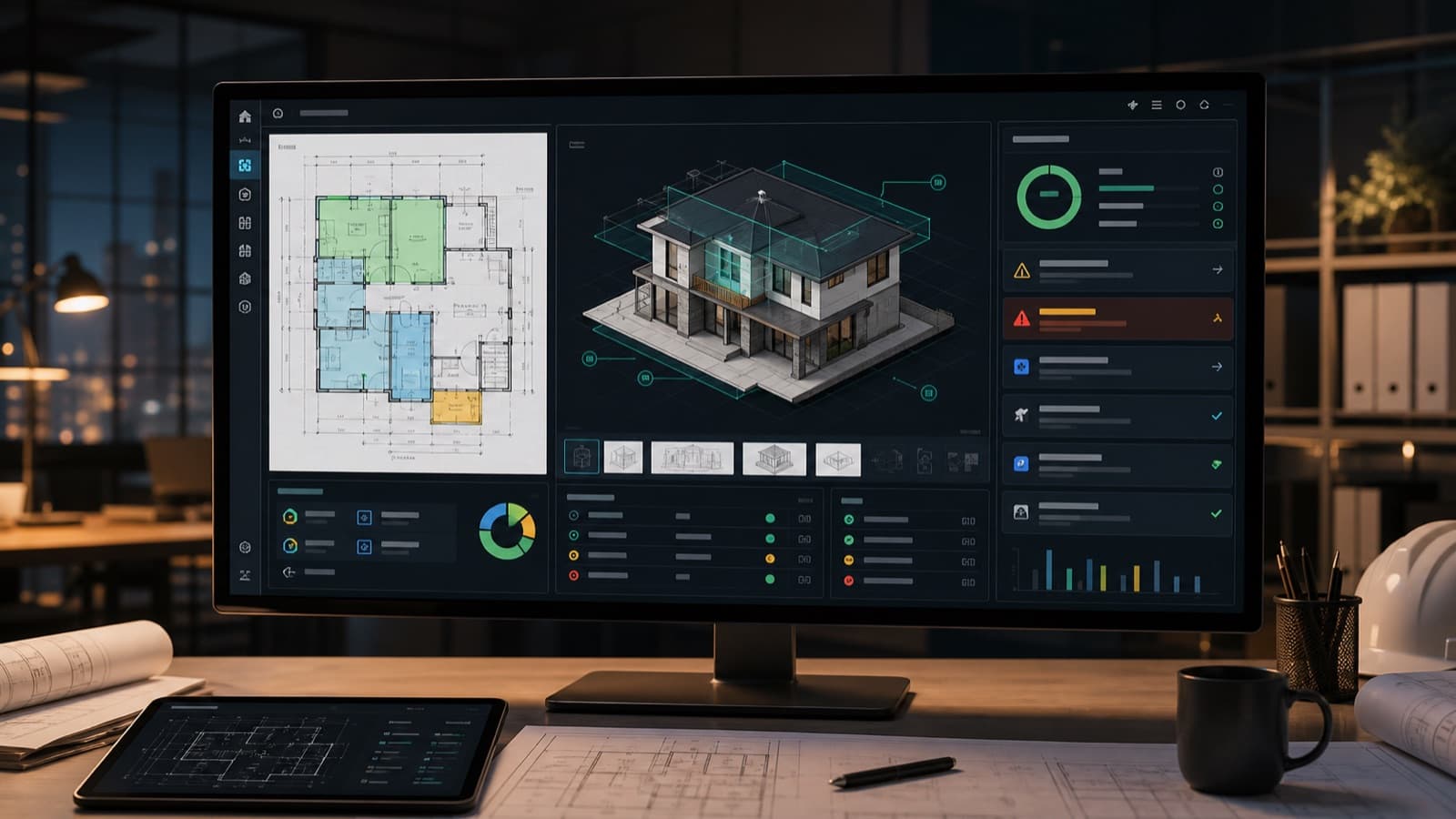
Ruh AI reads sub and supplier invoices automatically, matches each line to commitments and cost codes, and flags anything that does not reconcile before it reaches payment. Finance sees a clean queue of matched invoices and a short list of real exceptions instead of a stack of PDFs.
- ✓Invoices matched to commitments and cost codes automatically
- ✓Mismatches flagged before payment, not after
- ✓Runs in your tenant, with every action logged

The Money Rail.
The Invoice Agent works the AP queue today; the wider money rail carries pay apps and compliance gates through the build.
From Inbox to Approved, Without the Re-Keying.
Invoices Arrive
Email, upload, or your existing intake. The agent reads every page automatically.
Lines Are Matched
Commitments, cost codes, and quantities reconciled line by line against the project record.
Exceptions Surface
Only mismatches reach a human: wrong rate, duplicate billing, quantity out of contract.
You Approve
Clean invoices move to payment in your accounting system. Every action is logged.
What Finance Teams Told Us Actually Hurts.
Reporting Eats a Full Day
One team described rebuilding trial-balance and job-cost exports into a monthly package across six regions and corporate. A full day, every month, by hand.
Analysis Waits for Headcount
Month-over-month and year-over-year questions sit unanswered because there is no analyst, and the controller is busy keeping the close alive.
Errors Surface After Money Moves
Duplicate billings, wrong rates, and quantities outside contract show up at month end, when the payment already happened and the fix is a chase.

In Their Words.
Taken from discovery calls and working sessions with construction finance and operations teams. Anonymized: roles and company types only, lightly cleaned for transcription noise.
The manual reporting package across six regions and corporate takes a full day, every month.
We do not want to spend a million dollars for a project takeoff. It has to be inexpensive.
Having a human in the background double-check what the AI is doing makes it way more pleasing for folks. People hate it when it makes errors.
The problem is if it consumes so many tokens. We may as well supply our own API key.
Construction AP Automation, Explained for Finance.
Numbers That Reconcile Themselves
For a controller, AI in the back office is worth exactly one thing: numbers that reconcile without your team re-keying them. Ruh reads every sub and supplier invoice, codes each line to the job and cost code, matches it against commitments and quantities on the project record, and routes clean invoices for approval. Mismatches never post silently; they surface with the line, the commitment, and the difference, and a person decides.
The Month Changes Shape
That changes the shape of the month. The AP stack becomes an exceptions queue instead of a data-entry backlog, spend lands on the right job while the job is still running, and the audit trail builds itself as the work happens. Close stops being archaeology because the who, what, and why behind every posted invoice is already attached. One real construction back office cut its invoice cycle by roughly 70 percent on this pattern.
Cost Control and Data Control
The two objections finance leaders raise with us are cost control and data control, and both deserve straight answers. Cost: there is no consumption meter that turns a heavy month into a surprise bill; the build is scoped once, then a flat monthly plan. Data: everything runs inside your own tenant, on your own AI license, with no training on your data and every agent action logged. IT teams that want to hold the keys, route through their own accounts, and restrict access get exactly that.
It Compounds
It also compounds. The same coded, matched spend that clears your AP queue is what makes the monthly package and the month-over-month questions light instead of a full-day rebuild. Bring one month of invoices to a walkthrough and we will show you what the agent catches that a busy AP team cannot.
Margin Is the Strategy
Margin is where this gets strategic. One contractor we worked with analyzed seventy past jobs and found that while most met their margins, a meaningful set had fallen below the gross profit threshold, and nobody had seen it happening. The fix is structural: margin visibility built into every estimate line and every project summary, and job costing that maintains itself as a side effect of coded spend instead of being the two-hours-a-month task that always gets deprioritized. Estimate-to-actual stops being a postmortem.
Trust Is Designed In
And trust is designed in rather than asked for. The pattern that makes AI acceptable to a finance organization, in the words of one construction technology advisor, is a human in the background double-checking the machine, because people hate silent errors. That is the architecture: the agent does the reading, coding, and matching; exceptions and approvals stay human; and every action is on the log. Teams that want to route through their own API keys, run on dedicated machines, or have IT approve the deployment plan get all three.
Control You Can Audit.
Judge It on Your Own Work, Not a Demo.
Built to Work Together.
See It on Your Own Work.
A free 30 minute walkthrough on your real work, no card. You decide if you move forward.
Proof and Perspective.
One Useful Email. No Drip Campaign.
Takeoff teardowns, cost data, and field notes from teams putting AI on real bids. Sent when there is something worth reading, never on a content calendar.
No spam · Unsubscribe anytime
Frequently Asked Questions
What controllers ask before letting an agent near the AP queue.
How does AI invoice matching work in construction?
The agent reads each invoice, then reconciles lines against commitments, cost codes, and quantities on the project. Clean invoices queue for approval; mismatches are flagged with the reason.
Does it work with our accounting system?
What happens to an invoice that does not reconcile?
Is our financial data safe?
Will AI costs run away on us?
Which ERPs and accounting systems does it work with?
Can it help with the monthly reporting package?
Can we run it on our own API keys or on-premises?
Can it watch margins, not just invoices?

Put the AP Queue on Ruh.
Bring one month of invoices to a 30 minute call. We will show you what the agent catches that a busy AP team cannot.