
Ruh runs inside the stack you already trust.
No rip and replace. Procore stays your hub, Bluebeam stays your markup, your ERP stays your ERP. Ruh puts agents on the work between them, inside your own tenant, live in about a week.




The tools that run your projects.
Ruh wraps them and puts agents on the handoffs between them. Your hub stays your hub.
The systems your invoices post to.
Coded, three-way matched invoices land in your ERP in your numbers: your GL, your cost codes, your jobs.

The formats your teams actually live in.
Output lands in your templates, not a lookalike format, and the long tail of your stack is a walkthrough conversation away.
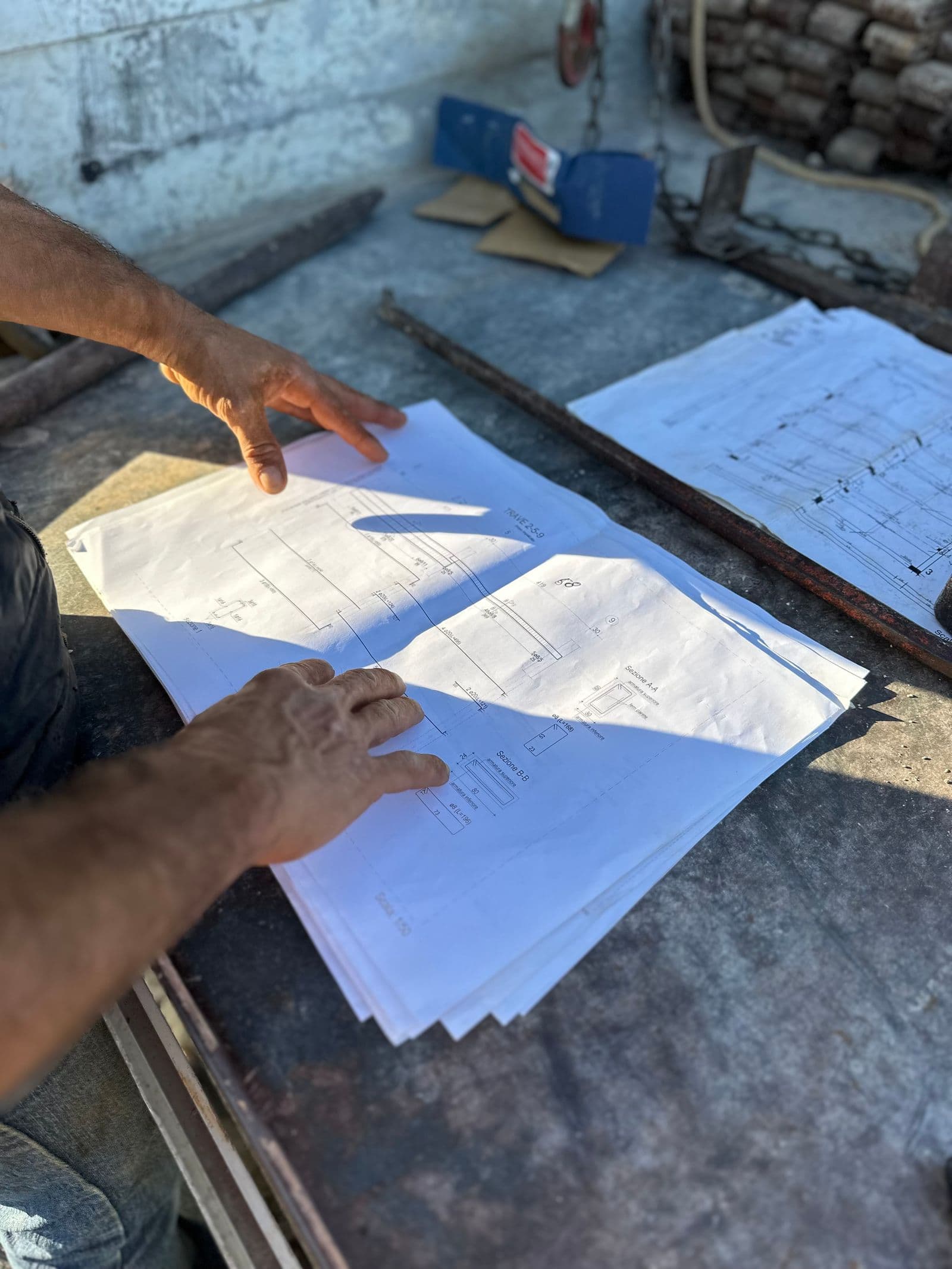
Tell us what you run. We show it working.
Bring your exact stack, common or unusual, to a free 30 minute walkthrough. We map where the agents plug in and what goes live in week one.
The stack questions teams ask
What IT leads and controllers ask before connecting anything.
Does Ruh replace Procore or our ERP?
No. Ruh wraps the tools your team already runs and puts agents on the work between them: reading, coding, matching, searching, and drafting. Procore stays your hub, your ERP stays your ERP, and the agents carry the handoffs.
Which accounting systems does it post to?
What if we run something unusual?
How does the connection actually work, security-wise?
How long until the integrations are live?
And every connector beyond the jobsite.
Email, calendars, CRMs, and the office stack around the construction core. Browse the full connector library.
Works Across Your Entire Stack
From collaboration and knowledge tools to CRMs, project management, support, finance, and internal systems—Ruh AI integrates across the modern enterprise.

QuickBooks
Connect QuickBooks with Ruh AI to streamline your accounting processes and automate data entry. Power your AI SDR and Work-Lab with enhanced financial insights and accuracy.

Connect LinkedIn with Ruh AI to streamline your hiring processes and enhance community engagement. Power your AI SDR and Work-Lab with seamless access to potential candidates and business insights.

Microsoft Outlook Calendar
Connect Microsoft Outlook Calendar with Ruh AI to automate event management and enhance team collaboration. Power your AI SDR and Work-Lab with seamless calendar integration.

Gmail
Run outbound campaigns directly from Gmail with advanced reply detection and automated follow-ups. Empower your AI SDR and Work-Lab to handle email at an enterprise scale.
Google Calendar
Use Google Calendar to power availability checks and meeting creation in Ruh AI. Connect your AI SDR and Work-Lab to automate the entire scheduling lifecycle.

Microsoft Outlook
Automate outbound outreach and reply handling directly from Microsoft Outlook. Connect your AI SDR and Work-Lab to manage high-volume communication with enterprise security.

HubSpot
Connect HubSpot with Ruh AI to automate CRM updates and outbound logging. Power your AI SDR and Work-Lab with real-time pipeline data.

Jira
Connect Jira with Ruh AI to automate issue tracking and enhance collaboration. Power your AI SDR and Work-Lab with streamlined project insights.

Calendly
Connect Calendly to automate what happens before and after a booking. Orchestrate confirmations, reminders, and CRM updates with your AI SDR and Work-Lab.

Intercom
Connect Intercom with Ruh AI to enhance customer interactions and streamline lead management. Power your AI SDR and Work-Lab with enriched customer insights.

Shopify
Connect Shopify with Ruh AI to automate e-commerce processes and enhance customer engagement. Power your AI SDR and Work-Lab with streamlined data flows and improved operational efficiency.
Pipedrive
Connect Pipedrive to keep deal activity and outreach outcomes synced automatically. Power your AI SDR and Work-Lab with real-time pipeline context.

GitHub
Connect GitHub with Ruh AI to enhance collaboration and automate code updates. Power your AI SDR and Work-Lab with seamless integration of your development efforts.
Dropbox
Connect Dropbox with Ruh AI to streamline your file sharing and enhance team collaboration. Power your AI SDR and Work-Lab with automated document workflows and easy access to files.

Okta
Connect Okta with Ruh AI to enhance user authentication and streamline access management. Power your AI SDR and Work-Lab with secure and efficient user login processes.

Microsoft OneDrive
Connect Microsoft OneDrive with Ruh AI to enhance file collaboration and streamline workflows. Power your AI SDR and Work-Lab with seamless access to your cloud storage.
Microsoft Sharepoint Online
Connect Microsoft Sharepoint Online with Ruh AI to enhance document management and streamline collaboration. Power your AI SDR and Work-Lab with effortless access to your SharePoint resources.

Freshdesk
Connect Freshdesk with Ruh AI to automate ticketing processes and enhance team collaboration. Power your AI SDR and Work-Lab with seamless integration and improved efficiency.

Notion
Connect Notion with Ruh AI to streamline your project management and enhance team collaboration. Power your AI SDR and Work-Lab with uninterrupted data flow.

Airtable
Connect Airtable with Ruh AI to automate your data workflows and enhance team collaboration. Power your AI SDR and Work-Lab with seamless integration of your critical business information.

Asana
Connect Asana with Ruh AI to automate task management and enhance team collaboration. Power your AI SDR and Work-Lab with streamlined workflows that keep your projects on track.

Box
Connect Box with Ruh AI to automate document management and streamline collaboration. Power your AI SDR and Work-Lab with integrated insights and efficiency.

ClickUp
Connect ClickUp with Ruh AI to automate task creation and enhance team collaboration. Power your AI SDR and Work-Lab with seamless workflow integration.

Freshservice
Connect Freshservice with Ruh AI to streamline your IT service management and enhance team collaboration. Power your AI SDR and Work-Lab with effortless integration.
Ruh

One crew. Your tools.
Ruh does not ask your teams to change how they work. It fits the systems you already rely on, and as your stack grows, the crew scales with it.