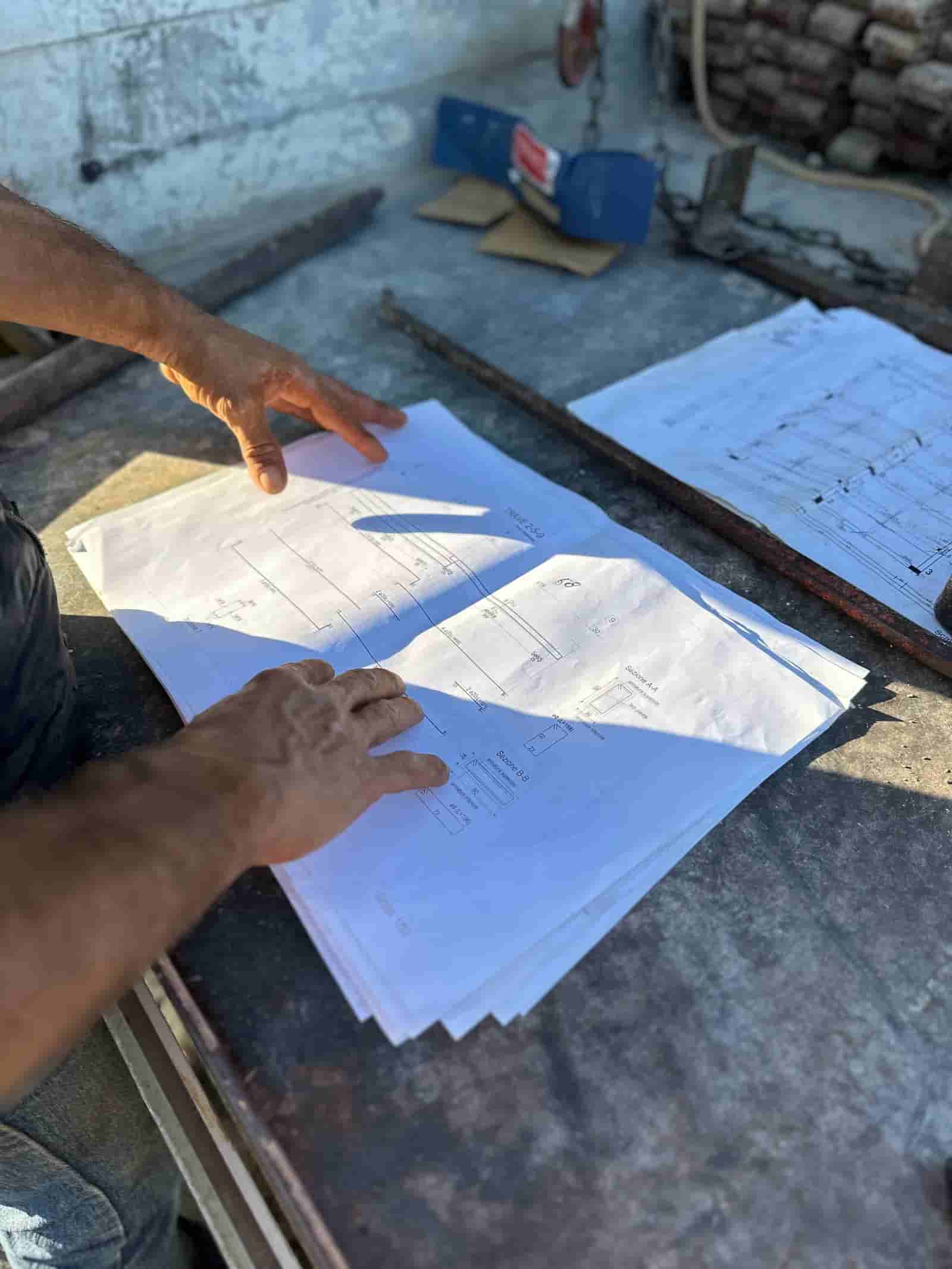

What Is a Construction Pay Application?
A construction pay application is the formal request a contractor submits each billing period to be paid for the work put in place since the last request. It is not an invoice. An invoice bills a flat amount for a delivered good or a finished service; a pay application bills a moving percentage of a contract that is still in progress, line by line, against a pre-approved breakdown of the contract sum. That breakdown is the schedule of values, and it is the backbone every pay application is built on.
The distinction matters because the pay application carries machinery an invoice does not: a percent complete on every line, a column for materials delivered but not yet installed, a withheld percentage called retainage, a running tally of what has already been paid, and a certification step where a third party signs off before money moves. Get any one of those wrong and the whole request bounces. For the back-office lead or estimator who assembles the package each month, the process is less about creativity and more about reconciliation: every number has to tie back to the contract, the field, and last month's numbers.
The Schedule of Values Is the Backbone
Before the first dollar gets billed, the contractor submits a schedule of values that divides the total contract sum into priced line items, usually organized by CSI MasterFormat division or by building system. Sitework, concrete, masonry, structural steel, roofing, drywall, mechanical, electrical, and so on, each with a scheduled value, and the sum of all lines equals the contract amount exactly. The architect and owner approve it once, and from then on every pay application bills as a percentage of these fixed lines.
The schedule of values is where a lot of the back-office strategy lives, and where some of the friction starts. Front-loading, weighting early line items like mobilization and submittals heavier than their true cost so cash arrives sooner, is a known move that owners and architects watch for. A clean schedule of values prices each line to its real cost so the percent complete you bill against it stays honest. When the values are distorted, every downstream percent complete inherits the distortion, and that is a frequent source of dispute.
How the Monthly Cycle Runs
The pay application moves on a fixed monthly rhythm, and knowing where each step lives prevents the scramble that kills cash flow.
First comes the cutoff date, the day of the month through which work is counted, set in the contract (the 25th is common). Work installed after the cutoff waits for next month. Next the contractor prepares the draft: the project manager and superintendent walk the job and set a percent complete on each schedule of values line based on what is actually in place, not what is scheduled to be in place. The back-office team then builds the application, runs the arithmetic, and assembles backup.
The draft goes to the architect for review, often as a pencil copy first so disagreements on percent complete get resolved before the formal submission. Once aligned, the contractor submits the signed application and the architect issues certification, signing that the work billed has, to the best of their knowledge, been completed. Certification is what authorizes the owner to pay. Finally, payment is released per the contract terms (net 30 from certification is typical), and the lien waiver exchange closes the loop. Miss the cutoff or submit late and you do not just delay one payment; you can push the whole certify-and-pay window into the next cycle.
The AIA G702 and G703 Convention
Most US commercial jobs run the pay application on two standard forms from the American Institute of Architects. The AIA G702, the Application and Certificate for Payment, is the one-page summary: original contract sum, net change by change order, contract sum to date, total completed and stored to date, retainage, total earned less retainage, less previous certificates, and current payment due. The contractor signs and notarizes it; the architect certifies it.
Behind it sits the AIA G703, the Continuation Sheet. This is the line-by-line workbook: one row per schedule of values line, with columns for scheduled value, work completed from previous applications, work completed this period, materials presently stored, total completed and stored to date, percent complete, balance to finish, and retainage. The G702 totals are nothing more than the sum of the G703 columns. If the continuation sheet does not foot, the summary cannot be certified. These are real, widely used document names, and most accounting and project management platforms generate them in this exact format.
Worked Example: A Three-Line Schedule of Values Billing
Take a small contract with three active lines this period. All figures are illustrative.
- Sitework, scheduled value 124,500.00, now 65 percent complete: 124,500.00 x 0.65 = 80,925.00 earned to date.
- Concrete, scheduled value 58,750.00, now 53 percent complete: 58,750.00 x 0.53 = 31,137.50 earned to date.
- Masonry, scheduled value 96,000.00, now 40 percent complete: 96,000.00 x 0.40 = 38,400.00 earned to date.
Total completed to date is 80,925.00 + 31,137.50 + 38,400.00 = 150,462.50. Apply retainage at the contract rate of 10 percent: 150,462.50 x 0.10 = 15,046.25 held. Total earned less retainage is 150,462.50 minus 15,046.25 = 135,416.25.
Now net out what was already paid. The prior certificate's net earned less retainage was 110,000.00, so this period's payment due is 135,416.25 minus 110,000.00 = 25,416.25. That single figure, recomputable from the three line percentages, is what flows to the G702 as current payment due. Every number on the continuation sheet exists so that this bottom line can be defended at the architect's desk.
Worked Example: Adding a Stored Materials Line
Stored materials let a contractor bill for materials delivered to the site (or a bonded off-site location) but not yet installed, so cash is not stranded in a warehouse. They get their own column on the G703 and are billed at cost with documentation: a paid invoice, a delivery ticket, and proof the material is insured and secured.
Suppose structural steel arrives this period, invoiced at 40,000.00, sitting on site uninstalled. It is added to the total completed and stored column, not to a percent complete on an installed line. Retainage still applies: 40,000.00 x 0.10 = 4,000.00 held, so 36,000.00 is the net add for the stored steel. Layered onto the prior example, total completed and stored becomes 150,462.50 + 40,000.00 = 190,462.50, retainage becomes 190,462.50 x 0.10 = 19,046.25, and earned less retainage becomes 190,462.50 minus 19,046.25 = 171,416.25. When that steel is installed in a later period, the value shifts out of the stored column and into the completed column on its own schedule of values line, with no double billing because the total completed and stored figure already captured it.
Retainage, Change Orders, and the Running Balance
Retainage is held against completed work and stored materials every period, accruing as a balance the owner keeps until substantial completion or whatever release point the contract names. The discipline is to compute it on the period totals, never to estimate it, because the G702 reconciles total earned less retainage against the sum of all prior payments. Approved change orders adjust the contract sum to date and get their own lines on the schedule of values; billing a change order before it is fully executed is one of the fastest ways to draw a rejection.
Lien Waivers at Payment
Payment and lien waivers move together. With the current application the contractor typically submits a conditional waiver covering the amount now being requested, effective only when that payment clears. After the prior payment has actually cleared, the contractor delivers an unconditional waiver for that amount. Subcontractors mirror the same exchange up the chain, so the contractor collects sub waivers before passing its own to the owner. This protects the owner from liens while protecting the contractor from waiving rights to money it has not received. A back-office team that lets sub waivers fall behind will find its own payment held, because the missing paper stops certification.
Common Rejection Reasons
The same failures recur, and a back-office lead who screens for them keeps cash moving:
- Math errors. The continuation sheet does not foot, percent complete does not match the dollar amounts, or retainage is computed on the wrong base. The G702 summary will not tie out, and the architect cannot certify a document that does not reconcile.
- Percent complete disputes. The field has not earned what the application claims. If you bill concrete at 53 percent and the architect's site visit supports 45, the line gets marked down. This is why a pencil copy walkthrough before formal submission saves a cycle.
- Overbilling against the schedule. Front-loaded values or aggressive early percentages mean billing ahead of work actually in place. Owners track cumulative billed against the schedule and push back hard when the curve runs ahead of progress.
- Missing or undocumented items. Stored materials without invoices and delivery proof, change orders billed before execution, or missing conditional and unconditional lien waivers from the contractor or subs. Any one stalls the certification.
Where Software Fits
The pay application is reconciliation work, and reconciliation is exactly where errors creep in when it is done by hand across a workbook, an accounting system, and a stack of waivers. Generating the G702 and G703 from a single source, carrying prior-period figures forward automatically, computing retainage on the correct base, and tracking which sub waivers are outstanding removes the arithmetic mistakes that cause most rejections. You can see how this fits a contractor's billing workflow with Construction Invoice Software built around the schedule of values rather than a generic invoice template.
The fundamentals do not change with the tooling. A clean schedule of values, an honest percent complete, documented stored materials, retainage computed to the penny, and waivers exchanged on time. Get those right every month and the pay application becomes routine instead of a fire drill. For the wider back-office picture, the construction estimating guides hub connects the estimate that produced the contract sum to the billing that recovers it.
Try Ruh on a real bid.
Frequently Asked Questions
What is the difference between a pay application and an invoice?+
An invoice bills a fixed amount for goods or a completed service. A pay application bills a percentage of an ongoing contract against an approved schedule of values, then adjusts for stored materials, retainage held, and prior payments. It is a progress claim, not a flat charge, which is why it carries a certification step and a running balance the architect reviews each month.
How is retainage calculated on a pay application?+
Retainage is a percentage, commonly 5 or 10 percent set by the contract, withheld from the value of work completed and stored materials each period. On 150,462.50 of completed work at 10 percent, retainage held is 15,046.25 and the net earned to date is 135,416.25. It accrues period over period and is released at substantial completion or per the contract terms.
What are the AIA G702 and G703 forms?+
The AIA G702 is the Application and Certificate for Payment, the one-page summary the contractor signs and the architect certifies. The G703 is the Continuation Sheet that lists every schedule of values line with its scheduled value, work completed this period and to date, stored materials, percent complete, and retainage. The G702 totals roll up from the G703.
Why do architects reject pay applications?+
The usual reasons are arithmetic errors on the continuation sheet, a percent complete the architect does not agree the field supports, billing ahead of the schedule of values, stored materials without documentation, unapproved change order amounts, or missing conditional lien waivers from the contractor and subs. Most rejections trace back to numbers that do not reconcile or claims the field cannot back up.
When do you exchange lien waivers in the pay application process?+
The contractor typically submits a conditional waiver with the current pay application, covering the amount being requested, and delivers an unconditional waiver for the prior payment once that money clears. Subcontractors mirror this up the chain. The exchange protects the owner from liens while protecting the contractor from signing away rights to money not yet received.
Still pricing in a spreadsheet? Your price book, automated end to end. Your estimator signs off.
See it runTerms Used in This Guide
Figures on this page are illustrative. Construction estimates depend on project-specific conditions, source documents, market pricing, and professional judgment. Ruh's AI assists the estimator and does not replace professional review: your team reviews, validates, and approves every estimate, bid, and pricing decision.

