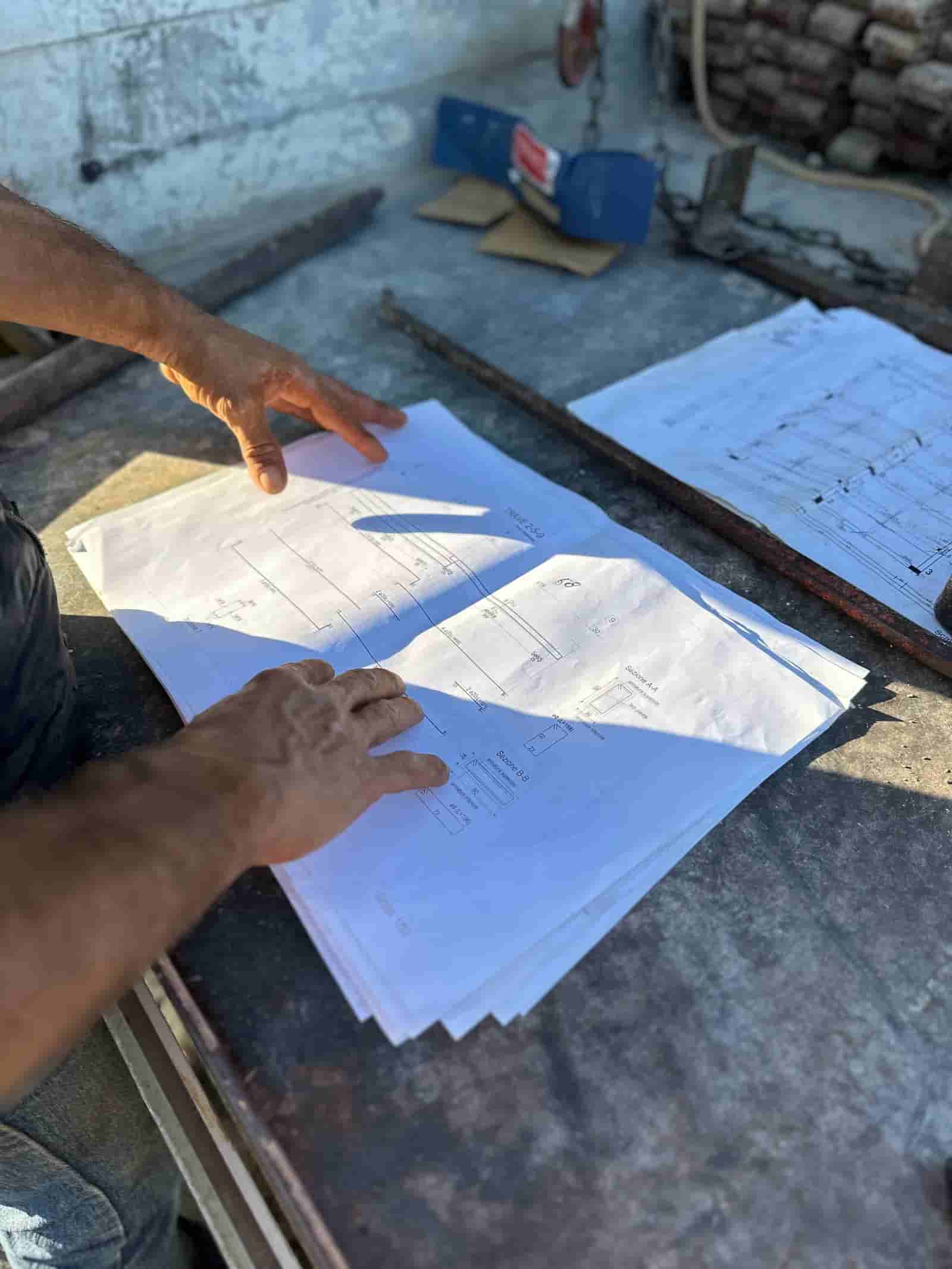
Generative AI is the part of AI that produces a draft: text, a structured document, a summary, a first-pass takeoff. In commercial construction the useful version is narrow. It reads the documents a job already generates (drawings, specs, RFIs, submittals, invoices, daily logs) and turns them into the next document someone on the team was going to write anyway. The value is in the first draft and the cross-checking, not in autonomy. Below are concrete use cases across the project lifecycle, with one example each and a clear line on what stays human. If you want the wider picture first, read the full AI in construction overview.
What Does Generative AI Actually Do on a Project?
Strip away the hype and three jobs remain. First, it reads long document sets faster than a person can and pulls out the specific items that matter (a spec section, a date, a dollar figure, a conflict between two sheets). Second, it drafts the routine documents that eat estimator and PM hours, formatted the way your company already writes them. Third, it cross-checks one document against another and flags the mismatches for a human to judge.
None of those three jobs is "decide." The model proposes; a qualified person disposes. That division is the whole point: the work that is mechanical and repetitive moves to the machine, and the work that carries liability (scope calls, number sign-offs, contractual commitments) stays with the people who are accountable for it. Tools that blur this line are a risk, not a feature.
Preconstruction: Takeoff and Scope Review
In preconstruction the documents are the drawings and specs, and the recurring pain is volume. A bid set can run hundreds of sheets, and the estimator has days, not weeks, to understand it.
Illustrative example: a GC receives a 280 sheet set for a medical office fit-out. The model reads the full set and drafts a quantity takeoff (linear feet of partition, square feet of flooring by type, door and hardware counts) with every quantity linked back to the sheet it came from. It also lists where the drawings and the spec book disagree, for instance a flooring type called out on the plan that does not appear in the finish schedule. The estimator opens the draft already knowing where to look.
What stays human: the estimator confirms scope boundaries, accepts or corrects each quantity, and decides how to price risk. The model never sets a price or commits to scope. It hands over a checkable draft so the estimator spends their hours judging rather than measuring.
Bidding: Proposals, RFIs, and Qualifications
Bid day is a document factory. Subcontractor quotes arrive in a dozen formats, the proposal narrative has to be assembled, and clarifications have to be written before they are due.
Illustrative example: during a hard bid, six electrical quotes come in as PDFs and emails. The model normalizes them into one comparison (base scope, exclusions, alternates, unit prices) so the PM can see at a glance that one bidder excluded fire alarm and another carried a different gear package. Separately, it drafts the proposal's scope-of-work narrative and a list of qualifications and assumptions, pulled from the estimate and the bid documents, in the company's standard language.
What stays human: the estimator owns the bid number, the exclusions, and the final qualifications. Leveling subcontractor scope is a judgment call about what each bidder actually means, and a person makes it. The draft removes the typing, not the thinking.
Field Operations: RFIs, Daily Reports, and Submittals
In the field the cost is friction. An issue is found, but writing it up well takes time the foreman does not have, so it gets logged thin or logged late.
Illustrative example: a foreman finds a beam that conflicts with a duct run and dictates two sentences and a photo from a phone. The model drafts a complete RFI: it references the relevant detail and spec section, states the conflict precisely, proposes the question to the design team, and routes it to the PM for review. The same pattern turns rough field notes into a structured daily report and checks an incoming submittal against the specified product before anyone signs it.
What stays human: the PM reviews the RFI for technical accuracy and contractual tone before it leaves the company, because an RFI is a record and sometimes a claim. The model accelerates the write-up and the routing; the engineer or PM still owns the question and the answer.
A Worked Workflow: Change Order From a Field Issue
Here is one end-to-end walkthrough, the kind of routine that repeats weekly on an active job.
- Input: a field condition that differs from the contract documents (say, unsuitable soil found at footing depth). The superintendent uploads two photos, a one-line note, and the geotech reference.
- The AI reads the relevant drawings, the spec, and the original estimate line for excavation. It drafts a potential change order: a plain-language description of the changed condition, the affected scope, a proposed cost breakdown built from your own unit prices, and the schedule impact in days.
- The AI cross-checks its own draft. It flags that the added export quantity should reconcile with the revised earthwork takeoff, and notes the contract clause that governs differing site conditions.
- The PM checks the draft. They confirm the changed condition is real and outside the base scope, adjust the quantities against what the crew actually saw, and correct the unit prices where the estimate is stale.
- Sign-off: the PM approves the cost and the narrative, the document goes to the owner through the normal channel, and the system logs the trail (who changed what, when, against which documents).
The machine did the reading, the drafting, and the arithmetic. The human made every call that carries money or contract risk. That is the shape of a workflow worth adopting.
Back Office: Invoices, Pay Applications, and Lien Waivers
The back office runs on documents that must match each other exactly, and the volume makes manual matching slow and error-prone.
Illustrative example: a subcontractor invoice arrives. The model matches it line by line against the purchase order and the approved schedule of values, flags that billed quantities exceed the committed amount on two lines, and confirms a current lien waiver is on file before the invoice is routed for payment. For the monthly pay application, it assembles the continuation sheet from logged progress and checks the math against the contract sum and prior billings.
What stays human: AP and the PM approve every payment. The model is doing the matching and the flagging that a person would otherwise do by hand, but a human releases the money and owns the exception when the numbers do not line up.
Why Does It Run on Your Own Documents?
The accuracy of all of this depends on whose data the model reads. A general-purpose model trained on the public internet drafts plausible construction text; it does not know your spec book, your unit prices, or this project's drawings. The version that is useful reads your tenant: your documents, your historical cost data, your templates, behind your access controls.
Ruh runs on your documents. The model works from this project's actual drawings, specs, and price book rather than generic cost data or a shared training pool, and the output is traceable to the source document every time. That is what makes a draft checkable instead of merely plausible, and it is what keeps your data out of anyone else's model.
Generative AI in construction is not a replacement for the estimator, the PM, or the foreman. It is a way to move the reading, the drafting, and the cross-checking off their desks so the hours they keep are the hours that need judgment. Start with one document-heavy workflow where you already feel the friction (takeoff, RFIs, invoice matching) and measure it against how the job runs today. Keep the human sign-off exactly where the liability sits. The teams that get value are the ones that treat the tool as leverage on a defined task, not a black box that decides.
Why Teams Trust Ruh With This
The two reasons construction teams hesitate on AI are accuracy and data security. Ruh runs on your documents. Every output is traceable and reviewed by your team before it is used. The AI does the heavy lifting, your people keep the judgment and the sign-off.
Try Ruh on a real bid.
Ready to go deeper? Read the full AI in construction overview.
Frequently Asked Questions
How accurate are the drafts, and who catches mistakes?+
Accuracy comes from reading your own documents and linking every output back to its source, so a person can check it. The model produces a checkable draft, not a final answer. Every quantity, price, RFI, and invoice match is reviewed and approved by a qualified estimator, PM, or AP staffer before it leaves the company. The point is to move the reading and drafting off their desks, not the judgment.
Is our project data secure, and is it used to train someone else's model?+
Ruh runs on your documents, behind your access controls. The model works from this project's actual drawings, specs, and price book, and the output is traceable to the source document. Your data stays your data and is not pooled into a shared training set, which is also what makes the output reliable rather than generic.
Do we have to replace our existing tools to use this?+
No. The useful starting point is one document-heavy workflow where you already feel friction, such as takeoff, RFIs, or invoice matching. The model reads the documents your current systems already produce and drafts the next one, so you measure it against how the job runs today before expanding to other workflows.
What exactly stays human?+
Every decision that carries money or contract risk. The estimator owns scope boundaries and the bid number, the PM owns the RFI question and the change-order approval, and AP releases payment. The model reads, drafts, and cross-checks; people decide and sign off. Tools that blur that line are a risk, not a feature.
Where should a contractor start?+
Pick the single workflow that eats the most low-judgment hours right now. For many GCs that is preconstruction takeoff or field RFIs; for others it is invoice and pay-application matching. Run it on real project documents, keep human sign-off in place, and compare turnaround and error rate against your current process before adding the next use case.
Reading about it is slower than watching it. 30 minutes, your data, your team in the room.
Book a demoFigures on this page are illustrative. Construction estimates depend on project-specific conditions, source documents, market pricing, and professional judgment. Ruh's AI assists the estimator and does not replace professional review: your team reviews, validates, and approves every estimate, bid, and pricing decision.

