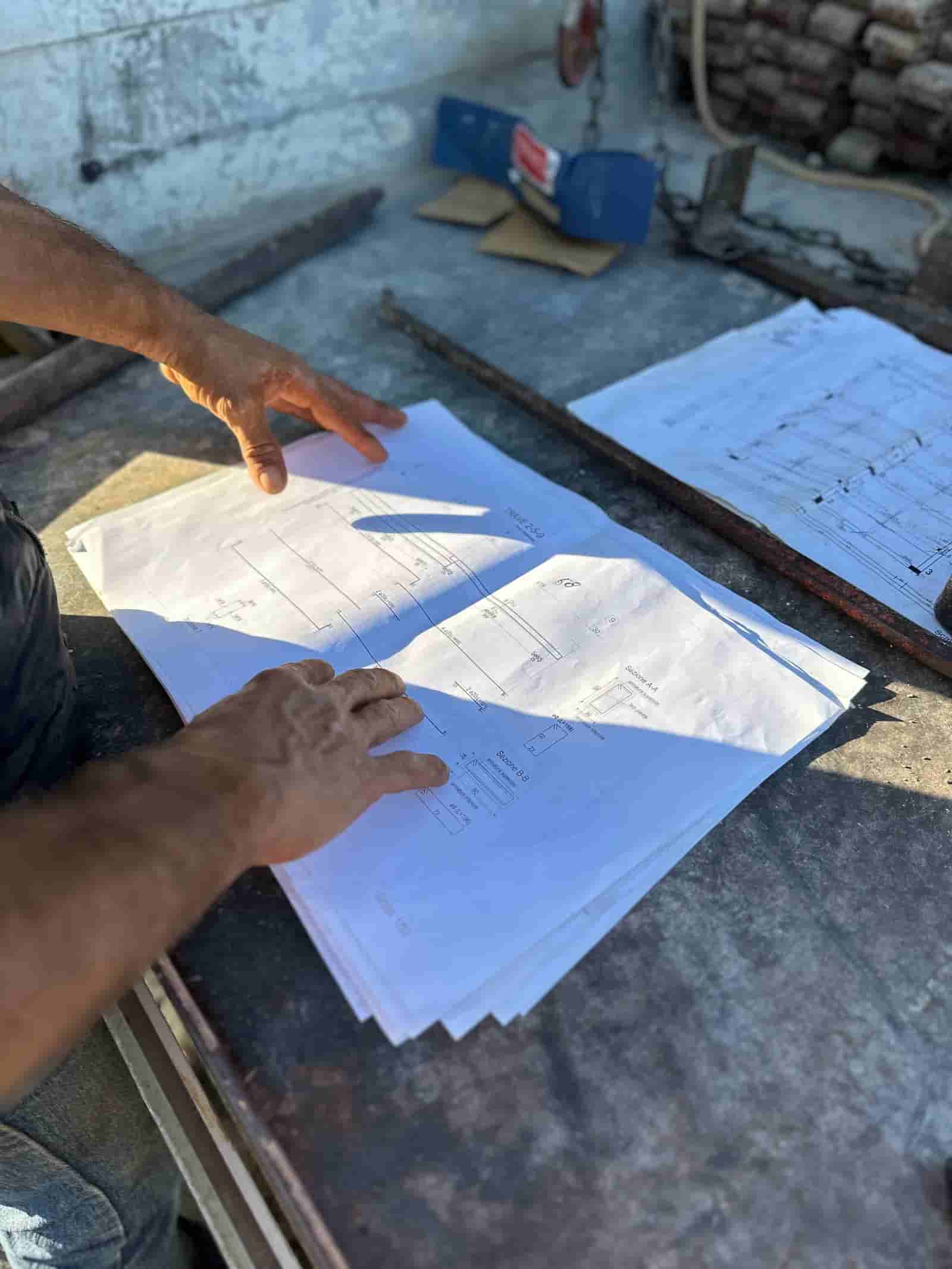
Most contractors do not need a new system of record. They need help reading the paperwork they already generate. That is where AI is earning its place in US commercial construction right now: pulling answers out of plan sets, specs, RFIs, submittals, and invoices that already live in your files. The categories below are where it actually helps today, what each one does, and the honest limits you should plan around. Each links to a deeper page in this hub.
Where Is AI Actually Used in Construction Today?
The useful work clusters into a few categories. Document search and Q&A across drawings and specs. RFI drafting and routing. Submittal logging and comparison against specified products. Daily field report capture and summarization. Estimating and takeoff support. And back-office paperwork: AP invoices, pay applications, lien waivers, change order review.
What these share is that the source material is text and drawings you already own. The AI reads documents, extracts the relevant pieces, drafts a response, and hands it to a person. It is assistive. The estimator, PM, or AP clerk keeps judgment and sign-off. Tools that promise an autonomous decision on a change order or a payment are selling something the trade does not actually want.
Document Search: Finding the One Line That Matters
The most reliable use is search and question answering across a project's documents. A superintendent asks, "What is the specified fireproofing rating for the second floor steel?" and gets the spec section, the answer, and a citation back to the page. No flipping through a 900-page PDF.
This works because the task is retrieval, not invention. The honest limit is input quality. A clean, text-based PDF reads well. A scanned drawing or a photo of a marked-up plan needs optical character recognition first, and OCR on faint as-builts or handwriting is where errors creep in. Always confirm the cited page rather than trusting the summary alone.
RFIs and Submittals: Drafting and Tracking, Not Deciding
For RFIs, AI drafts the question from a field note, attaches the relevant drawing detail, and routes it to the right reviewer. For submittals, it logs the package, pulls the product data, and compares it against what the spec called for, flagging discrepancies for a human.
The value is speed and consistency on the clerical layer: nothing falls through the log, and the draft is already formatted. The limit is the same as always. The AI proposes; the architect, engineer, or PM decides. A flagged submittal discrepancy is a prompt to look, not an approval or rejection. See the deeper write-ups on subcontractor and submittal intelligence and change order vetting in this hub.
Estimating and Takeoff: Counting and Pricing Support
On the preconstruction side, AI helps with quantity takeoff and early estimate framing. It can read a drawing set, identify and count repeated elements, and assemble a first-pass quantity list far faster than manual counting. It can also pull historical pricing from your own past estimates to suggest line items.
This is support, not a finished number. Drawing legibility, scale assumptions, and scope gaps all need an estimator's eye, and the model will not know your means and methods. Treat the output as a starting takeoff to verify, not a bid. For how this works end to end, see AI Construction Takeoff and Estimating Software at see AI Construction Takeoff and Estimating Software.
Daily Reports and the Back Office: Turning Paperwork Into Structure
Field reporting and accounting paperwork are high-volume, low-judgment, and perfect for assistance. AI can turn a voice note or a few photos into a structured daily report. It can read an AP invoice, match it to a purchase order and a cost code, and queue it for approval. It can check a pay application against the schedule of values and flag a lien waiver that is missing or unsigned.
The pattern is consistent: extract the data, structure it, flag exceptions, and route to a person. The clerk still approves the invoice. The PM still signs the daily log. What changes is the time spent on data entry and chasing missing documents, not who is accountable.
A Worked Example: An RFI From Field Note to Logged Answer
Here is one concrete workflow, start to finish.
- Input. A foreman notes a conflict: the plumbing riser shown on P-301 clashes with a structural beam on S-201 in the same chase. He snaps two photos and dictates a sentence.
- AI reads and drafts. The AI pulls both referenced sheets from the project documents, locates the chase, and drafts an RFI: the question, the two sheet references, the affected location, and the photos attached. It assigns a draft number and proposes the GC and design reviewers based on the discipline.
- Human checks. The PM reads the draft. He confirms the sheet references are the current revision, fixes the location wording, and decides whether this also needs the structural engineer copied. This review is the point of the whole process; it takes a couple of minutes, not an hour of assembly.
- Route and log. On approval, the RFI goes to the reviewers and is recorded in the log with its number, date, and references. Nothing is hand-typed into a tracker.
- Answer and close. When the response comes back, the AI files it against the original RFI, links it to the affected sheets, and surfaces it the next time anyone searches that chase. The PM confirms the log is closed correctly.
What the AI did: retrieval, drafting, formatting, logging. What the human did: verify the references, set the routing, and own the decision to send. That division is the whole model.
What Are the Honest Limits?
Three things deserve flat honesty.
Scanned and handwritten input. AI reads clean digital text well and degraded scans poorly. If your records are photos of marked-up prints, expect OCR errors and budget review time. Good input is the single biggest factor in good output.
Accuracy and review. These tools draft and extract; they do not guarantee correctness. Every output that affects money, schedule, or liability needs a human to check it against the source. Citations help, but only if someone opens the cited page. Build the review step into the process, not around it.
Data security. Your drawings, contracts, and financials are sensitive. The relevant question is where your documents go and who can see them. Ruh runs in your own tenant, on your own documents, so the work happens against your files inside your environment rather than getting pooled elsewhere. Ask any vendor exactly that.
The practical takeaway: AI in construction is most useful as a fast, tireless reader and drafter sitting on top of the paperwork you already produce. Start where the volume is high and the judgment is low, such as document search, RFI and submittal logging, daily reports, and AP, and keep a person on every output that carries risk. Pick one workflow, run it on a project you have already finished so you can check the answers against reality, and expand only once the team trusts what it sees. The goal is not to replace the people who hold the judgment. It is to give them back the hours they currently spend hunting through PDFs.
Why Teams Trust Ruh With This
The two reasons construction teams hesitate on AI are accuracy and data security. Ruh runs on your documents. Every output is traceable and reviewed by your team before it is used. The AI does the heavy lifting, your people keep the judgment and the sign-off.
Try Ruh on a real bid.
Ready to go deeper? See AI Construction Takeoff and Estimating Software.
Frequently Asked Questions
How accurate is AI on construction documents, and how do we trust it?+
Accuracy depends heavily on input quality. Clean digital PDFs read well; scanned drawings and handwriting are where OCR errors appear. The right posture is to treat every output as a draft to verify against the source. Good tools return a citation to the exact page so a person can confirm the answer rather than trusting a summary. Build the human review step into the workflow for anything that touches money, schedule, or liability.
Where do our documents go, and is our data secure?+
This is the question to ask every vendor directly: where do my drawings, contracts, and financials live, and who can access them. Ruh runs inside your own tenant on your own documents, so the work happens against your files in your environment rather than being pooled elsewhere. Confirm tenant isolation, access controls, and retention in writing before you load a single project.
Will this replace our estimators, PMs, or AP staff?+
No. The model across every category is the same: the AI extracts data, drafts a response, and flags exceptions, then a person checks and approves. The estimator still owns the number, the PM still signs the daily log and decides RFI routing, and the AP clerk still approves the invoice. What changes is the time spent on data entry and document hunting, not who is accountable for the decision.
How does this fit with the tools we already use?+
AI sits on top of the documents you already generate rather than replacing your system of record. It reads your plan sets, specs, invoices, and reports, drafts or extracts what is needed, and routes it for sign-off. The practical first step is to point it at one high-volume, low-judgment workflow, such as document search or RFI logging, and keep your existing log or accounting system as the place of record.
What is the best way to start without a big rollout?+
Pick one workflow and run it on a project you have already completed. Because you know the real answers, you can check the AI output against reality and judge accuracy honestly before any live work is at stake. Start where volume is high and judgment is low, measure the time saved and the error rate, then expand only once the team trusts what it sees.
Reading about it is slower than watching it. 30 minutes, your data, your team in the room.
Book a demoFigures on this page are illustrative. Construction estimates depend on project-specific conditions, source documents, market pricing, and professional judgment. Ruh's AI assists the estimator and does not replace professional review: your team reviews, validates, and approves every estimate, bid, and pricing decision.

