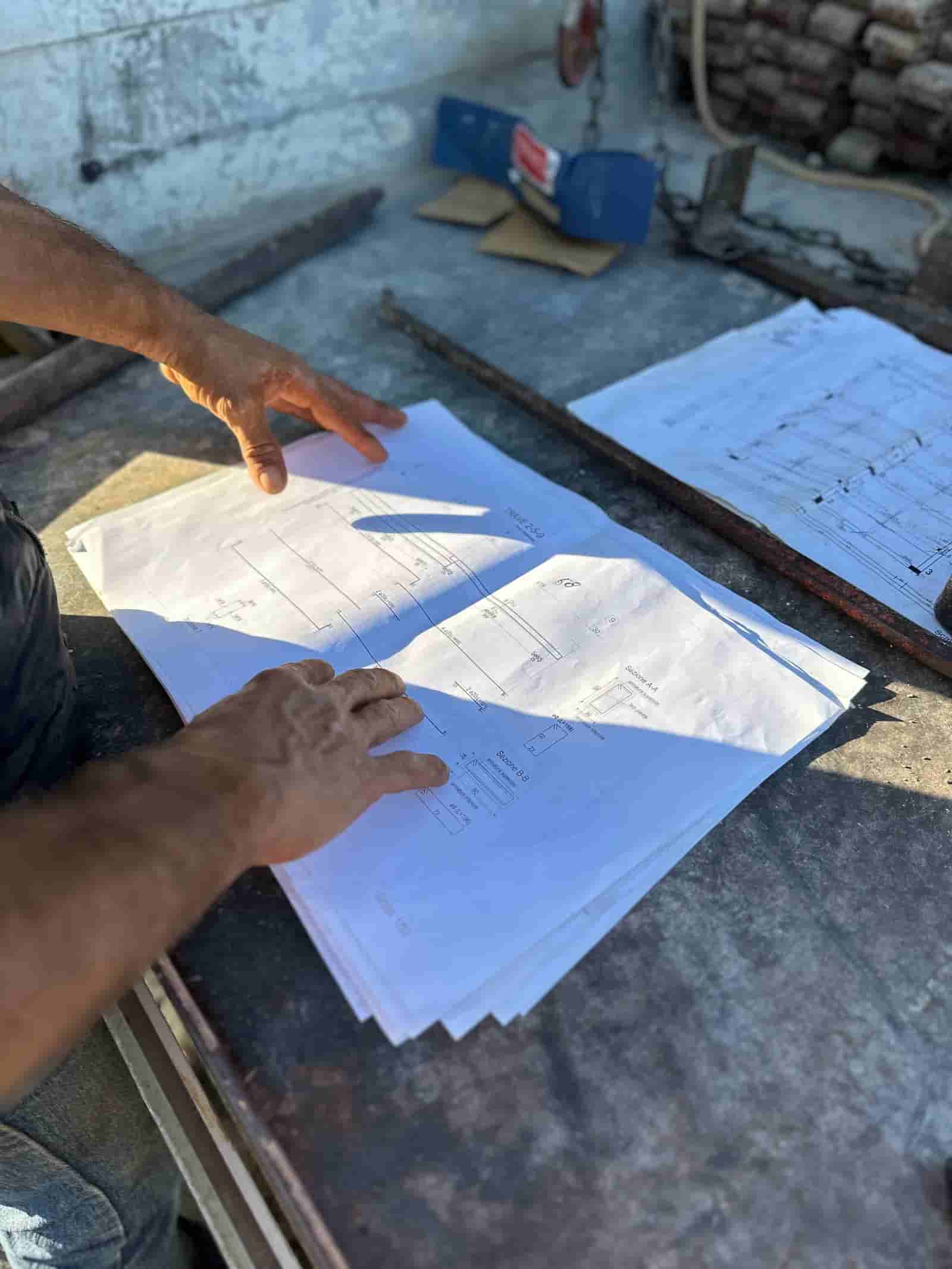
Submittal review is one of the most repetitive tasks a project engineer handles. You take a vendor's product data sheet, shop drawing, or material sample sheet, and you read it line by line against the relevant spec section to confirm it matches what the design team called for. AI does not replace that judgment. What it does is the slow first pass: cross-referencing the submittal against the spec, flagging where they disagree, and listing what appears to be missing, so the engineer reviews a marked-up summary instead of starting from a blank page. Ruh runs inside your own tenant, on your own project documents, and the engineer keeps the stamp.
What Does AI Submittal Review Actually Do?
AI submittal review reads a contractor or vendor submittal and compares it against the governing specification section, then reports the differences. It is a comparison engine, not a decision maker. A typical pass produces three things: a list of spec requirements that appear satisfied, a list of discrepancies where the submitted product or value does not match the spec, and a list of items the spec asks for that the submittal does not address.
For example, if Section 09 91 23 (interior painting) calls for a specific gloss level, VOC limit, and number of coats, the AI checks whether the submitted product data sheet states each of those. If the sheet lists a different VOC number or is silent on coat count, that becomes a flagged line in the review summary. The engineer then decides whether the discrepancy is a real rejection, a minor deviation to note, or a reason to request a revise-and-resubmit.
How Does It Cross-Reference a Submittal Against the Spec?
The workflow comes down to matching claims in one document to requirements in another. The spec section establishes the requirements (material, performance values, standards referenced, submittal items required). The submittal is the vendor's evidence. The AI extracts the requirement list from the spec, extracts the stated values from the submittal, and lines them up requirement by requirement.
This is most reliable when both documents are text-based. The spec section is usually a clean digital file. The submittal is the variable: a manufacturer's data sheet pulled straight from a website reads cleanly, while a scanned packet from a sub may not. We will cover that limitation honestly below, because it changes how much you can trust the first pass.
A Worked Submittal Review Walkthrough
Here is a concrete, illustrative example of one submittal moving through the process.
What goes in. The project engineer drops two things into Ruh: the submittal (a structural steel shop drawing package plus the fabricator's mill certs) and the governing spec section (05 12 00, Structural Steel Framing). Both are in the project file already, so nothing leaves the tenant.
What the AI does first. It reads the spec section and pulls out the requirement list: steel grade (say, ASTM A992 for wide-flange shapes), required mill certifications, welding standard referenced, and the specific submittal items the spec demands (shop drawings, welding procedures, mill test reports).
What the AI checks against the submittal. It scans the shop drawings and mill certs for each requirement. It confirms the mill certs state A992, notes that welding procedure specifications are referenced but not attached, and flags that one beam callout on the drawings uses a grade the spec does not list.
What the AI drafts. It produces a review summary: requirements met (grade, mill certs present), discrepancies (one beam grade mismatch), and missing items (welding procedure specs not included). Each flag cites where in each document it came from so the engineer can jump straight to it.
What the human checks. The project engineer opens the flagged items first. They confirm the beam grade mismatch is a real issue and not an AI misread of a revision cloud, decide the missing welding procedures warrant a revise-and-resubmit, and adjust the draft summary. The engineer applies the review action (Approved, Approved as Noted, Revise and Resubmit, or Rejected) and signs off. The AI never sets that status on its own.
The output is a marked-up draft the engineer edits and owns, not an automatic approval. The time saved is in the reading and lining-up, which is exactly the part that is mechanical.
What About Scanned PDFs and Poor-Quality Submittals?
This is the honest limitation. A submittal that is a clean, digitally generated PDF (most manufacturer data sheets and many shop drawings) reads accurately. A submittal that is a scan of a printout, a photo of a page, or a fax-quality document depends on optical character recognition (OCR), and OCR makes mistakes. Faded text, handwritten notes, stamps over text, rotated pages, and dense tables are all common failure points.
What this means in practice: on a low-quality scan, the AI may misread a value, miss a handwritten annotation, or fail to extract a table cleanly. The mitigation is process, not magic. Treat the AI summary on a scanned submittal as a draft that needs a closer human read, not a near-final one. Where the source quality is good, the engineer can review fast. Where it is poor, the engineer reads more carefully, and the flags simply point to where to look. Telling the two cases apart matters, so the summary should note when a document was processed via OCR. The same document-handling discipline applies across the project; you can see how Ruh handles project documents for the broader pattern.
What Stays the Engineer's Call?
Everything that involves judgment. The AI flags a VOC mismatch; the engineer decides whether it is a hard rejection or an acceptable substitution. The AI says a welding procedure is missing; the engineer decides whether to hold the whole package or approve as noted and track the open item. The AI cannot know your design intent, your relationship with the design team, or which deviations the architect will tolerate.
The review action and the stamp are human. The log entry showing who reviewed and when is human. The AI contributes a faster, more consistent first read and a draft to react to. That division (machine does the cross-referencing, human keeps the decision) is the point, not a limitation to apologize for.
How Does This Fit With the Tools We Already Use?
Submittal review lives inside your existing process, not beside it. The submittal and spec are documents you already store. Ruh reads them in your tenant, drafts the comparison, and the engineer records the action through your normal review path. There is no separate database of your projects sitting somewhere else, and nothing about the submittal leaves your environment to be processed. The engineer still applies the same review stamps and the same routing your team uses today; the AI just removes the blank-page step in front of it.
For a contractor evaluating this, the practical test is simple. Take ten real submittals from a closed-out job, run them through, and compare the AI flags against what your engineer actually caught. You will quickly see where it saves time (clean data sheets against clear specs) and where it needs a careful human read (messy scans). Start there, keep the engineer in the loop on every package, and expand only as far as your team trusts the first pass.
Why Teams Trust Ruh With This
The two reasons construction teams hesitate on AI are accuracy and data security. Ruh runs on your documents. Every output is traceable and reviewed by your team before it is used. The AI does the heavy lifting, your people keep the judgment and the sign-off.
Try Ruh on a real bid.
Ready to go deeper? See how Ruh handles project documents.
Frequently Asked Questions
How accurate is AI submittal review?+
Accuracy depends heavily on document quality. On clean, digitally generated files (most manufacturer data sheets and many spec sections), the cross-referencing is reliable. On scanned or photographed submittals, the AI depends on OCR and can misread values, miss handwritten notes, or mangle dense tables. The practical safeguard is to treat the AI summary as a draft, not a verdict, and have the engineer review every flag. A good way to gauge it is to run ten submittals from a closed-out job and compare the flags against what your engineer actually caught.
Is our project data secure?+
Ruh runs inside your own tenant on your own documents. The submittal and spec section are files you already store, and the comparison happens in your environment. Nothing about the submittal is sent elsewhere to be processed, and there is no separate copy of your projects held outside your tenant.
Does this replace our submittal review process or our existing tools?+
No. It fits inside the process you already run. The submittal and spec are documents you already keep, and the engineer still records the review action and stamp through your normal path. The AI removes the blank-page step by producing a drafted comparison; it does not change who approves or how packages are routed.
What stays the project engineer's decision?+
Every judgment call. The AI flags discrepancies and missing items, but the engineer decides whether a deviation is a rejection, an approve-as-noted, or a revise-and-resubmit. The review action, the stamp, and the log entry are all human. The AI never sets an approval status on its own.
Can it handle a submittal that is a low-quality scan?+
It can attempt it, but with lower reliability. OCR struggles with faded text, stamps over text, rotated pages, and handwriting. The summary should note when a document was processed via OCR so the engineer knows to read it more closely. On poor scans, the flags are best used as pointers to where to look rather than a near-final review.
Reading about it is slower than watching it. 30 minutes, your data, your team in the room.
Book a demoFigures on this page are illustrative. Construction estimates depend on project-specific conditions, source documents, market pricing, and professional judgment. Ruh's AI assists the estimator and does not replace professional review: your team reviews, validates, and approves every estimate, bid, and pricing decision.

