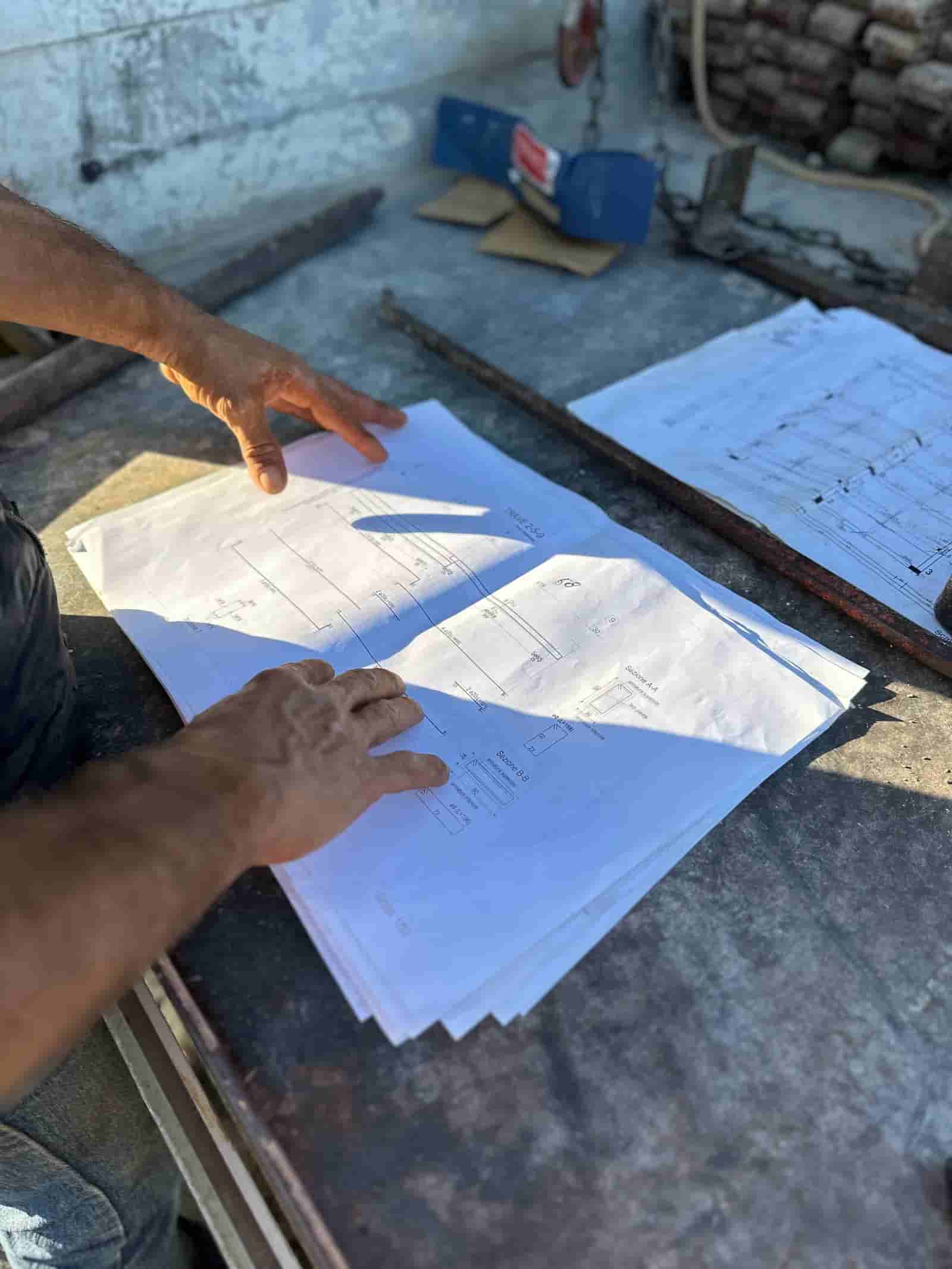
AI RFI automation in construction
A request for information is supposed to be a quick way to close a gap in the contract documents. In practice it turns into a bottleneck. A field crew hits a conflict between a structural drawing and a mechanical layout, someone writes a rough note, it sits in an inbox, the wrong person gets it, the answer comes back vague, and by the time the loop closes the trade has either guessed or stopped. RFI delays are commonly cited as a meaningful contributor to schedule overruns on commercial jobs. AI does not replace the engineer who answers the question. It removes the drag around the question: drafting it clearly, attaching the right context, routing it to the right reviewer, and tracking the clock so nothing goes quiet.
Why Do RFIs Slow Projects Down?
Most RFI delay is not the technical answer. It is everything around the answer. The original note from the field is often too thin for a designer to act on, so the first reply is a request for clarification, which burns days. The RFI lands with someone who is not the right discipline, so it gets forwarded once or twice before it reaches a person who can actually respond. The spec section and drawing detail that the answer depends on are not attached, so the reviewer has to go find them. And once an RFI is open, it lives in an email thread or a log that nobody is actively watching, so a ten-day turnaround quietly becomes twenty-five.
None of those are hard problems. They are coordination problems, and they repeat on every RFI. That is exactly the kind of repetitive document and routing work where AI earns its place, while the engineering judgment stays with the people who hold the stamp.
How Does AI Help Draft a Clear RFI?
A good RFI states the issue, points to the specific documents in conflict, describes the field condition, and proposes an option or two so the reviewer has something to confirm or correct. Field staff are busy and write fast, so the raw input is usually a sentence and a photo.
AI takes that raw input and produces a first draft. It pulls the question into a clean format, references the drawing sheet and spec section that appear to be involved, restates the field condition in plain language, and notes what the requester believes the impact is. Because Ruh runs inside your own tenant and reads your own project documents, the draft cites the sheet numbers and spec sections that actually exist on your job, not a generic template. The superintendent or project engineer then reviews the draft, corrects anything the AI misread, and decides whether it is ready to send. The human still owns the question. AI just makes the first version far closer to complete.
How Does AI Route RFIs to the Right Reviewer?
Routing is where a lot of quiet time gets lost. AI can read the content of the RFI and the project directory and suggest who should answer based on discipline and scope. A structural conflict goes to the structural engineer of record, a finish question to the architect, a coordination clash to the trade leads involved. It can flag when an RFI touches more than one discipline so it does not get answered narrowly and then reopened.
This is a suggestion, not an automatic send. The project engineer confirms the routing before anything goes out. The value is that the default is now correct most of the time, so the forward-it-twice pattern mostly disappears.
How Does AI Surface the Spec and Drawing Context?
The reviewer answers faster when the relevant material is already in front of them. AI searches the document set in your tenant and attaches the spec sections, drawing details, submittals, and prior related RFIs that bear on the question. If a similar issue was already answered on another part of the building, it surfaces that prior answer so the team stays consistent and does not contradict an earlier decision.
The engineer still reads the documents and applies judgment. They are not trusting the AI's interpretation of the spec. They are saving the twenty minutes it would have taken to dig the references out of a large document set, and they are seeing related items they might not have known to look for.
A Worked RFI Workflow, Step by Step
Here is one concrete pass through the lifecycle. This is an illustrative example, not data from a specific project.
Field input. A foreman on a mid-rise office build notices that a structural beam shown on S-301 conflicts with the ductwork run on M-204 in the second-floor ceiling. He takes a photo and types: "beam and main duct clash above grid C-4, duct can't make the turn."
AI drafts the RFI. Ruh reads that note and the referenced sheets in the tenant. It produces a draft RFI: subject line, the grid location, the two sheets in conflict, a plain restatement of the clash, and a proposed option (lower the duct or coordinate a beam penetration), flagged as a suggestion for the team to weigh. It attaches S-301, M-204, and the relevant section of the mechanical spec.
Human review of the draft. The project engineer opens the draft, confirms the grid reference is right, removes one proposed option she knows is not viable because of a fire-rated assembly, and approves it. This is the judgment step. The AI did not decide the answer; it set up the question.
AI suggests routing. Because the clash involves structure and mechanical, Ruh recommends the structural engineer of record as primary reviewer and copies the MEP coordinator. The engineer confirms and sends.
AI tracks and logs. The RFI is logged with an open date and a target turnaround. Ruh watches the clock and flags it as it approaches the due date so it does not go quiet. When the structural engineer responds, the answer is logged against the RFI, linked back to the sheets, and the affected trades are notified. If the answer changes scope, the team can connect it to a potential change order rather than letting it slip.
What went in: a sentence and a photo. What the AI did: drafting, context retrieval, routing suggestion, and clock tracking. What the human checked: the technical content, the viable options, the routing, and the final answer.
What Still Belongs to the Engineer?
The answer to the RFI is engineering judgment and it stays with the licensed professional. So does the decision on whether a proposed option is acceptable, whether an RFI exposes a real design issue or a field misread, and whether the resolution carries cost or schedule impact. AI does not stamp drawings and does not own liability. It drafts, retrieves, suggests, and tracks. Every output is reviewed and signed off by a person before it has any effect on the work.
Because RFIs and change orders sit so close together, it helps to understand see the schedule impact of RFIs and change orders when you are deciding how much of this loop to tighten first.
Getting Started Without Ripping Out Your Tools
You do not have to replace your project management system to get value here. The practical path is to point AI at the parts of the RFI lifecycle that leak the most time on your jobs, usually drafting quality and turnaround tracking, and let the existing log stay where it is. Ruh works on the documents already in your tenant, so there is no migration to a new source of truth and no exposure of your project files to a shared dataset. Start with one project, measure whether RFIs are going out clearer and closing faster, and expand from there. The goal is not a fully automatic RFI process. It is a process where the people answering the questions spend their time on the answer instead of on the paperwork around it.
Why Teams Trust Ruh With This
The two reasons construction teams hesitate on AI are accuracy and data security. Ruh runs on your documents. Every output is traceable and reviewed by your team before it is used. The AI does the heavy lifting, your people keep the judgment and the sign-off.
Try Ruh on a real bid.
Ready to go deeper? See the schedule impact of RFIs and change orders.
Frequently Asked Questions
How accurate is the AI-drafted RFI, and can it get the spec or drawing reference wrong?+
The AI can misread a sheet or pull a near-miss reference, which is why the draft is a starting point, not a finished document. A project engineer reviews every draft before it sends, confirms the sheet and spec references, and corrects anything off. The accuracy gain is that the first version arrives far more complete than a raw field note, not that it is trusted unread.
Where does our project data go? Is it exposed to a shared model or other companies?+
Ruh runs inside your own tenant and reads only your own project documents. Your drawings, specs, and RFI history are not pooled into a shared dataset or used to answer another company's questions. The work happens on your files, in your environment, and your team controls access.
Do we have to replace our current RFI log or project management system?+
No. The practical approach is to keep your existing log where it is and apply AI to the parts that leak time, typically draft quality and turnaround tracking. There is no migration to a new source of truth, and you can start on a single project before expanding.
What stays the responsibility of the engineer and not the AI?+
The technical answer to the RFI, the decision on whether a proposed option is acceptable, and any judgment on cost or schedule impact all stay with the licensed professional. AI does not stamp drawings or carry liability. It drafts, retrieves context, suggests routing, and tracks the clock; a person reviews and signs off before anything affects the work.
Can the AI handle RFIs that touch more than one trade or discipline?+
Yes. It can flag when an RFI involves multiple disciplines, for example a structural and mechanical clash, and suggest routing it to the right primary reviewer while copying the other parties so it is not answered narrowly and then reopened. The project engineer confirms the routing before it goes out.
Reading about it is slower than watching it. 30 minutes, your data, your team in the room.
Book a demoFigures on this page are illustrative. Construction estimates depend on project-specific conditions, source documents, market pricing, and professional judgment. Ruh's AI assists the estimator and does not replace professional review: your team reviews, validates, and approves every estimate, bid, and pricing decision.

