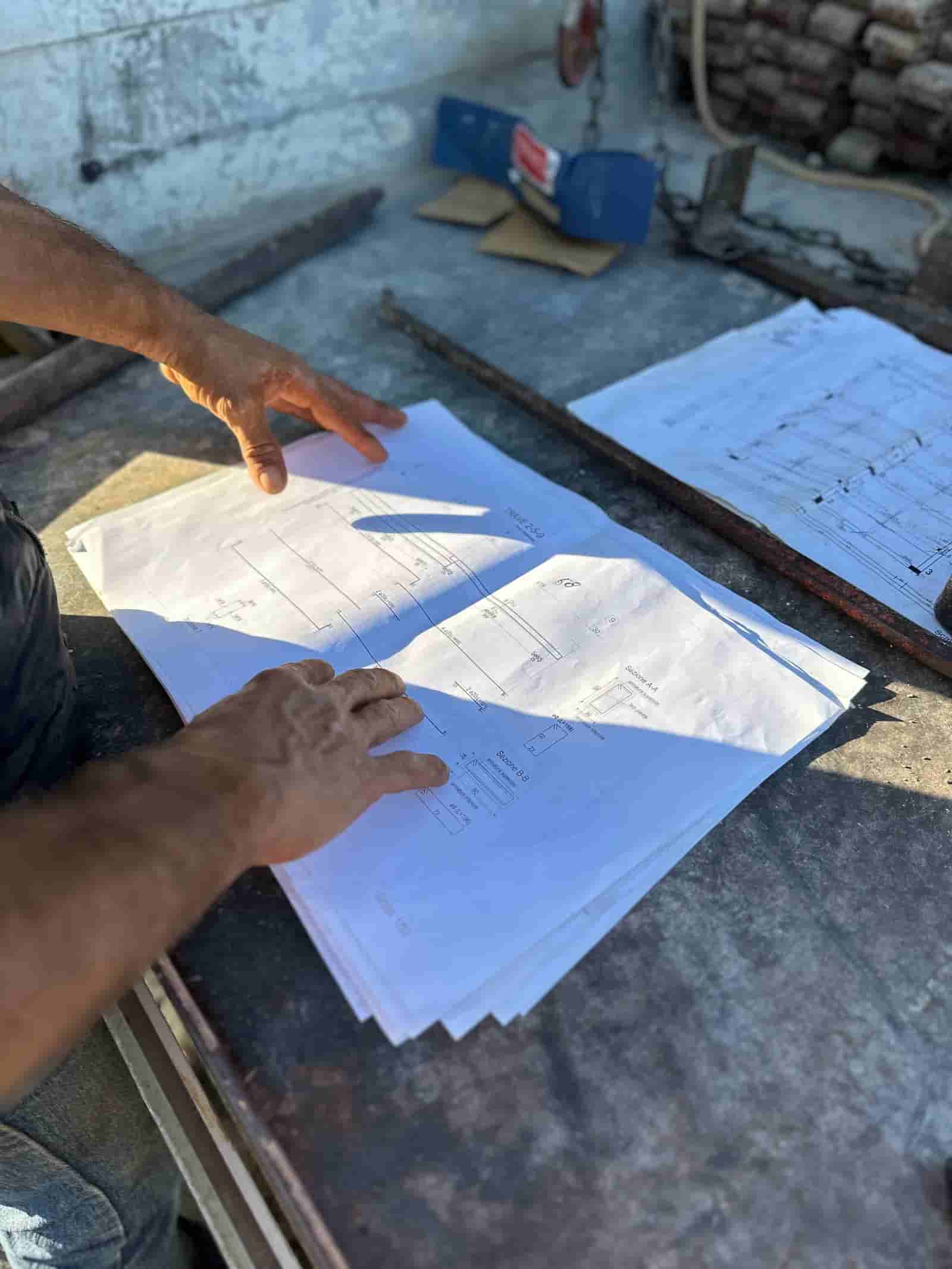
Most construction disputes, delays, and rework trace back to one thing: an answer that was buried in a document nobody had time to find. The spec section that contradicts the drawing. The submittal that was already approved with a condition. The RFI response that changed the detail three weeks ago. AI document search lets you ask a plain question and get an answer pulled straight from your own project record, with a pointer back to the source so the team can verify before acting.
What Is AI Document Search for Construction Projects?
Construction document search AI means asking a question in plain language across a project's document set (specifications, drawings, RFIs, submittals, contracts, addenda, ASIs) and getting back a direct answer that cites the exact documents it came from. Instead of opening fifteen PDFs and using Ctrl+F on each, you ask "What is the required concrete cover for the foundation walls?" and the system reads across the relevant documents, returns the answer, and shows you the spec section and sheet it found it on.
The difference from a normal keyword search is that you are not searching for a word. You are asking a question. Keyword search finds "concrete cover" everywhere those two words appear, including the table of contents and a dozen irrelevant notes. Question-based retrieval understands that you want a value tied to a specific assembly, finds the passages that actually answer it, and ignores the noise. The work product is an answer plus evidence, not a list of hits to wade through.
How Does Retrieval Over Your Own Documents Actually Work?
The system indexes your project documents so it can find relevant passages on demand. When you ask a question, it does three things: retrieves the passages most likely to contain the answer, reads them, and writes a grounded answer that points back to where each fact came from. The answer is built from your documents, not from the model's general training, which is what keeps it tied to your project rather than to construction in the abstract.
Two technical points matter for a contractor. First, drawings and scanned submittals are often image PDFs, so the documents have to be made searchable (text extraction and OCR) before retrieval can work at all. Second, retrieval quality depends on how the documents are organized and labeled. A clean, well structured document set returns better answers than a folder of files named "Scan_0142.pdf." This is the same reason document organization is the foundation of the whole approach, and you can see how Ruh organizes your project documents before any question is ever asked.
What Does a Good Answer Look Like?
A good answer is short, direct, and traceable. It states what the documents say, and it shows the source so a human can open it and confirm. A weak answer is a confident paragraph with no citation, because there is no way to check it and no way to defend it in a change order negotiation or a payment dispute.
Three traits separate a usable answer from a risky one:
- Citations to specific documents. "Per Spec Section 03 30 00, 2 inches" with a link to that section beats "the cover is 2 inches" with nothing behind it.
- Honesty about gaps. If the spec and the drawing disagree, or if the answer is not in the documents, the system should say so rather than guess. A surfaced conflict is more valuable than a smoothed-over one.
- Scope you can see. It should be clear which documents were searched (this project, this revision set) so you are not getting an answer pulled from a superseded drawing.
The AI does the reading and the first pass. The human reads the cited source and decides. That division of labor is the point: speed on retrieval, judgment on the call.
A Worked Example: Answering a Field Question Before It Becomes an RFI
Here is a concrete walkthrough of one common workflow.
What goes in. A foreman on site hits a conflict: the structural drawings show one anchor bolt layout, and the foreman thinks the spec calls for something different. Before stopping work or firing off an RFI, the PM types a question: "What anchor bolt spacing and embedment is required for the steel column base plates, and does it match sheet S-301?"
What the AI does. It retrieves the relevant spec section on structural steel anchorage, the base plate detail on the structural sheets, and any related submittal or addendum. It reads them, returns the required spacing and embedment values, and flags that the spec value and the sheet detail appear to differ. Each figure is cited to its source document and location.
What the human checks. The PM opens the two cited sources side by side, confirms the discrepancy is real and not a misread, and decides the next step. Because the conflict is now documented with sources, the RFI (if one is still needed) is precise: it names the exact spec section and sheet and asks the specific question, instead of "please clarify anchor bolts." The AI compressed an hour of PDF hunting into a few minutes. The PM kept the decision and the sign-off.
This is the pattern across most uses: field clarifications, submittal status checks, scope questions during estimating, and contract questions during a dispute. The AI assembles the evidence; the team makes the call.
Why Does It Have to Run in Your Tenant?
Project documents are sensitive. Contracts have pricing and terms. Drawings and specs are competitive work product. Some projects carry confidentiality or security requirements from the owner. Sending that material out to a shared, public tool is a problem you do not want to explain later.
Ruh runs inside your own tenant, on your own documents. The documents stay in your environment, the index is built there, and answers are generated against your project record rather than pooled with anyone else's. That is also why answers stay relevant: the system only knows your project, so it is not blending your spec with a generic answer or another contractor's job. For a contractor evaluating tools, "where does my data go" is the first question, and "it never leaves your tenant" is the answer that makes the rest worth discussing.
How Does This Fit With the Tools We Already Use?
You should not have to rip out your document system to ask questions of it. The realistic model is that your files keep living where they live (your existing document management or cloud storage) and the search layer reads from that organized set. The closer your folder structure and naming are to a clean standard, the better the retrieval, which is why getting documents organized comes first and the question-asking comes second.
It also pairs with the workflows you already run. The same organized document set that answers a field question is the set that feeds invoice matching, submittal tracking, and closeout. Search is not a separate product bolted on; it is what becomes possible once the documents are in order and readable.
A few honest limits worth stating up front. The system is only as good as the documents it has. If a revision was never uploaded, it cannot find it. If two documents truly conflict, it can surface the conflict but it cannot decide who is right. And it is an assistant, not an approver: it does not issue RFIs, sign submittals, or release payment on its own. Those stay with the people who are accountable for them.
The practical takeaway is simple. The answers to most project questions already exist in your documents. The cost is the time it takes to find them and the risk of acting on the wrong version. AI document search lowers both by reading across your specs, drawings, RFIs, submittals, and contracts and handing back a cited answer in your own tenant, while your team keeps the judgment and the sign-off where they belong.
Why Teams Trust Ruh With This
The two reasons construction teams hesitate on AI are accuracy and data security. Ruh runs on your documents. Every output is traceable and reviewed by your team before it is used. The AI does the heavy lifting, your people keep the judgment and the sign-off.
Try Ruh on a real bid.
Ready to go deeper? See how Ruh organizes your project documents.
Frequently Asked Questions
How accurate are the answers, and can I trust them on a real project?+
Accuracy depends on the documents and on how the answer is presented. A usable answer cites the exact spec section, sheet, or submittal it came from, so you can open the source and confirm before acting. The system is built to point back to evidence rather than produce a confident paragraph with nothing behind it, and it should flag conflicts or gaps instead of guessing. The AI does the retrieval and first pass; a person reads the cited source and makes the call.
Where do our documents go, and is our data secure?+
Ruh runs inside your own tenant on your own documents. The files stay in your environment, the search index is built there, and answers are generated against your project record rather than pooled with anyone else's. Nothing about your contracts, drawings, or specs is sent to a shared public tool. For most contractors this is the first question, and keeping the data in your tenant is what makes the rest worth evaluating.
Do we have to replace our existing document management system?+
No. The realistic model is that your files keep living where they already do (your existing document management or cloud storage) and the search layer reads from that organized set. Retrieval works best when folders and naming are clean, so getting documents organized comes first and asking questions comes second. Search is what becomes possible once the documents are in order, not a separate system you have to migrate to.
What stays a human decision?+
Judgment and sign-off stay with the people accountable for them. The AI assembles the evidence and drafts an answer, but it does not issue RFIs, approve submittals, or release payment on its own. When two documents conflict, it can surface the conflict but it cannot decide who is right. A person reviews the cited sources and decides the next step.
Can it search scanned drawings and image PDFs, not just typed text?+
Yes, but those documents have to be made searchable first. Drawings and scanned submittals are often image PDFs, so text extraction and OCR have to run before retrieval can find anything in them. Once the document set is processed and organized, questions can reach content that was previously locked inside images, which is part of why document organization is the foundation of good search.
Reading about it is slower than watching it. 30 minutes, your data, your team in the room.
Book a demoFigures on this page are illustrative. Construction estimates depend on project-specific conditions, source documents, market pricing, and professional judgment. Ruh's AI assists the estimator and does not replace professional review: your team reviews, validates, and approves every estimate, bid, and pricing decision.

