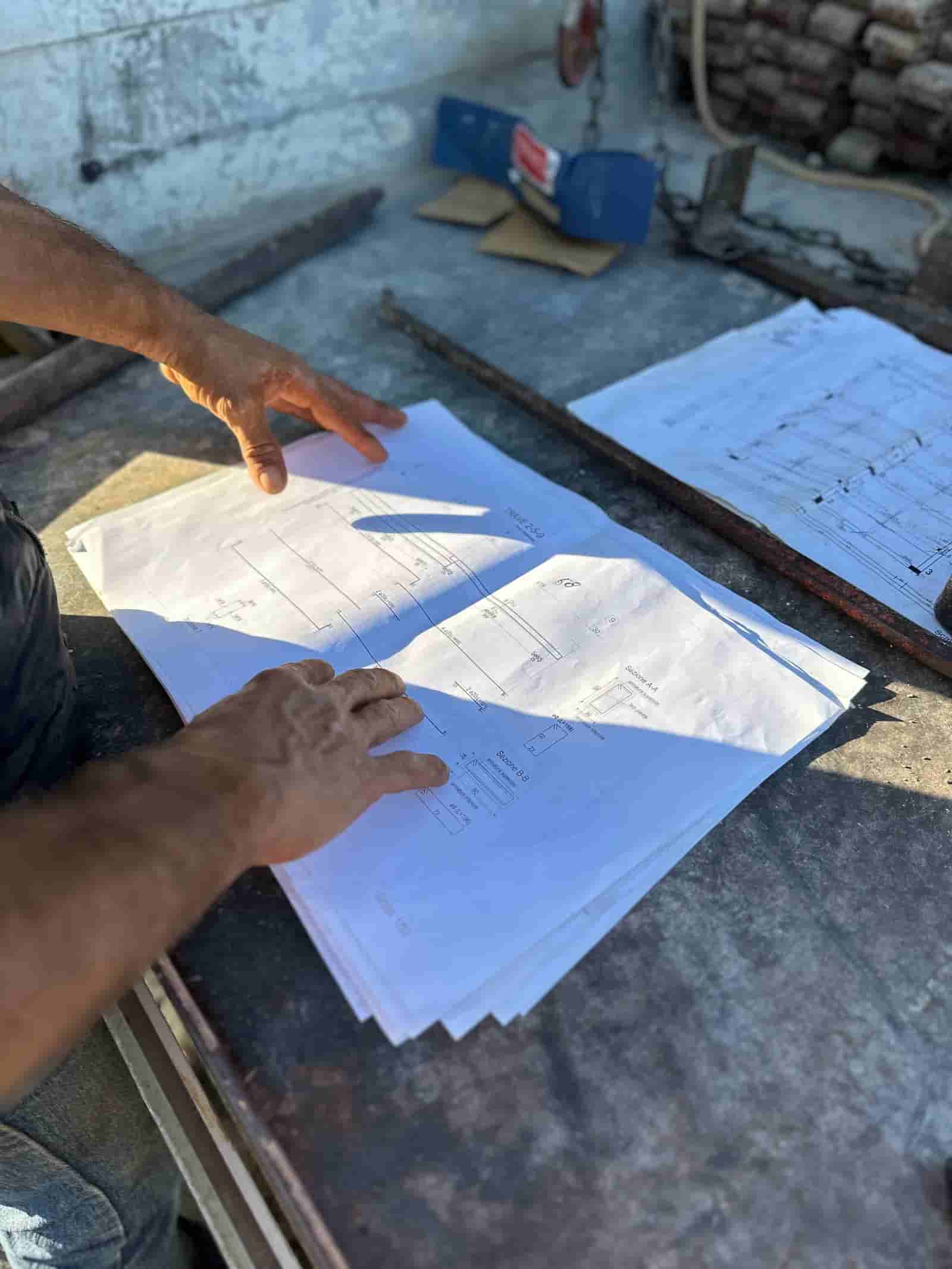
Schedule slip rarely starts on the schedule. It starts as an unanswered RFI, a change order in review, or a long-lead item that moved two weeks. AI construction scheduling tools help a planner see those signals earlier and test how they ripple through the sequence, so the weekly lookahead reflects what is actually happening in the field instead of what the bar chart said three Mondays ago. The planner still owns the schedule and the means and methods. The AI reads the documents, does the legwork, and surfaces options for a person to accept, edit, or reject.
This page explains where AI genuinely helps with scheduling and lookaheads on US commercial projects, and where the human stays in the loop.
What Does AI Actually Do in Construction Scheduling?
It does not invent a build sequence or decide your means and methods. What it does well is read and connect the documents you already have, then put the relevant pieces in front of the planner.
In practice that looks like:
- Reading the current CPM schedule, the RFI log, the change order log, submittal status, and procurement dates.
- Flagging activities whose predecessors are tied to an open RFI or a change order still in review.
- Testing alternative sequences on request and showing the trade-offs (float consumed, crews affected, milestone movement).
- Drafting a two to three week lookahead from the master schedule and recent field reports for the team to mark up.
The output is a draft and a set of flags, not a decision. A scheduler reviews logic ties and constraints the same way they would review a coordinator's hand-off.
How Does AI Build a Lookahead?
A lookahead is mostly assembly work: pull the activities in the window, check what is ready, confirm constraints are cleared, and format it for the field. That assembly is where AI saves hours.
The AI starts from the master schedule and filters to the next two or three weeks. It cross-checks each activity against the things that usually stall it: is the submittal approved, is the material on site or confirmed in transit, is the predecessor actually complete per the last daily report, is there an open RFI on that scope. Activities that are not ready get flagged with the reason. The planner then runs the make-ready conversation in the coordination meeting with the constraints already listed, rather than discovering them live.
The judgment stays with the team. Whether to pull an activity forward, swap crews, or hold for an answer is a call the superintendent and planner make.
Can AI Test Sequencing Options?
It can model options you describe and show the downstream effect, which is different from choosing the option. If you ask "what happens if we start the east wing slab before the west," the AI can apply that change to a copy of the logic, recalculate, and report what moves: which activities gain or lose float, which crews overlap, whether a milestone date shifts.
That turns a tedious manual exercise into a quick comparison you can run several times before the planning meeting. The scheduler decides which scenario is realistic given labor, equipment, and site access, because the AI does not know your crew availability or your contractual constraints unless they are in the documents.
How Does It Surface RFI and Change Order Impact?
This is where AI earns its place on a busy job. Open RFIs and pending change orders are the most common quiet drivers of slip, and they live in logs that rarely sit next to the schedule.
The AI links them. It reads the RFI log and matches each open item to the activities it touches, then shows which lookahead tasks sit downstream of an unanswered question. Same for change orders in review: it flags the scope that cannot proceed cleanly until the change is priced and approved, and estimates the activities affected if it stalls. When one change order touches several trades, the cascade gets harder to track by hand, which is exactly the case covered in see multi-trade schedule impact. The product page for this is Construction Scheduling Software, which generates the baseline from scope and takeoff and carries subcontractor timing into it.
None of this replaces the project team's read. It makes the connection visible so the planner can raise it in the OAC meeting with the specific activities and dates attached.
A Worked Example: The Friday Lookahead
Here is a concrete walkthrough of one weekly cycle. This is an illustrative example, not a specific project.
- What goes in. The project's current CPM schedule, the RFI log, the change order log, submittal register, the last five daily field reports, and the procurement tracker. All of it already lives in the contractor's own systems.
- What the AI does. It builds a draft three-week lookahead, then runs the constraint check on every activity in the window. It finds that "Level 3 overhead MEP rough-in" depends on an RFI about a beam penetration that has been open eleven days, and that "curtain wall install, north" sits behind a change order still in pricing. It flags both, names the downstream activities, and estimates the float remaining before each affects the topping-out milestone.
- What the AI proposes. On request, it tests one resequence: pull interior framing on Level 2 forward to keep that crew productive while the MEP RFI is open. It shows the float impact and which follow-on trades are affected.
- What the human checks. The planner verifies the logic ties are correct, confirms the framing crew is actually available, and decides whether the resequence is sound given site access. The superintendent confirms the field-report status the AI relied on. The project manager decides how hard to push the open RFI and the pending change order.
- What ships. A reviewed lookahead goes to the field, and a short impact note (open RFI, pending CO, the two activities at risk) goes into the OAC agenda. The team signed off on every line.
The cycle that used to eat a half-day of assembly and log-chasing becomes a review of a draft with the conflicts already called out.
What Stays With the Planner?
The schedule is a professional product and a contractual one. The means and methods, the logic, the durations, the risk calls, and the sign-off all remain human. The AI does not set durations from nothing, does not commit to dates, and does not change the baseline. It reads, drafts, flags, and models, and a person decides. Treat its output the way you would treat a sharp coordinator's prep: useful, fast, and checked before it goes anywhere official.
How Ruh Fits
Ruh runs inside your own tenant, on your documents. It reads the schedule, the logs, and the field reports you already keep, and it works where your data lives instead of asking you to export everything to a separate platform. The work it produces, lookaheads, constraint flags, RFI and change order impact notes, comes back as drafts your team reviews and signs off. Nothing leaves your environment, and nothing becomes official without a person putting their name on it.
Start with one cycle. Point it at last week's lookahead and let it run the constraint check against your current logs, then compare what it flagged with what actually slipped. If the flags would have given the team a head start, you have your answer. The schedule stays yours; the legwork does not have to.
Why Teams Trust Ruh With This
The two reasons construction teams hesitate on AI are accuracy and data security. Ruh runs on your documents. Every output is traceable and reviewed by your team before it is used. The AI does the heavy lifting, your people keep the judgment and the sign-off.
Try Ruh on a real bid.
Ready to go deeper? See multi-trade schedule impact.
Frequently Asked Questions
How accurate is the AI's schedule analysis?+
It is only as accurate as the documents it reads, which is why every output is a draft for review. The constraint flags (open RFIs, pending change orders, missing submittals) are traceable to specific log entries, so the planner can verify each one. Resequencing scenarios recalculate the logic you already built; they do not invent durations or relationships. Treat the output as prepared analysis to check, not a decision to accept blindly.
Is our schedule and project data secure?+
Ruh runs inside your own tenant on your own documents. The schedule, logs, and field reports stay where they already live, and nothing is exported to a separate platform or shared outside your environment. The AI reads your data in place and returns drafts to your team.
Do we have to replace our scheduling software?+
No. The AI reads from the CPM schedule and logs you already maintain rather than replacing your scheduling tool. It works alongside your existing systems, assembling lookaheads and impact notes from your current data so the planner reviews them in the tools the team already uses.
What stays a human decision?+
The means and methods, the schedule logic, durations, risk calls, the baseline, and the sign-off all stay with the planner and project team. The AI reads documents, drafts lookaheads, flags conflicts, and models sequencing options on request. A person accepts, edits, or rejects every output, and nothing becomes official without sign-off.
How fast can we see whether it helps?+
Run one cycle. Point it at last week's lookahead, let it run the constraint check against your current RFI and change order logs, and compare what it flagged with what actually slipped. If the flags would have given the team a head start, you have a clear read on the value before committing further.
Reading about it is slower than watching it. 30 minutes, your data, your team in the room.
Book a demoFigures on this page are illustrative. Construction estimates depend on project-specific conditions, source documents, market pricing, and professional judgment. Ruh's AI assists the estimator and does not replace professional review: your team reviews, validates, and approves every estimate, bid, and pricing decision.

