
Connect and Map Your Vista Structure
Point Ruh at your Viewpoint Vista environment and pull the job list, cost code structure, open commitments, and vendor master. Ruh reads that structure so every later action speaks in your real Vista codes rather than a generic chart of accounts. Nothing is invented; the mapping mirrors what already lives in your ledger.
Run the Coding and Takeoff Work
Drop in AP invoices and Ruh reads each document, splits the dollars across the right cost codes, and matches the total against the referenced PO or subcontract commitment. At job setup, Ruh reads the drawings, runs the takeoff, and prices it against your own price book to produce the estimate that becomes the Vista budget. Quantities trace back to a sheet and dollars trace back to a commitment.
Review and Sync Back to Vista
The AP lead reviews each coded invoice against its commitment balance, adjusts any split, and signs off, and the estimator does the same on the budget export. Approved entries post back to Vista as coded AP and job budgets. Vista remains the system of record; Ruh only stages clean, traceable data for a human to commit.
Three-Way Match: AP Invoice Against a Subcontract Commitment
Illustrative US numbers. The math is recomputable line by line.
Try Ruh on a real bid.
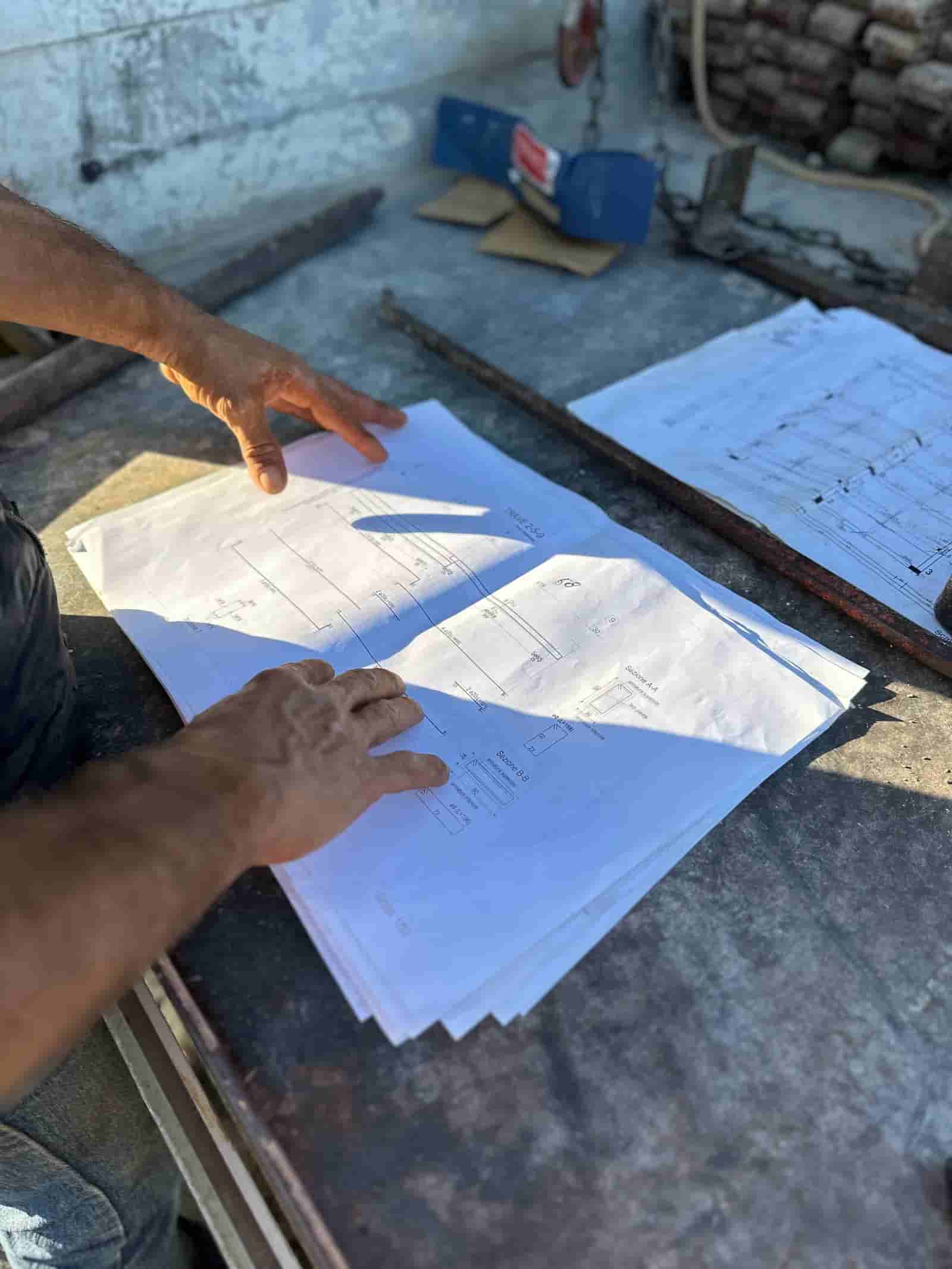
On the estimating side, Ruh reads the contractor's drawing set, runs the takeoff, and prices the quantities against the contractor's own cost codes and price book rather than generic database averages. The estimator reviews the quantities, adjusts the waste factors and means and methods, and signs off before the line items export into Vista as the job budget.
On the AP side, Ruh reads each invoice document, splits the dollars to the right cost codes, and matches the total to the referenced PO or subcontract commitment. Every quantity is traceable to a sheet in the set and every dollar is matched to a commitment, so the AP lead reviews against a clean, defensible draft instead of keying codes by hand.
Ruh + Viewpoint Vista: Frequently Asked Questions
Does Ruh replace Viewpoint Vista as our job cost system?+
No. Vista stays the system of record for job cost and payroll. Ruh reads your job and cost code structure and your open commitments out of Vista, codes AP invoices and exports estimate budgets against that structure, then hands clean data back for your AP lead or estimator to review and post. The ledger lives in Vista; Ruh just keeps the data feeding it accurate and traceable.
How does Ruh match an AP invoice to a Vista commitment?+
Ruh pulls your open purchase orders and subcontract commitments from Vista with their remaining balances, then reads each invoice and matches the total against the referenced PO or subcontract before coding it. That is the three-way match: the invoice, the commitment, and the coded amount line up before anything is staged. If an invoice would exceed the remaining commitment balance, it surfaces for the AP lead instead of posting blind.
Can Ruh push our estimate into Vista as the job budget?+
Yes. When a job is won, the line-item estimate exports into Vista as the budget by cost code, so budget and actuals share one structure from the first day of the job. Because Ruh prices the takeoff against your own cost codes, the budget lands in the same codes your AP invoices will later hit, which is what makes budget-versus-actual reporting line up cleanly.
Who reviews the coded data before it posts to Vista?+
A person always does. The AP lead reviews each coded invoice against its commitment balance and adjusts any cost code split before approving, and the estimator reviews the budget export the same way. Ruh stages a coded draft; the human signs off and commits it to Vista. This is how teams connect Ruh with Vista without giving up control of the ledger.
Connected estimating beats copy-paste. See it on your plans.
Book a demo
