Connect and Map the Codes
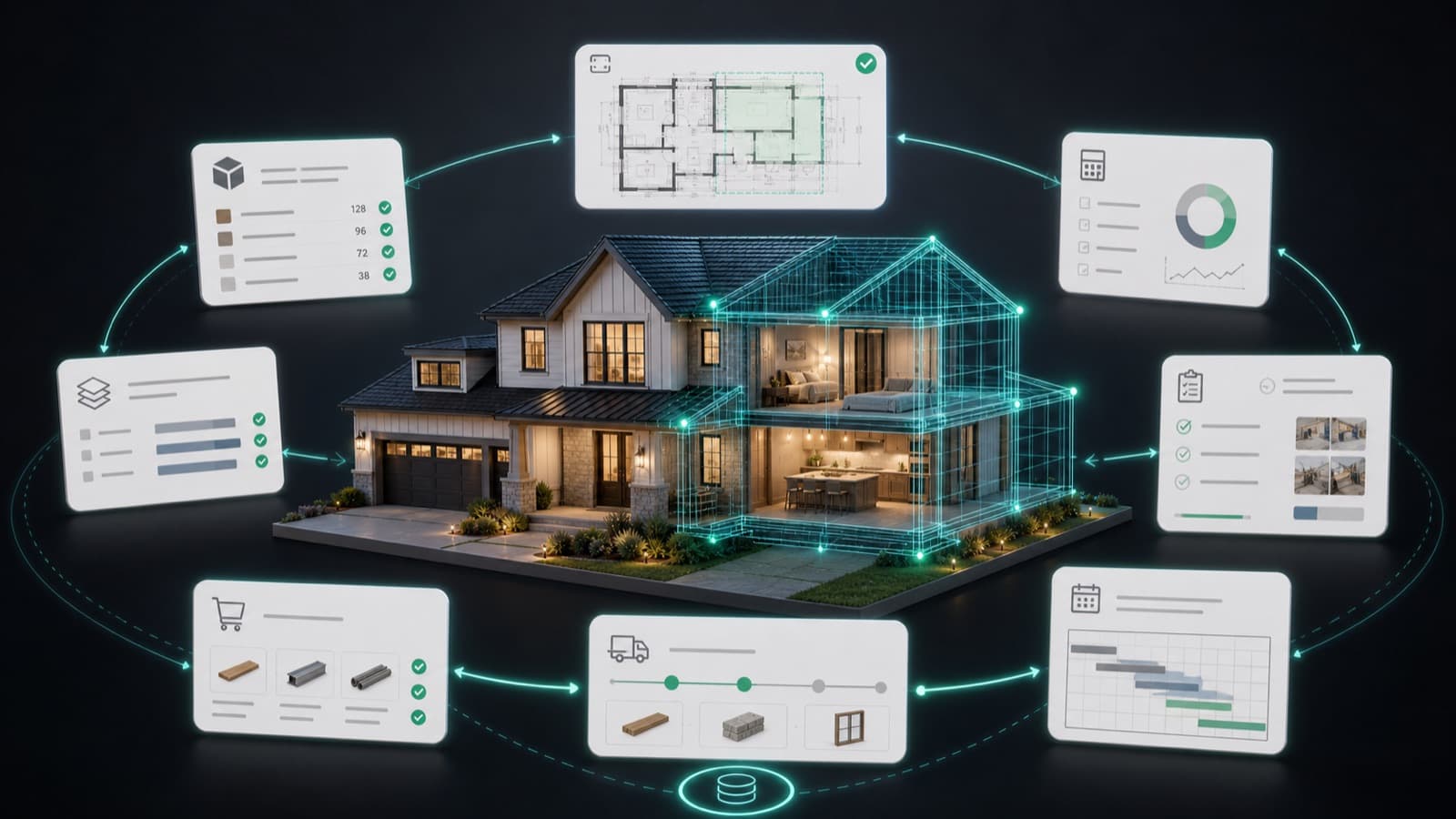
Connect Ruh to your Sage 300 CRE company and let it read in the chart of cost codes, categories, open jobs, and phases. Confirm the mapping once so Ruh codes against the same structure your books run on. Commitments and subcontracts sync in at the same time, giving the AP queue something real to match against.
Run the Coding Work
Ruh reads each incoming AP invoice, identifies the job and phase, and proposes a cost code and category from the synced Sage list, matching against the open PO where one exists. It drafts the full coding for the month's invoices instead of leaving a blank line for someone to key by hand. Every proposed code traces back to the document it came from and the commitment it matched.
Review and Sync Back
The AP lead reviews the proposed coding, fixes any line that needs a different job or category, and signs off. Approved invoices then post back to Sage 300 CRE with job, cost code, and category already filled in, and payment status reads back so the queue stays current. Accounting keeps control of the structure; Ruh just removes the keying.
Invoice Coding: Manual Keying vs Connected
Illustrative volume and minutes for a contractor coding AP against Sage 300 CRE cost codes.
Try Ruh on a real bid.
Ruh reads the AP invoice the way an estimator reads a drawing set: it pulls the vendor, the amount, and the line detail off the document, then matches it to an open job, a cost code, and the purchase order it belongs to. Coding runs against your own Sage 300 CRE cost codes, not a generic chart, so every line lands on a real account that reconciles against the actuals already in the books.
The AP lead stays in control. Ruh hands over a coded draft where each line is traceable to the source document and matched to a commitment, and the AP lead reviews, corrects, and signs off before anything posts back to Sage. The keying disappears; the judgment call on which job and category a cost belongs to stays with the person who owns the books.
Ruh + Sage 300 CRE: Frequently Asked Questions
How do I connect Ruh with Sage 300 CRE?+
You connect Ruh to your Sage 300 CRE company and let it read in the chart of cost codes, categories, open jobs, phases, and commitments. Sage stays the source of truth for that structure, and Ruh codes AP invoices and estimate lines against the same codes. Approved invoices post back to Sage once the AP lead signs off. This is a workflow connection, not an official or certified Sage integration; it is simply how teams wire the two tools together.
Will the cost codes still match what is in Sage?+
Yes, that is the point of the connection. Ruh pulls the active cost code and category list from Sage rather than maintaining its own chart, so every line it codes maps to a real account. When you add or retire a code in Sage, the synced list updates, so the coding never drifts away from the structure your actuals reconcile against.
Does Sage 300 CRE still being called Timberline matter for the connection?+
No. Timberline is the former name for the same Sage 300 Construction and Real Estate accounting product, so a team running what they still call Timberline is running Sage 300 CRE. The job cost structure, jobs, cost codes, and categories work the same way for the connection regardless of which name your team uses day to day.
Who approves AP invoices before they post back to Sage?+
Your AP lead does. Ruh proposes the job, cost code, and category for each invoice and matches it to a purchase order where one exists, but nothing posts to Sage 300 CRE until a person reviews the coding and signs off. The AP lead keeps full control of the books; Ruh removes the manual keying, not the approval step.
Connected estimating beats copy-paste. See it on your plans.
Book a demo
