
Connect Procore and Point Ruh at the Project
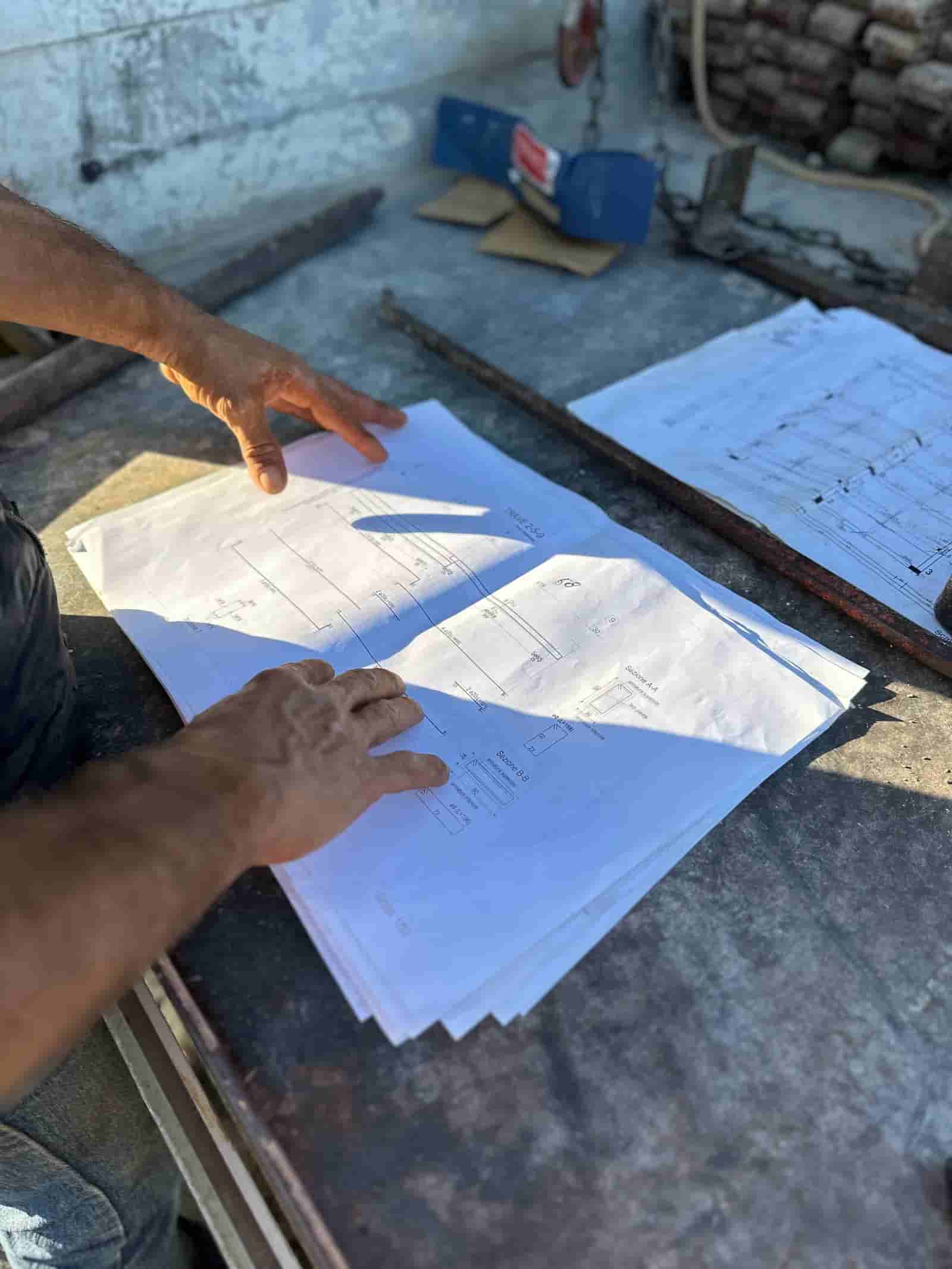
Link your Procore project to Ruh and select the job you are estimating. Ruh reads the current drawing set, the specs, and the project directory, so you start from the same documents the field is already working from. No exporting sheet by sheet and no rebuilding the directory by hand.
Run the Takeoff and Price on Your Own Book
Ruh reads the Procore drawing set, counts and measures the scope, and prices those quantities against your contractor price book rather than generic cost data. When 14 revised sheets land mid-bid, the changed sheets refresh and you re-run only what moved. The output is a line-item draft estimate, not a black box.
Review, Sign off, and Push the Summary Back
The estimator reviews the quantities, adjusts waste factors and job-condition assumptions, applies markup, and signs off. The estimate summary or budget snapshot then pushes back to Procore as budget lines, while RFIs and submittals keep flowing in Procore where they belong. The judgment call stays with the estimator.
Pulling a 120-Sheet Drawing Set: Manual vs Connected
Illustrative minutes for getting a current set in front of the takeoff. Recompute with your own per-sheet time.
Try Ruh on a real bid.
Ruh reads the Procore drawing set directly, runs the takeoff across the sheets, and prices every measured quantity against the contractor's own price book rather than generic cost data. The result is a line-item draft estimate where each quantity traces back to the sheet it came from, so a reviewer can repeat the measurement.
When 14 revised sheets are published mid-bid, the changed sheets refresh and only the affected scope re-runs. The estimator reviews the quantities, adjusts assumptions, applies markup, and signs off before the estimate summary pushes back to the project budget.
Ruh + Procore: Frequently Asked Questions
Does Ruh sync drawings from Procore automatically?+
Here is how the connection works: teams link the Procore project to Ruh, and Ruh reads the current drawing set so the takeoff runs on the live sheets. When a revision is published in Procore, the changed sheets refresh, so you are never estimating off a superseded set. You confirm the set before running, the same way you would check a drawing revision by hand.
What happens to my RFIs and submittals when I connect Ruh?+
They stay in Procore. The connection is scoped to the drawings, specs, and project directory that feed takeoff and estimating, plus the estimate summary that flows back. RFI and submittal logs keep running in Procore where the field and PM team already manage them; Ruh does not touch that workflow.
Can the estimate from Ruh push back into the Procore budget?+
Yes. After the estimator signs off, the estimate summary or budget snapshot pushes back to Procore as line items the project budget can receive. That keeps the priced estimate and the project budget aligned without retyping numbers between the two tools.
Do I need anything installed in Procore to connect it with Ruh?+
No special install inside Procore. Teams share the current drawing set, specs, and project directory with Ruh through the workflows the Ruh team sets up during onboarding, and estimate summaries come back the same way. Procore remains your project management platform; Ruh handles the takeoff and pricing against your own price book. Ask the Ruh team about current connector options for your setup.
Connected estimating beats copy-paste. See it on your plans.
Book a demoComparing platforms? Read Ruh vs Procore.

