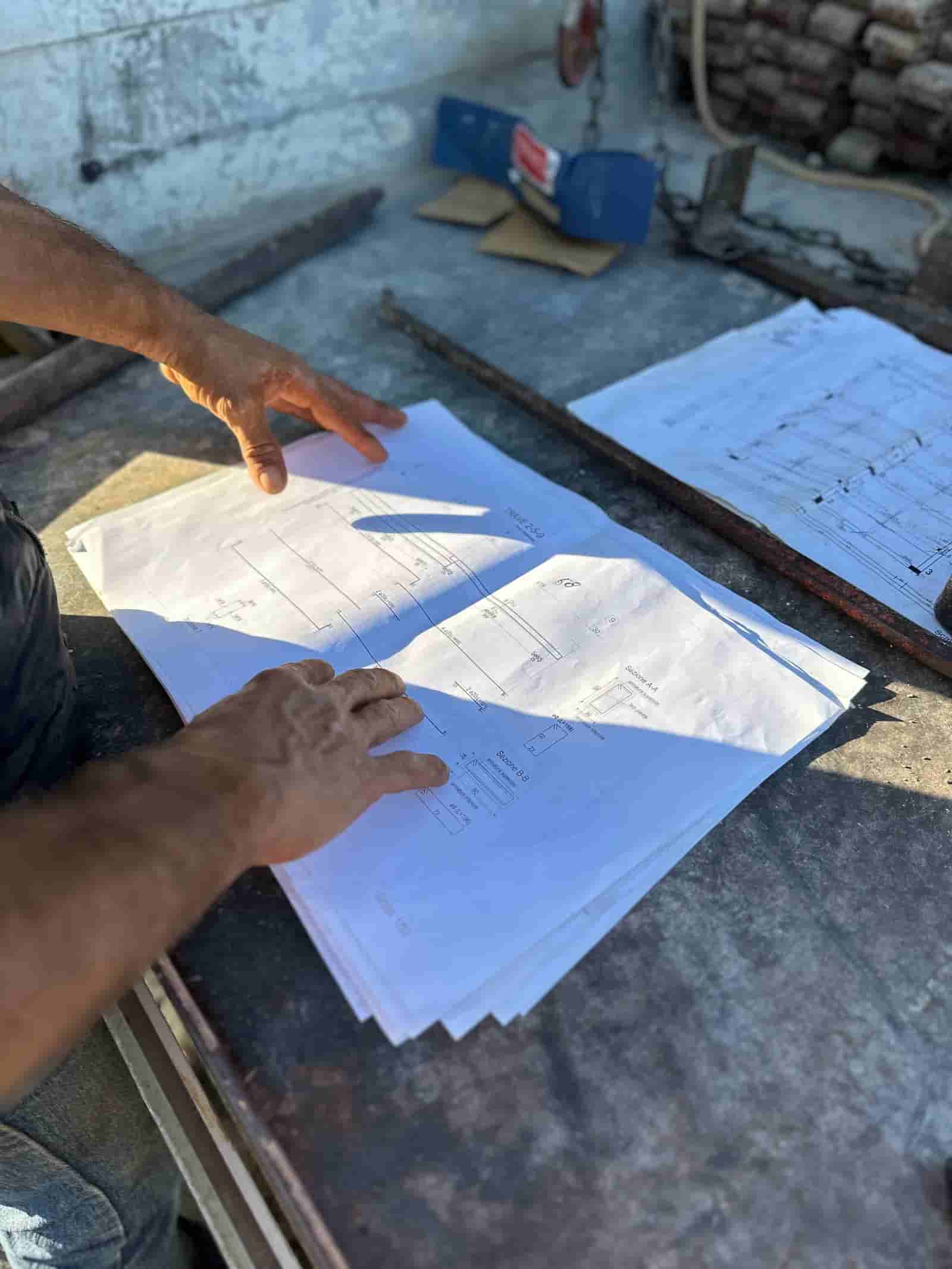

Export the Marked-Up Set From Revu
Calibrate the page scale in Bluebeam Revu the way you normally would, then export the sheet set as a PDF. No plugin or account link is required; Ruh reads the PDF the same way it reads any drawing set, and the scale you set in Revu carries through so measurements stay true.
Run the Takeoff in Ruh
Upload the PDF to Ruh and let it read the drawings, count the scope, and measure areas, lengths, and volumes against your own price book. Ruh produces a line-item draft with each quantity tagged to the sheet it came from, so the output maps back to the plans you marked up.
Review and Sync Back to Revu
Open Ruh's takeoff overlay as a PDF layer over the original Revu set, or export the quantity report as CSV to compare line by line. The estimator confirms the quantities, adjusts waste factors and scope calls, and signs off before anything reaches the bid.
40-Sheet Takeoff: Manual Measuring vs Reviewing AI Quantities
Illustrative minutes per sheet; figures are illustrative for the US market.
Try Ruh on a real bid.
Ruh reads the drawings, not the markups. Bring the set you redlined in Bluebeam Revu into Ruh, and it does the takeoff itself: counting doors, measuring linear feet of partition, computing slab volumes, and pricing every quantity against the contractor's own price book instead of generic cost data.
The draft comes back as line items, each one traceable to a sheet so you can lay it over the Revu set and check the math. The estimator reviews the quantities, tunes the waste factors, and signs off. The measuring gets faster; the judgment stays with the estimator.
Ruh + Bluebeam Revu: Frequently Asked Questions
Can Bluebeam do AI takeoff?+
Bluebeam Revu is where your team calibrates the scale and marks up the set. Ruh is the part that reads that exported set and produces the measured takeoff: it counts the scope, measures areas, lengths, and volumes, tags every quantity to the sheet it came from, and prices the lines against your own price book. The overlay goes back over the original Revu set as a PDF layer, or out as a CSV quantity report, and your estimator signs off before anything reaches the bid.
Does Ruh have a native Bluebeam Revu plugin?+
No. There is no plugin to install and no account to link. Teams connect the two tools through the file formats both already use: export your marked-up sheet set from Revu as a PDF, run the takeoff in Ruh, and send quantities back as a PDF overlay layer or CSV. It is a PDF-in, quantities-out workflow rather than a built-in integration.
Will the scale I calibrated in Revu carry into Ruh?+
Yes. When you calibrate a page scale in Bluebeam Revu and export the sheet, that scale travels with the PDF. Ruh reads the drawing scale so areas and lengths come out in real units. It is still worth confirming the scale on the first sheet, the same check you would run before measuring manually.
Can I get Ruh's takeoff quantities back into my Bluebeam workflow?+
Yes. Ruh exports a takeoff overlay as a PDF layer you can open over the original sheet in Revu, and a quantity report as CSV with sheet references. The overlay lets reviewers see what was measured against the drawing, and the CSV drops into the estimate or sits alongside the marked-up set.
Do I still need to check the quantities Ruh produces?+
Yes. Treat Ruh's takeoff as a strong first pass that you verify and own, the same way you would review a junior estimator's quantities. Confirm the right drawing revision was used, the scope matches the specs and addenda, and the waste factors fit your means and methods before the number goes into the bid.
Connected estimating beats copy-paste. See it on your plans.
Book a demoComparing platforms? Read Ruh vs Bluebeam Revu.

