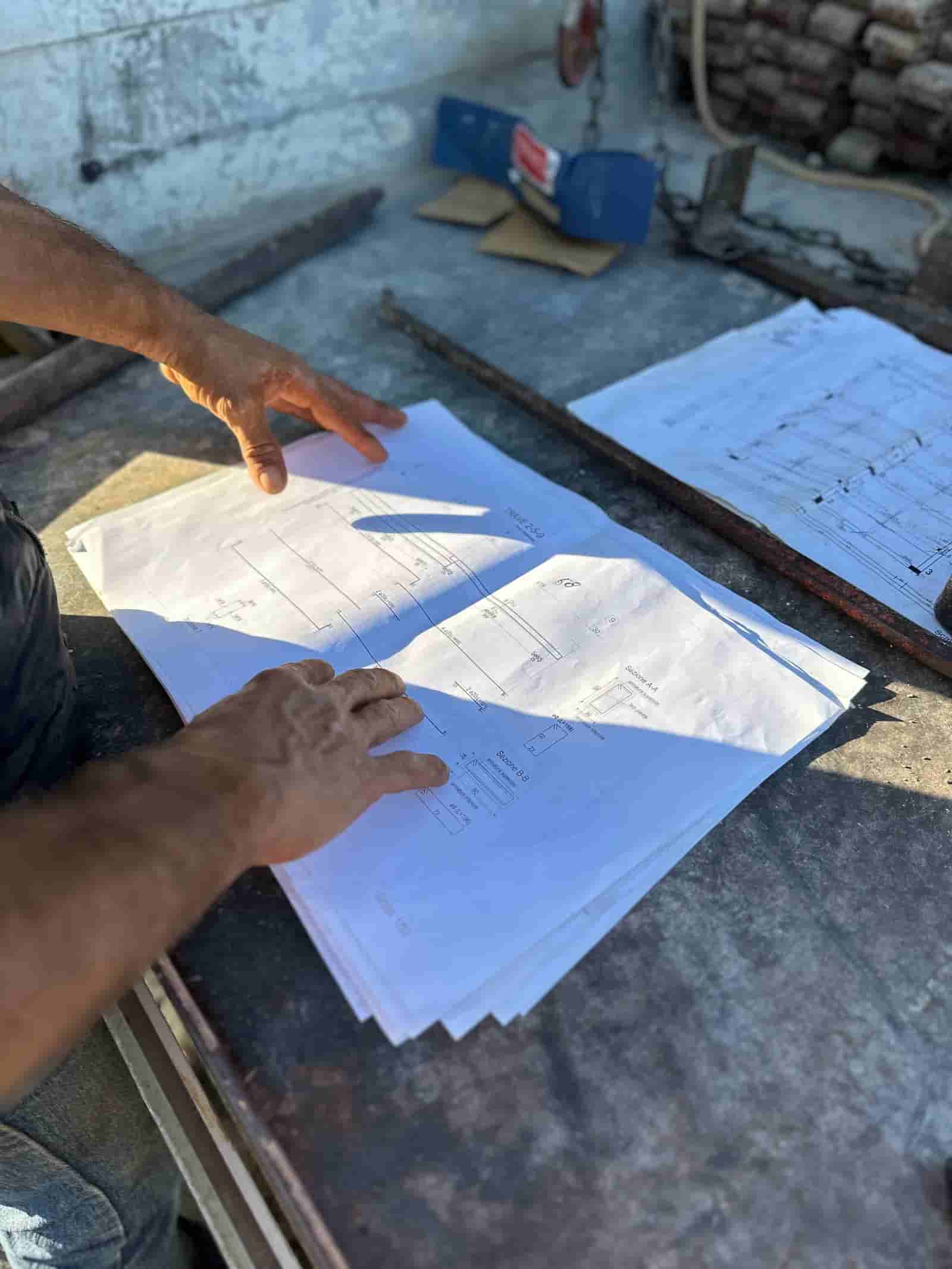
The best AI tools for construction in 2026 are not one product but a set of categories: takeoff and estimating, document intelligence, RFIs and submittals, scheduling, safety, and back office. The right approach is to match the tool to the workflow it actually serves, then judge every option against the same buying criteria: does it run on your data, can your team review its output before it counts, and does it keep your records secure.
If you have searched "best AI tools for construction" and landed on a list of fifty products, you already know the problem. The list does not tell you where AI earns its keep or how to evaluate it. This page organizes the field by the work, not the logo. For each category, you will see what the tool does, what to look for, and what stays in human hands. There is one worked walkthrough so you can picture the day-to-day, plus buying criteria that apply across every category.
Where Do AI Tools Actually Help in Construction?
AI is useful in construction wherever there is a high volume of documents, repetitive reading, or a measurement task that a person does the same way every time. That points to a handful of categories. Preconstruction work like quantity takeoff and estimating. Document intelligence across plans, specs, submittals, and contracts. Project communication such as RFIs and submittal logs. Scheduling and look-ahead planning. Field safety observation. And the back office: invoices, lien waivers, pay applications, and compliance tracking.
A few areas are still mostly human, and that is fine. Means and methods, risk calls, owner relationships, and the final number on a bid all stay with the estimator and the project team. The pattern that holds across every good tool is simple. AI reads, drafts, and proposes. The person reviews and signs off.
Takeoff and Estimating: What Should AI Do Here?
This is the category contractors ask about first, and for good reason. Manual takeoff is slow, and a missed count flows straight into the bid. AI takeoff reads your plan set, identifies and counts repeating objects (doors, fixtures, devices), measures linear and area quantities, and assembles them into a quantity list you can price.
What to look for: it should work on your actual plan files, including the messy ones, not a cleaned-up demo set. It should show its measurements on the drawing so an estimator can check a count against the sheet, not just hand you a total. And it should let you correct it, with those corrections sticking. Ruh sits here. It works from your own drawings and specs, produces a reviewable takeoff with quantities tied back to the source sheet, and leaves the pricing judgment and final bid number to your estimator. If you are comparing options in this space, the deeper write-up lives on the AI Construction Takeoff and Estimating Software page.
What stays human: scope interpretation, productivity and waste factors, vendor pricing, and the decision to submit. The AI gives you a faster, more complete starting point. It does not own the bid.
Document Intelligence: Reading Plans, Specs, and Contracts
Most of a project's risk is buried in documents nobody has time to read end to end. Document intelligence tools index your plans, specifications, contracts, and addenda so you can ask plain questions ("what is the submittal requirement for the curtain wall?") and get an answer with a citation back to the page.
What to look for: answers should link to the source document and page, so a person can verify rather than trust. The tool should handle revisions and addenda without mixing old and current versions. And it should work across the whole document set, not one file at a time. This is where Ruh also operates: it reads the contractor's documents inside their own tenant, surfaces what a clause or spec says, and points to where it found it, so your team confirms before acting.
What stays human: the interpretation of a contested clause, the call on whether something is in scope, and any communication to the owner or architect.
RFIs, Submittals, and Project Communication
RFIs and submittals are structured, repetitive, and document-heavy, which makes them a strong fit for AI assistance. The tool can draft an RFI from a field note, attach the relevant sheet, route it to the right reviewer, and keep the log current.
Here is a concrete worked workflow for an RFI:
- Input: a field engineer flags a conflict between the structural drawings and the mechanical routing and writes two lines of context plus a photo.
- The AI drafts the RFI, pulls in the relevant detail and sheet number from the document set, and proposes which discipline should answer.
- The AI routes the draft to the project engineer for review. The engineer checks that the question is accurate, the right sheets are attached, and the reviewer is correct.
- The project engineer edits or approves and sends. Nothing leaves without that sign-off.
- When the answer returns, the AI logs it, links it to the affected sheets, and flags any schedule or cost item the team should look at.
What stays human: whether the issue is real, how to phrase a sensitive question, and what to do with the answer. The AI removes the typing and the chasing, not the judgment.
Scheduling and Look-Ahead Planning
AI scheduling tools analyze your schedule, sequence options, and progress data to surface conflicts, suggest sequences, and build look-aheads. Some can simulate how a delay in one trade ripples through the rest of the job.
What to look for: it should ingest your actual schedule and field updates, explain why it suggests a change rather than just reordering tasks, and let the superintendent accept or reject each suggestion. A schedule the team did not agree to is a schedule nobody follows.
What stays human: sequencing calls that depend on crew availability, weather judgment, and the relationships that make a look-ahead realistic on site.
Safety and Field Observation
AI safety tools review site photos and video to flag potential hazards (missing fall protection, blocked egress, housekeeping issues) and route them for follow-up. They work best as a second set of eyes, not a replacement for the daily walk.
What to look for: clear flags with the image attached, a low-friction way to dismiss false positives, and a record of what was flagged and resolved. The goal is more coverage, not more noise.
What stays human: the safety stand-down, the conversation with the crew, and the professional judgment of the safety manager.
Back Office: Invoices, Lien Waivers, and Pay Apps
The back office is full of documents that follow a known format, which makes it a natural fit. AI can read an invoice and match it to a purchase order, prepare lien waivers, assemble a pay application, and flag compliance gaps before they become a problem.
What to look for: it should extract data with the source document visible for a quick check, surface mismatches instead of silently "fixing" them, and keep an audit trail. Because Ruh runs on your own records, the documents and the extracted data stay where your controls already apply.
What stays human: approving payment, accepting a waiver, and any exception that affects cash or a relationship.
How Should You Evaluate Any AI Construction Tool?
Three criteria cut across every category. First, does it run on your data? A tool that only performs on a polished sample is a demo, not a workflow. Ask to test it on your own plan set, your own contracts, your own invoices. Second, is the output reviewable? You want to see the AI's work next to the source so a person can verify and correct it, with corrections that stick. A confident answer with no citation is a liability. Third, where does your data live and who can see it? Prefer tools that operate inside your own tenant or environment, with access controls and an audit trail you can show an owner or an auditor.
Start with the workflow that hurts most, usually takeoff or document review, and run a real pilot on a live job. Keep your existing estimating, project management, and accounting systems; the AI should feed them, not replace them. Measure whether the tool saved time without adding risk, and whether your team trusts what it produced. The best AI tools for construction in 2026 are the ones that do the reading and the drafting, show their work, and leave the judgment and the sign-off with you.
Why Teams Trust Ruh With This
The two reasons construction teams hesitate on AI are accuracy and data security. Ruh runs on your documents. Every output is traceable and reviewed by your team before it is used. The AI does the heavy lifting, your people keep the judgment and the sign-off.
Try Ruh on a real bid.
Ready to go deeper? AI Construction Takeoff and Estimating Software.
Frequently Asked Questions
How accurate are AI construction tools, and can I trust the output?+
Accuracy varies by tool and by how clean your input documents are, so treat any vendor claim as something to verify on your own files. The safer question is whether the output is reviewable. Good tools show their work next to the source (a takeoff count on the drawing, an answer linked to the spec page) so an estimator or engineer can confirm or correct it before it counts. Run a pilot on a live job and judge accuracy on your own plan set, not a demo.
What happens to our data and documents? Is it secure?+
Ask where the data lives and who can access it. Prefer tools that run inside your own tenant or environment, where your existing access controls and audit trail already apply, rather than tools that copy your documents to a shared system. Ruh runs on your own documents, so your plans, contracts, and records stay where your controls are. Always confirm data handling, retention, and whether your content is used to train shared models.
Do we have to replace our existing estimating, PM, and accounting tools?+
No. The better pattern is to keep your systems of record and let AI feed them. A takeoff tool should export quantities into your estimating software; a document tool should sit on top of the plans you already have; a back-office tool should match invoices to your existing POs. If a tool forces a full platform switch to get value, weigh that switching cost carefully against the workflow it improves.
What still requires a human on these workflows?+
Judgment and sign-off. The estimator owns scope interpretation, productivity factors, pricing, and the final bid number. The project engineer decides whether an RFI is valid and how to act on the answer. The superintendent approves any schedule change. The safety manager runs the stand-down. The controller approves payment. AI does the reading, counting, and drafting; people make the calls and accept the result.
Where should we start if we are new to AI in construction?+
Start with the workflow that costs you the most time or carries the most risk, which for many contractors is takeoff or document review. Pick one tool, run a real pilot on a current job with your own documents, and measure whether it saved time without adding risk and whether your team trusts the output. Expand to other categories only after the first one proves itself in production.
Reading about it is slower than watching it. 30 minutes, your data, your team in the room.
Book a demoFigures on this page are illustrative. Construction estimates depend on project-specific conditions, source documents, market pricing, and professional judgment. Ruh's AI assists the estimator and does not replace professional review: your team reviews, validates, and approves every estimate, bid, and pricing decision.

