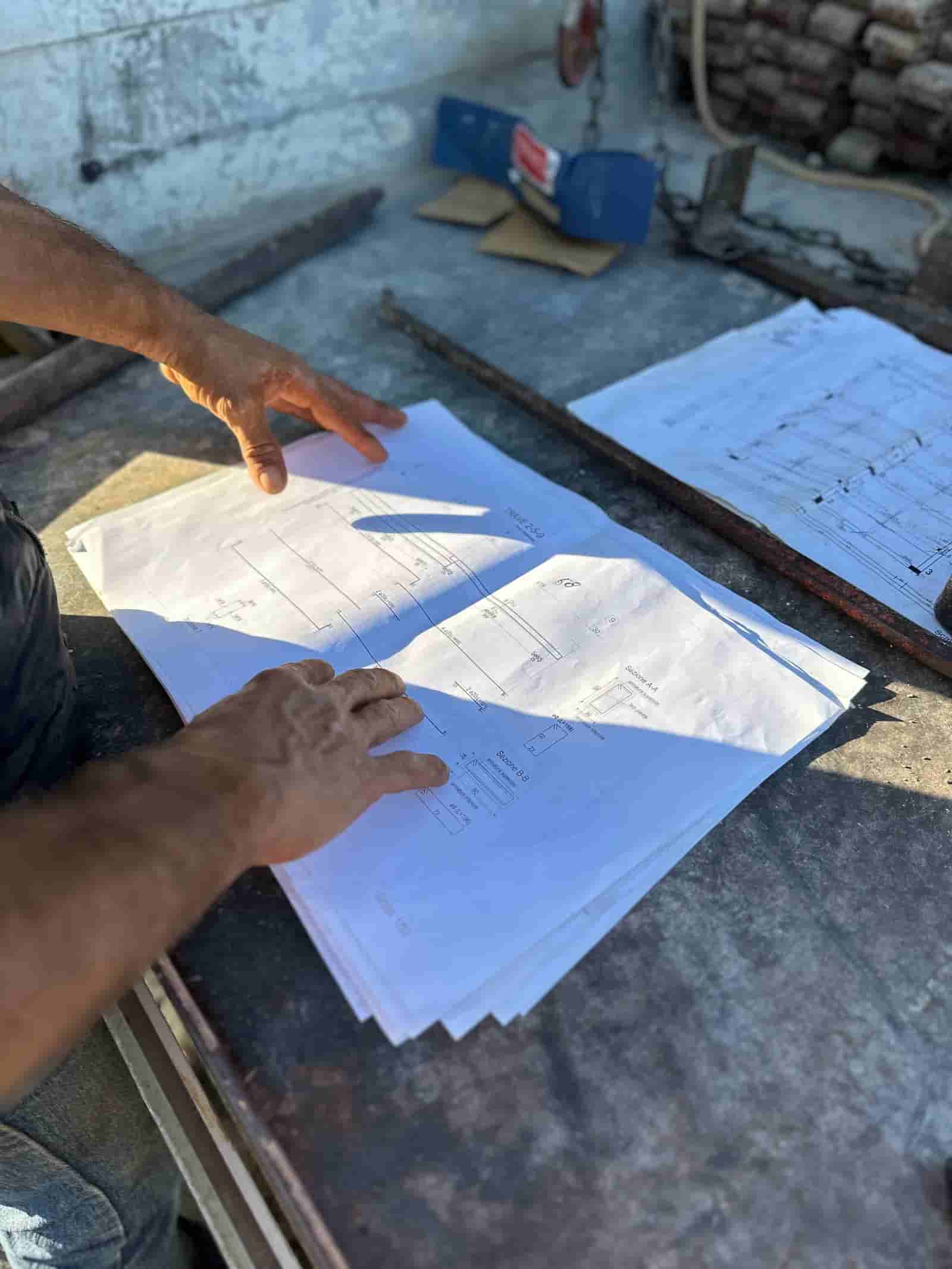
Safety on a commercial jobsite already generates a mountain of evidence: phone photos from foremen, fixed and mobile camera feeds, daily reports, incident logs, JHAs, toolbox talk sign-ins, and inspection records. The problem is rarely a lack of data. It is that no single person can watch every frame or read every report fast enough to catch the exposure before someone gets hurt. AI safety monitoring is best understood as a triage layer over that pile, not a replacement for boots on the ground. Computer vision scans imagery for visible hazards, predictive models flag projects trending toward trouble, and your safety leaders decide what is real and what to do about it.
This page is honest about the limits. Vision systems depend on cameras, lighting, angles, and bandwidth. Predictive risk depends on clean, consistent data you may not have yet. Done well, AI gives your team a shorter, better-prioritized list. It does not give you fewer responsibilities.
What Does AI Actually Look for in Jobsite Photos and Video?
Computer vision models are trained to detect a defined set of visible conditions. The common, widely discussed categories include personal protective equipment status (hard hat, hi-vis vest, eye protection), fall exposure near unprotected edges and open holes, people in proximity to suspended loads or moving equipment, blocked egress paths and fire lanes, and housekeeping issues like trip hazards and material storage. Some systems also flag ladder and scaffold misuse.
A few realities matter here. The model reports what the camera can see, so a worker tied off to an anchor out of frame can read as a false positive. Distance, weather, and occlusion all degrade accuracy. And a "PPE detected" pass does not mean the task is safe, only that the visible items were present. Treat vision output as a prompt for human attention, not a verdict.
How Does Predictive Safety Risk Work From Project Data?
The second half of AI safety monitoring is less about pixels and more about patterns. Predictive risk models look across structured project signals, things like incident and near-miss history, observation counts, trade mix and headcount on site, schedule compression, overtime, weather, and the volume of high-risk activities planned that week. The output is a relative risk indicator: which jobs, crews, or phases look elevated compared to your own baseline.
The honest framing is that these are correlations, not predictions of a specific event. A high score means "look here first," not "an injury will happen." The value is in directing scarce safety-manager time toward the sites that need a walk this week, and in spotting leading indicators (a spike in near-misses, a drop in observations) before they become a recordable.
A Worked Workflow: From a Foreman's Photo to a Closed Corrective Action
Here is one concrete loop, end to end.
- Input. A foreman uploads daily progress photos and a short walkthrough video to the project folder, the same way they already do. Fixed cameras also push footage on a schedule.
- AI screens the media. Ruh runs vision over the new imagery inside your tenant and tags candidate hazards: two frames showing a worker near an unprotected leading edge with no visible tie-off, and one showing material blocking a stairwell exit. Each tag includes the source image, a confidence level, and the location/time metadata.
- AI drafts the observation. For each flagged item, the system drafts a safety observation: hazard category, a plain-language description, the cited photo, and a suggested corrective action drawn from your own safety program documents (not generic boilerplate). It groups duplicates so the same edge is not logged five times.
- The human checks. The site safety lead opens the queue, confirms or dismisses each flag, adds context the camera missed ("worker was tied off to the column, anchor out of frame, dismissed"), and edits the corrective action. This review step is where judgment lives. Nothing is sent or recorded without it.
- Route and log. Confirmed observations route to the responsible foreman or sub with a due date, post to your existing log, and stay open until closure is verified, ideally with a follow-up photo that the model can re-check. The safety leader signs off on closure.
What goes in is raw site media and project data. What the AI does is detect, draft, deduplicate, and route. What the human does, every time, is decide what is real, what it means, and whether it is fixed.
Where Does AI Help and Where Does It Not?
It helps most with volume and consistency: screening thousands of images so nothing obvious slips by, surfacing the same hazard category the same way across every project, and keeping a clean, searchable record of what was found and closed. It is good at the repetitive triage that wears people down.
It helps least with context and intent. AI cannot tell you whether a planned lift accounts for the new crane radius, whether a crew is rushing because the schedule slipped, or whether a near-miss reflects a deeper process gap. Those are leadership calls. The technology also leans on real-world setup: camera placement, connectivity, device discipline in the field, and data hygiene. If you want a broader view of how document-driven AI fits construction operations, you can explore Ruh for construction.
What Does It Take to Actually Deploy This?
Be ready for a hardware and process project, not a software switch. Vision coverage means deciding between fixed cameras, mobile units, drones, and phone uploads, then handling power, bandwidth, and storage. Predictive risk means getting your incident, observation, and project data into a consistent shape, which often exposes how inconsistently it was captured before.
Just as important is the human workflow. Someone owns the review queue. There are clear rules for what counts as a confirmed observation, who gets routed what, and how closure is verified. Crews need to understand that cameras and AI exist to reduce injuries, not to surveil individuals, and that requires a stated policy on data use, retention, and privacy. Start with one or two sites and a narrow set of hazard categories, tune to your false-positive tolerance, then expand.
How Does This Fit the Tools and Program You Already Run?
The goal is to feed your existing safety program, not replace it. Confirmed observations should flow into the log and project management system your team already uses. The corrective-action language should come from your standards and JHAs, which is why running on your own documents matters. Because Ruh operates inside your tenant on your data and footage, the imagery and incident records do not leave for a shared model, and access follows your existing permissions.
The two systems do different jobs, and a sound safety workflow needs both: construction safety management software remains the system of record for the policy, observation log, corrective action, verified closure, and the audit trail an owner or insurer may ask to see. AI monitoring sits upstream as the detection layer, noticing the blocked exit, missing protection, or unsafe proximity that might otherwise pass unseen in a day's footage. Detection without the management workflow produces flags that may never be assigned or closed; a management system without monitoring can document only the hazards someone already noticed. People still confirm the observation, decide the response, and sign off when the condition has actually been corrected.
Used this way, AI becomes another input into the same daily and weekly safety rhythm: pre-task planning, walks, observations, and reviews. The cadence stays human. The list just gets shorter and better aimed.
Treat AI safety monitoring as a force multiplier for a program you already run well, not a substitute for one you do not. Start small, be clear with crews about what is monitored and why, expect to invest in cameras and data plumbing, and keep your safety leaders firmly in the decision seat. The wins come from catching the obvious sooner and pointing experienced people at the sites that need them most, while the responsibility for calling it stays exactly where it should: with the people on the job.
Why Teams Trust Ruh With This
The two reasons construction teams hesitate on AI are accuracy and data security. Ruh runs on your documents. Every output is traceable and reviewed by your team before it is used. The AI does the heavy lifting, your people keep the judgment and the sign-off.
Try Ruh on a real bid.
Ready to go deeper? Explore Ruh for construction.
Frequently Asked Questions
How accurate is AI hazard detection, and what about false positives?+
Accuracy varies with camera quality, lighting, distance, weather, and how clearly the hazard is in frame. Expect false positives (a worker tied off to an anchor out of view can read as a fall risk) and some missed items in poor conditions. That is why every flag goes to a human reviewer who confirms or dismisses it before anything is logged or routed. Tune the confidence threshold to a false-positive level your team can live with, and accuracy improves as you narrow to a few well-defined hazard categories.
Where does our footage and safety data go? Is it secure?+
With Ruh, processing runs inside your own tenant on your own footage and documents, so imagery and incident records are not sent to a shared or public model. Access follows your existing permissions, and you set retention and data-use policy. Because crews are being recorded, publish a clear policy stating the cameras and AI are for hazard reduction, not individual surveillance, and define how long footage is kept and who can see it.
Will this work with our existing cameras, PM system, and safety log?+
It is designed to feed the tools you already use rather than replace them. Phone photos, fixed cameras, mobile units, and drone imagery can serve as inputs, and confirmed observations route into your existing safety log and project management system. Corrective-action language is drawn from your own program documents and JHAs. Plan for integration work and, often, for adding or repositioning cameras to get usable coverage.
What stays a human decision?+
All of it that matters. The AI detects, drafts, deduplicates, and routes, but a safety leader confirms whether each flag is a real exposure, adds context the camera missed, edits the corrective action, decides priority, and signs off on closure. Judgment calls about planning, crew behavior, schedule pressure, and what a pattern of near-misses really means stay with people.
Is this a quick software rollout?+
No, and any honest vendor will say so. This is hardware and process heavy. You will deal with camera placement, power, bandwidth, and storage on the vision side, and with cleaning up incident and project data on the predictive side. You also need a defined review workflow, an owner for the queue, and a crew communication plan. Start with one or two sites and a limited hazard set, then expand once it is tuned.
Reading about it is slower than watching it. 30 minutes, your data, your team in the room.
Book a demoFigures on this page are illustrative. Construction estimates depend on project-specific conditions, source documents, market pricing, and professional judgment. Ruh's AI assists the estimator and does not replace professional review: your team reviews, validates, and approves every estimate, bid, and pricing decision.

