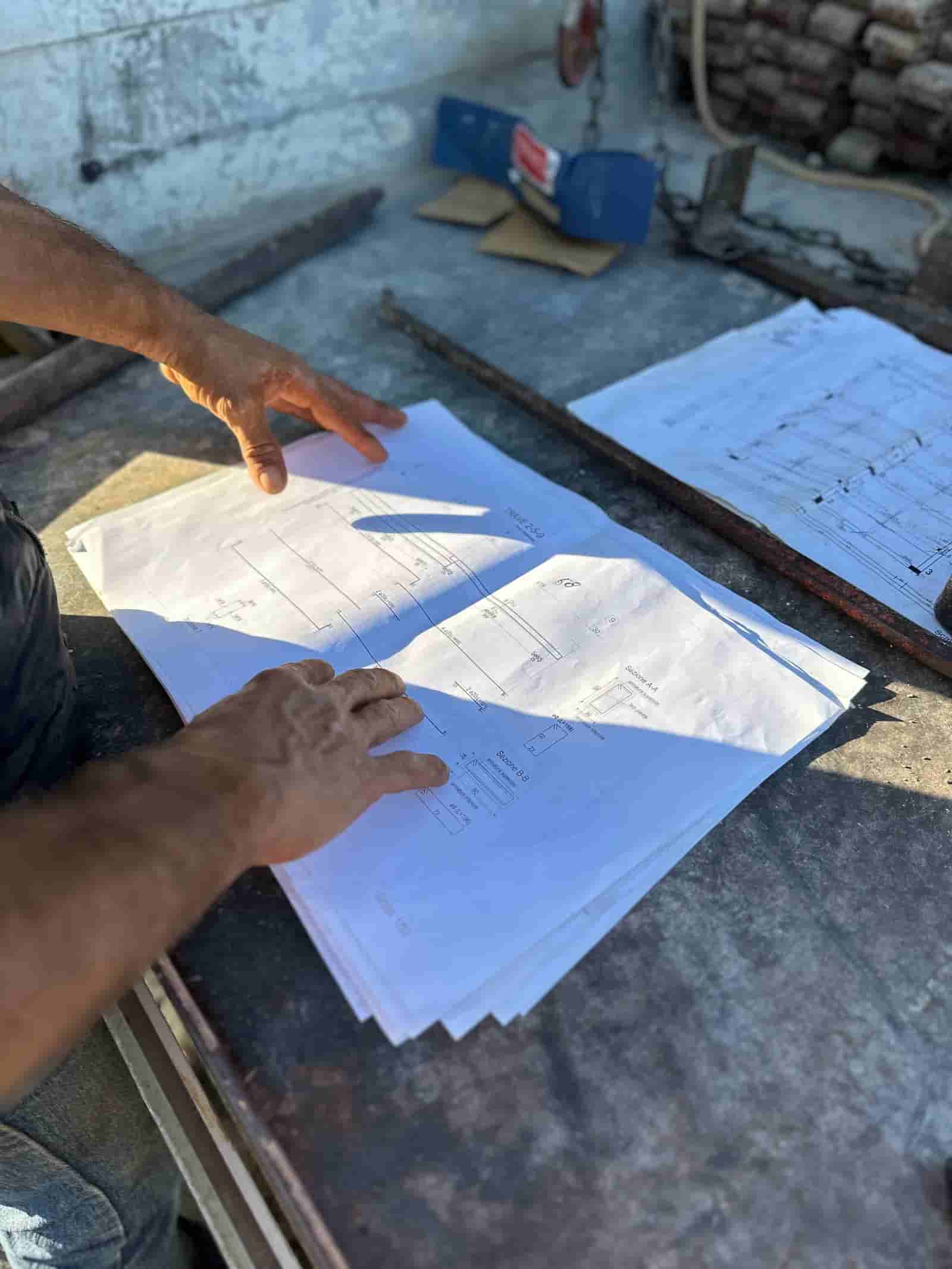
Progress tracking has always been the gap between what the schedule says and what is actually standing on site. Superintendents walk the floor, take photos, mark up a plan, and report up. The work is real, but it is slow, it is subjective, and by the time a deviation is documented it has often already cost time or money. AI progress tracking changes the input, not the judgment: it ingests the site reality you already capture and lines it up against the plans and schedule you already maintain, so deviations surface earlier and reporting takes minutes instead of an afternoon.
What Does AI Progress Tracking Actually Do?
At its core, AI progress tracking compares two things you already have: a record of site reality (photos, 360 captures, drone imagery, laser scans, point clouds) and a record of intent (drawings, models, the schedule, the scope of work for each area). The AI reads both, finds where they correspond, and tells you where reality matches the plan and where it has drifted.
That comparison answers the questions a project team asks every week. Is the area complete enough to call it done? Is the trade that should be working in Zone 3 actually there? Did the rough-in get installed before the wall closed up? Is the percent-complete the field is reporting consistent with what the photos show? The AI does not replace the walk. It makes the walk's output measurable and repeatable.
From a superintendent's point of view, equipment movement and installed progress are often the same question asked from opposite ends: what was working in the area, and what did that work leave behind? Data from construction equipment tracking software can show that an excavator, lift, or crane was on site and where it spent the shift, but presence is not proof that the planned quantity was installed or that the activity is complete. Photos show the physical result, while the schedule supplies the expected sequence and scope; together they can confirm whether machine time turned into visible work. Each source is weak on its own: telemetry cannot see the installation, and a photo without location, timing, and schedule context can be hard to interpret.
Two clarifications worth making up front. First, "AI" here is pattern recognition and document comparison, not certainty. It produces flags and draft assessments with the evidence attached, and a human confirms them. Second, with Ruh, all of this runs inside your own tenant on your own documents. The plans, captures, and schedule do not leave your environment to be scored by a shared model, and nothing is published until your team signs off.
How Does AI Compare Reality Capture Against Plans and Schedule?
The mechanics break down into a few moves. The AI aligns the capture to a location, so a photo or scan is tied to a specific area, level, and grid reference rather than floating in a folder. It then matches that location against the relevant drawing sheet or model region and against the schedule activities mapped to that area.
From there it looks for correspondence and difference. On the reality side, it can recognize that drywall is hung, that a slab is poured, that a duct run is in place, or that an area is still framed and open. On the plan side, it knows what should be there at this point in the sequence. Where those agree, the area gets a supported progress read. Where they diverge, the AI raises a deviation: installed-but-not-scheduled, scheduled-but-not-started, out-of-sequence work, or a quantity that looks short of what the documents call for.
The output is not a verdict. It is a prioritized list of observations, each with the capture, the referenced sheet, and the schedule activity attached, so a human can open the evidence and decide in seconds rather than reconstruct the context from scratch.
A Worked Workflow: Weekly Progress Review
Here is one concrete pass, the kind a project engineer might run every Friday.
- Input. The field uploads the week's site captures (a 360 walk of Levels 2 and 3, plus drone shots of the exterior). The current drawing set and the schedule are already in the tenant. Nothing extra is gathered; this is the documentation the team produces anyway.
- AI alignment. The AI ties each capture to a location and pulls the matching drawing regions and the schedule activities mapped to Levels 2 and 3 for the current period.
- AI comparison. It reads the captures against the plans and the schedule and produces a draft progress read per area, plus a deviation list. Example flags: "Level 3 east corridor shows MEP rough-in not visible; schedule shows rough-in 80 percent complete," and "Level 2 partition framing present in Zone B; framing activity not started per schedule."
- Human review. The project engineer opens each flag with the photo and the referenced sheet side by side. They confirm the corridor rough-in is genuinely behind, dismiss the framing flag because the activity was just resequenced, and adjust two percent-complete figures the AI read conservatively.
- Output and sign-off. The confirmed reads and the real deviations roll into a weekly progress report and an updated set of percent-complete values. The engineer signs off, and the report is distributed. The two-hour photo-and-markup exercise becomes a focused twenty-minute review of exceptions.
The pattern that matters: the AI does the looking and the cross-referencing, the human keeps the judgment, and the sign-off stays with a person whose name is on the report.
Where Does This Connect to Reporting and Documents?
Progress tracking is only useful if it lands in the records people actually use. The deviation list feeds daily and weekly reports. Confirmed percent-complete values feed pay-application backup and schedule updates. A flagged out-of-sequence install can become the start of an RFI or a quality note, with the capture already attached as evidence.
Because the comparison is grounded in your drawings and schedule, the trail is auditable. Every progress claim points back to a capture and a sheet, which is exactly what an owner's rep, a lender's inspector, or your own QA process wants to see. If you want a fuller picture of how the document side of this works, see how Ruh handles project documentation. Reality capture is the front door; structured, signed-off documents are where the value compounds.
What Does the AI Get Right, and Where Does It Need a Human?
Be honest about the boundary. AI is strong at consistent, tireless comparison: it will not skip Zone 7 because it is Friday afternoon, and it will line up the same areas the same way every week. It is good at surfacing the obvious mismatch (work that is clearly present or clearly absent) and at flagging quantity gaps worth a second look.
It is weaker where reality is ambiguous. Poor lighting, obstructed views, finishes that look complete but hide incomplete work behind them, or two trades whose work looks similar on camera. It can read a percent conservatively or generously. It does not know that a sequence changed last Tuesday in a meeting that never made it into the schedule. Those are exactly the cases where a flag, with evidence attached, lets a person apply context the model does not have. Treat the AI's output as a well-prepared first pass, not a final answer.
How Do You Start Without a Full Reality-Capture Program?
You do not need point clouds and drones on day one. Most teams already take site photos. The fastest start is to make those photos location-aware and run them against the schedule for the areas being walked. That alone catches sequence problems and reporting drift. As you add 360 capture or scanning, the comparisons get richer and the quantity reads get tighter, but the workflow is the same. Start with the documentation you already produce, keep the human in the review seat, and expand the capture inputs as the value proves out.
The practical takeaway is simple. AI progress tracking does not change who is accountable for the project; it changes how fast the team sees the truth about it. Site reality goes in, the comparison against plans and schedule comes out as prioritized flags with evidence, and a person confirms what is real before it becomes a report. Run it on the documents you already have, in your own tenant, keep sign-off where it belongs, and you turn the weekly progress walk from a reporting chore into an early-warning system.
Why Teams Trust Ruh With This
The two reasons construction teams hesitate on AI are accuracy and data security. Ruh runs on your documents. Every output is traceable and reviewed by your team before it is used. The AI does the heavy lifting, your people keep the judgment and the sign-off.
Try Ruh on a real bid.
Ready to go deeper? See how Ruh handles project documentation.
Frequently Asked Questions
How accurate is AI at reading progress from site photos?+
It is reliable for clear, well-lit captures of work that is obviously present or absent, and consistent week to week because it does not skip areas or get tired. It is less certain with obstructed views, poor lighting, similar-looking trade work, or finishes that hide incomplete work behind them. That is why every read is a draft with the capture and referenced sheet attached, so a person confirms or corrects it before it becomes a report.
Where does our project data go, and is it secure?+
With Ruh, the comparison runs inside your own tenant on your own documents. Your plans, captures, and schedule are not sent out to be scored by a shared model, and nothing is published until your team signs off. The evidence trail stays in your environment, which is what owner reps, lenders, and your own QA process expect to see.
Do we have to replace our existing capture tools and schedule software?+
No. The approach uses the documentation you already produce: site photos, 360 walks, drone shots, scans, your drawing set, and your schedule. It reads those inputs and compares them. You can start with ordinary site photos made location-aware and add richer capture (360 or laser scanning) over time without changing the workflow.
What still requires a human?+
Judgment and sign-off. The AI does the looking and cross-referencing and surfaces prioritized flags, but a person decides whether a deviation is real, adjusts percent-complete values the model read conservatively or generously, accounts for sequence changes that never made it into the schedule, and puts their name on the final report.
What kinds of deviations does it catch?+
Common flags include work installed that is not yet scheduled, scheduled work that has not started, out-of-sequence installation (for example a wall closed before rough-in was visible), and quantities that look short of what the documents call for. Each flag links back to the capture, the drawing sheet, and the schedule activity so the context is one click away.
Reading about it is slower than watching it. 30 minutes, your data, your team in the room.
Book a demoFigures on this page are illustrative. Construction estimates depend on project-specific conditions, source documents, market pricing, and professional judgment. Ruh's AI assists the estimator and does not replace professional review: your team reviews, validates, and approves every estimate, bid, and pricing decision.

