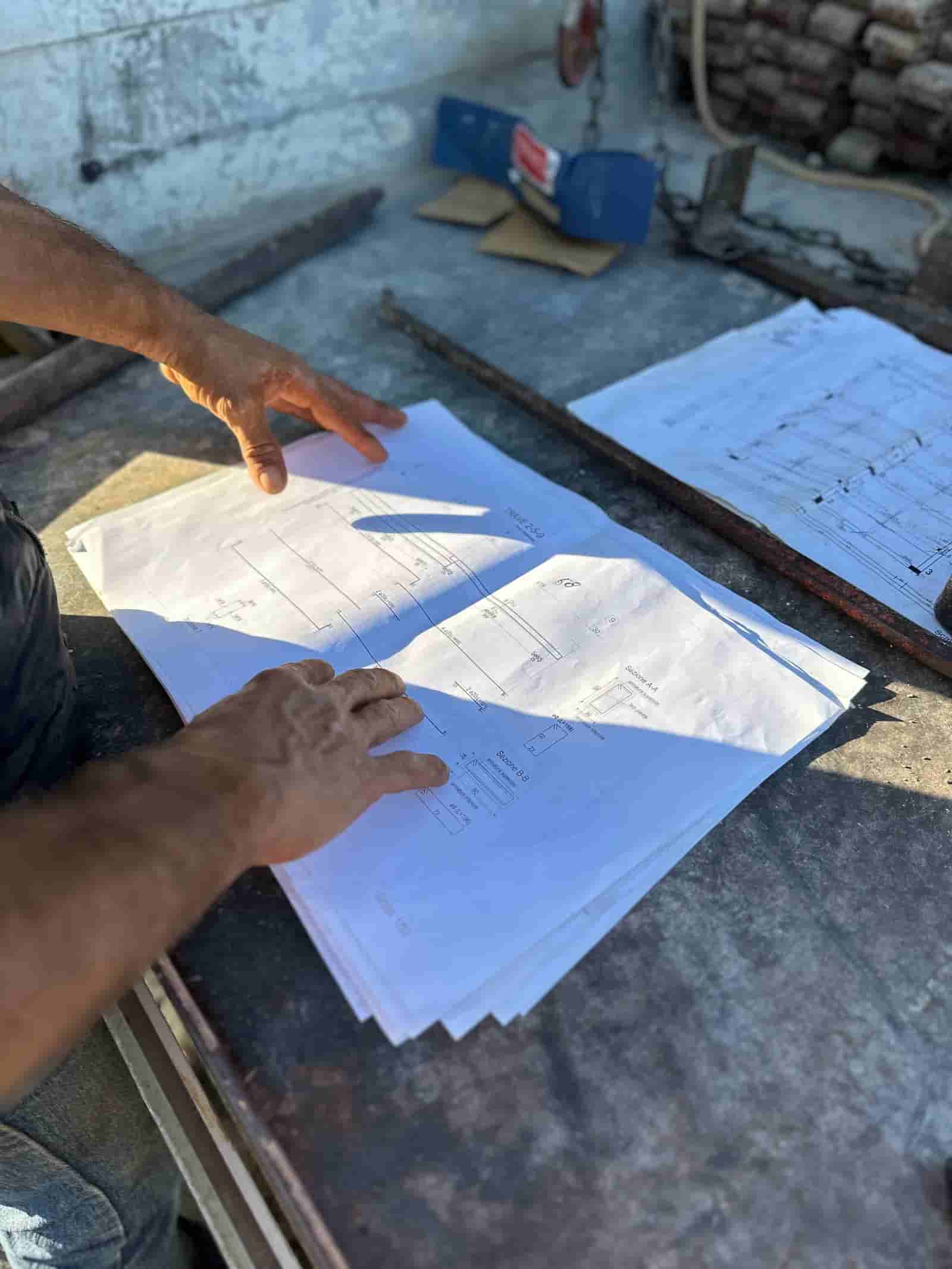
Most field teams already collect the raw material for a daily report: photos on a phone, a voice memo on the drive home, a text about a late delivery, an email confirming an inspection. The problem is turning that scatter into a clean, dated, owner-ready log every single day. AI closes that gap by assembling a first draft from the inputs your crew already produces, then handing it to the person who was actually on site to verify and sign.
What Is an AI Daily Report in Construction?
An AI daily report is a daily field log that software drafts from field inputs (photos, voice notes, texts, emails, time entries, and weather data) instead of from a blank form and a tired memory at 5pm. The AI does the assembly: it reads the inputs, groups them by trade and location, writes plain-language activity summaries, attaches the supporting photos, and flags gaps. The superintendent or project manager then reviews, corrects, and approves. The draft is a starting point, not the record of authority. The signed version is.
This matters because the daily log is a legal and financial document. It supports delay claims, backs up T&M tickets, documents safety, and proves who was on site doing what. A faster draft is only useful if a human who was there confirms it is accurate before it goes out.
What Does a Good Daily Log Actually Capture?
A defensible daily log covers a predictable set of facts, which is exactly why AI can help draft it. A strong log records: the date and weather (including any work stoppage or impact), the trades and crew counts on site, labor hours, the specific work performed and its location (floor, grid line, area), materials and equipment delivered or removed, inspections and their outcomes, safety observations and near-misses, visitors, and any delays, conflicts, or issues that could become a claim later.
The test for each line is simple. Could you defend it in a dispute six months from now? If the answer depends on memory, it is weak. If it is tied to a timestamped photo, a delivery ticket, or a time entry, it is strong. AI helps by attaching that evidence to each entry as it drafts, so the log is sourced rather than recalled.
How Does AI Assemble the Report From Field Inputs?
The AI works from the inputs your team already creates during the day. Photos carry timestamps and, often, location data, so the AI can place activity in time and space. Voice notes are transcribed and parsed for who, what, and where. Emails and texts about deliveries, RFIs, or schedule changes get pulled into context. Crew time entries supply labor hours and headcount. Weather comes from the project location.
From there the AI does three jobs. It organizes the inputs into the log's standard sections. It writes neutral, plain-language summaries ("electrical rough-in continued on floor 4; plumbing completed pressure test on floor 2"). And it surfaces anomalies the super would want to catch: a missing crew badge, a delivery that did not arrive, a forecast that crosses a work-stoppage threshold, or a possible PPE issue visible in a photo. With Ruh, this runs inside your own tenant on your own documents, so the inputs never leave your environment to get processed.
Worked Example: From Field Inputs to a Signed Daily Log
Here is a concrete, illustrative walkthrough of one day on a mid-rise job.
Inputs arrive through the day. The crew uploads 47 jobsite photos. The super leaves a 90-second voice note after lunch. An email confirms a CMU delivery was rescheduled. Time-tracking shows 38 labor hours across two trades. (What goes in: photos, voice, email, time entries, project location.)
AI reads and organizes. It transcribes the voice note, reads the photo timestamps and geotags, pulls the day's weather, and ingests the delivery email and time entries. (What the AI does: gather and structure.)
AI drafts the log. It writes the activity summary by trade and location, lists crew counts and hours, notes the weather, attaches the relevant photos to each entry, and records the delivery as missed. (What the AI does: assemble a sourced first draft.)
AI flags what needs a human. It surfaces three items: the missed CMU delivery, a forecast of rain after 1pm that may affect tomorrow's pour, and two photos that may show a PPE issue. (What the AI does: route judgment calls up, not paper over them.)
The PM reviews and signs. The super opens the draft, confirms the trade summaries are right, reclassifies one "PPE flag" as a non-issue after looking at the photo, adds a line about a coordination conflict the AI could not see, and signs. (What the human checks: accuracy, context the inputs missed, and anything that affects a claim or safety.) The finalized log distributes to the owner and PM in the format they expect.
The whole review took a few minutes instead of the half hour the blank form used to cost. You can see this pattern in production at see Ruh Daily Field Reports.
Why Does the PM Still Approve Every Log?
Because the AI was not on site and cannot weigh consequence. It can read a photo, but it cannot know that the "delay" it flagged was actually a planned sequencing change, or that a conflict between two trades is about to become a change order. It does not know which line will matter most if the schedule slips. The human who walked the floor holds that judgment.
Sign-off also keeps the record honest. The AI draft is hedged and literal by design; it should not assert a cause for a delay or characterize fault. The PM decides what the log says about disputed events, because that language has downstream consequences. Treating the draft as a proposal the PM ratifies, rather than an output that ships on its own, is what keeps the daily log credible as evidence.
How Does This Fit the Tools We Already Use?
The point is to draft inside your existing stack, not to add another app the crew has to learn. Field inputs can come from the photo and time-tracking tools your team already uses, and the finished log can land back in your daily-log system or as a PDF in the format your owner expects. The AI fills the gap between "raw inputs exist" and "clean log is signed and distributed," rather than replacing the systems of record around it.
Adopting it is low-stakes. Run it in parallel on a few active jobs first, compare the AI drafts against what your supers would have written, and tune from there. The supers keep doing what they do; the difference is they start from a sourced draft instead of a blank page.
If you take one thing from this: the value is not the AI writing the log, it is the AI doing the assembly so a human can spend their few minutes on judgment instead of transcription. Start small, keep the PM's sign-off non-negotiable, and measure the drafts against your own standard before you trust them. A daily log that is sourced, consistent, and signed by someone who was there is worth far more than one that is fast.
Why Teams Trust Ruh With This
The two reasons construction teams hesitate on AI are accuracy and data security. Ruh runs on your documents. Every output is traceable and reviewed by your team before it is used. The AI does the heavy lifting, your people keep the judgment and the sign-off.
Try Ruh on a real bid.
Ready to go deeper? See Ruh Daily Field Reports.
Frequently Asked Questions
How accurate is the AI draft, and what happens when it gets something wrong?+
The draft is meant to be a sourced starting point, not the final record. It ties entries to timestamped photos, time entries, and delivery confirmations so claims are checkable rather than recalled. When it misreads something (for example, flagging a normal sequencing change as a delay), the PM corrects it during review. That review step is why the human, not the AI, owns the signed log.
Is our field data secure? Where does it get processed?+
With Ruh, the work runs inside your own tenant on your own documents. The photos, voice notes, emails, and time entries used to draft the log stay in your environment rather than being shipped out for processing. Your team controls access, and the signed log lives in your systems of record.
Do we have to replace our current photo and daily-log tools?+
No. The approach is to draft inside the stack you already use. Inputs can come from your existing photo and time-tracking tools, and the finished log can return to your daily-log system or as a PDF in your owner's preferred format. The AI fills the gap between raw inputs and a signed, distributed log rather than replacing the tools around it.
What stays the responsibility of a human?+
Judgment and sign-off. The AI assembles and flags, but the superintendent or PM confirms accuracy, adds context the inputs missed, decides how disputed events are described, and signs. Anything that affects a delay claim, a change order, or safety is a human call, because the AI was not on site and cannot weigh consequence.
How do we roll this out without disrupting our supers?+
Run it in parallel on a few active jobs first. Compare the AI drafts against what your supers would have written, tune the output, then expand. Supers keep working the same way; the only change is starting from a sourced draft instead of a blank form, which usually cuts review to a few minutes.
Reading about it is slower than watching it. 30 minutes, your data, your team in the room.
Book a demoFigures on this page are illustrative. Construction estimates depend on project-specific conditions, source documents, market pricing, and professional judgment. Ruh's AI assists the estimator and does not replace professional review: your team reviews, validates, and approves every estimate, bid, and pricing decision.

