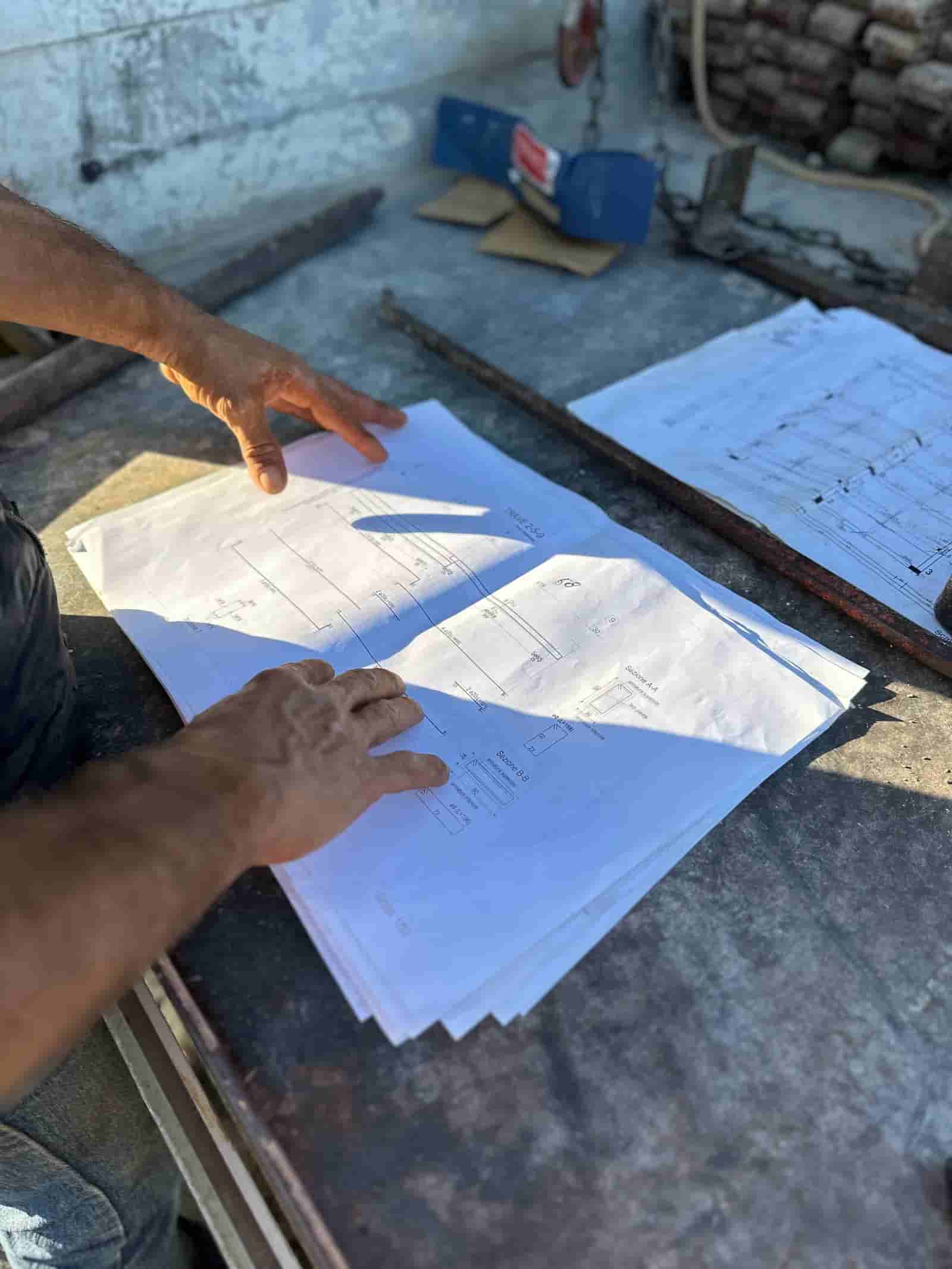
Most people meet AI through a chatbot: you ask a question, it answers, and the work of actually doing something is still on you. An AI agent is different. An agent is software that takes a goal, works through the steps to reach it across your real documents and systems, and hands back finished work for a person to review. In construction, that shift matters because the work is not "answer a question," it is "read these 40 pages of plans and produce a takeoff," or "turn this field note into a properly formatted RFI." The agent does the legwork. You keep the judgment and the sign-off.
What Is an AI Agent, in Plain Terms?
A chatbot responds. An agent acts. Both use the same underlying language models, but an agent is wired to do more than talk: it can open files, pull numbers out of a spec, fill in a template, check one document against another, and assemble an output you can use. The practical test is simple. If the tool finishes a sentence, it is a chatbot. If it finishes a task, it is an agent.
A useful way to picture it: a chatbot is a knowledgeable assistant who can only talk to you, while an agent is an assistant who can also go to the file cabinet, read the drawings, draft the document, and put it on your desk for approval. The agent still does not have authority. It produces a draft and stops at the point where a human decision is required.
How Are Agents Different From a Chatbot?
The difference is scope of work and accountability, not intelligence. A chatbot gives you information and leaves the assembly to you. An agent owns a defined workflow end to end, but reports back at each checkpoint instead of acting unilaterally.
Three things separate an agent from a chatbot in a construction setting:
- It reads your actual documents. Not generic knowledge, but the spec section, the subcontract, the drawing set, the pay application sitting in your system.
- It completes multi-step work. Find the quantity, apply the assembly, format the output, flag what it could not resolve.
- It shows its work for sign-off. Every number or statement traces back to a source page so a person can verify before anything goes out.
That last point is what makes an agent usable on a job. A draft you cannot check is a liability. A draft with citations back to the source is a head start.
Where Do AI Agents Help on a Construction Project?
The best fits are the document-heavy, repetitive tasks that eat estimator and PM hours but still need a human eye before they are official. A few common examples (illustrative, not a fixed list):
- Reading and summarizing documents. Pulling scope, exclusions, and key dates out of a long subcontract or spec section.
- Quantity takeoff. Measuring counts and lengths off a drawing set and organizing them by assembly.
- Drafting an RFI. Turning a field observation into a clear, properly structured request routed to the right reviewer.
- Assembling a report. Compiling daily logs, photos, and quantities into a formatted progress report.
- Cross-checking documents. Comparing a pay application against the schedule of values, or a submittal against the spec.
In every case the pattern is the same: the agent does the gathering and drafting, a person checks and approves. The agent is fast and tireless on the tedious middle of the task. The human still owns the call.
A Worked Example: Drafting an RFI
Here is one workflow start to finish, so the steps are concrete.
What goes in: A superintendent notes that a structural detail on sheet S-4 conflicts with the mechanical routing shown on M-2. He types a short, messy note: "duct can't fit under the beam at grid C-3, need clearance call."
What the agent does:
- Reads the note and locates the referenced sheets and grid line in the drawing set.
- Pulls the relevant detail callouts and dimensions from both sheets.
- Drafts an RFI in the company's standard format: a clear subject line, the location, the observed conflict, the specific question, and a suggested resolution for the reviewer to consider.
- Attaches the source clips from S-4 and M-2 so the reviewer sees the basis without hunting for it.
- Suggests a routing path (to the architect or engineer of record) and a due date based on the project's RFI turnaround standard.
What the human checks: The PM opens the draft, confirms the conflict is real and described correctly, edits the question for tone or specificity, adjusts the routing if needed, and approves. Only then does it go out. The agent never sends anything on its own. If you want to see this pattern applied to estimating, you can see a construction AI agent at work on a takeoff.
The time saved is not in the judgment, which still takes a minute. It is in the 20 minutes of finding sheets, pulling dimensions, and formatting that the agent absorbs.
What Stays With the Human?
Judgment, accountability, and the final sign-off, always. An agent can draft an RFI, but it does not decide whether a conflict is worth raising. It can produce a takeoff, but the estimator owns the number that goes into the bid. It can compile a report, but the PM is the one who certifies it.
This is the right division of labor for commercial construction, where a wrong number or a misrouted document has real cost and real liability. The agent removes the grind. It does not remove the person. Think of it as a very fast, very literal assistant who never gets tired of the boring parts and never pretends to have authority it does not have.
How Does This Work With Our Existing Tools and Data?
The model that fits construction is the one that runs on your own documents, inside your own environment, rather than asking you to upload your project files to a generic public tool. Ruh runs on your documents. The agent reads the plans, specs, contracts, and logs you already have, and produces drafts that live alongside your existing process. Nothing leaves your environment to be answered, and nothing goes out the door without a person approving it.
That tenancy point is what makes the security and accuracy questions answerable. Because the agent works from your real source documents and cites back to them, a reviewer can confirm every claim against the page it came from. And because it runs in your environment, your project data stays where it already lives.
Start with one workflow that is repetitive and document-heavy, the kind your team already complains about. Run it on a real project where you can check the output against what you would have produced by hand. Keep a person in the approval seat for every step. If the drafts are good enough to edit rather than rebuild, and the citations let you verify quickly, you have a tool that gives hours back to your estimators and PMs without giving up the control that the work requires.
Why Teams Trust Ruh With This
The two reasons construction teams hesitate on AI are accuracy and data security. Ruh runs on your documents. Every output is traceable and reviewed by your team before it is used. The AI does the heavy lifting, your people keep the judgment and the sign-off.
Try Ruh on a real bid.
Ready to go deeper? See a construction AI agent at work.
Frequently Asked Questions
How accurate are the agent's outputs?+
Accuracy depends on the source documents, which is why a usable agent cites every number and statement back to the page it came from. The draft is a head start, not a final answer. A person reviews and approves each output before it is official, so the agent's job is to be fast and traceable, and the human's job is to verify.
Is our project data secure?+
The model that fits construction runs in your own tenant on your own documents rather than uploading your project files to a generic public tool. Ruh reads the plans, specs, and contracts you already have, inside your environment, and produces drafts that live alongside your existing process. Your data stays where it already lives.
Will this replace our estimators or PMs?+
No. The agent removes the grind, the finding of sheets, pulling of dimensions, and formatting, but the estimator still owns the number in the bid and the PM still certifies the report. Judgment, accountability, and the final sign-off stay with people on every step.
Does it work with the tools we already use?+
Yes, the approach is to run on the documents and project files you already have rather than asking you to switch systems. The agent reads your existing plans, specs, contracts, and logs and produces drafts you can review and route through your current process.
What is the difference between this and a chatbot?+
A chatbot finishes a sentence; an agent finishes a task. A chatbot answers a question and leaves the assembly to you. An agent reads your actual documents, completes a multi-step workflow like drafting an RFI, and hands back finished work for sign-off, but it never acts on its own authority.
Reading about it is slower than watching it. 30 minutes, your data, your team in the room.
Book a demoFigures on this page are illustrative. Construction estimates depend on project-specific conditions, source documents, market pricing, and professional judgment. Ruh's AI assists the estimator and does not replace professional review: your team reviews, validates, and approves every estimate, bid, and pricing decision.

