
What is construction AP automation and how does it work?
Construction AP automation is software that takes a subcontractor or supplier invoice from arrival to a posted, approved entry without anyone re-keying it by hand. The system captures the document, reads the header and the line detail, suggests a cost code, matches the invoice against the commitment it belongs to, routes it to the right approver, and syncs the approved record to your accounting or job cost system. The human stays on the decisions that carry risk: confirming the coding, releasing retainage, and signing off before money moves.
The reason this needs its own category, rather than a generic accounts payable tool, is that a construction invoice almost never stands alone. It bills against a subcontract or a purchase order, it carries retainage held back per pay application, it often cannot be paid until a lien waiver is exchanged, and it has to be coded to a job cost code, not just a general ledger account. Miss any one of those and the books still balance while the job quietly loses money.
What does AP stand for in construction?
AP stands for accounts payable. In construction, AP covers subcontractor and supplier invoices that bill against a subcontract or purchase order. Those invoices are coded to a job cost code rather than a GL account alone, consistent with RedHammer's guide to construction AP automation.
What is an AP invoice in construction?
An AP invoice in construction is a vendor or subcontractor billing that must reconcile against its commitment. It must also hold retainage per pay application and clear a lien waiver before payment, which is why it is treated separately from generic accounts payable.
Why construction AP is not generic AP
Start with the commitment. When you award a subcontract or cut a PO, you record a committed cost: an obligation to spend a known amount on a known scope. Every invoice that vendor sends draws down that commitment. The back office is not asking "is this invoice valid" in isolation; it is asking "does this invoice fit inside what we already agreed to spend, at the rate we agreed to." That is the core difference from generic AP, where an invoice often maps to a budget line and a GL account and nothing more.
Retainage is the second difference. On most progress billings the owner holds a percentage back from the contractor, and the contractor holds the same or similar back from each subcontractor. That withheld amount is tracked per pay app against the schedule of values and released later, often at substantial completion. An AP process that ignores retainage will overpay every progress invoice it touches.
Third is the lien waiver exchange. In US commercial construction it is standard to require a signed waiver before releasing payment: a conditional waiver tied to the payment about to be made, and an unconditional waiver once funds clear. The exact rules and required forms vary by jurisdiction and by contract, so treat the waiver as a release gate the contract defines, not a fixed legal rule. The back office holds payment until the correct waiver is on file.
Fourth is coding. A construction invoice is coded to a cost code inside a job, frequently aligned to CSI MasterFormat divisions, so the cost lands against the right scope on the right project. The GL account matters for the financial statements, but the cost code is what lets a project manager see committed versus actual on their job. Coding to the GL alone strands the cost where no PM can see it.
Fifth is the three-way match, construction style. Generic AP matches invoice to PO to receipt. Construction matches invoice to the commitment, to the work actually verified in place, and to any approved change order that revised the commitment. A subcontractor billing for change order work that was never authorized should fail the match, not sail through because the invoice arithmetic is internally correct.
Where the hours go in the manual flow
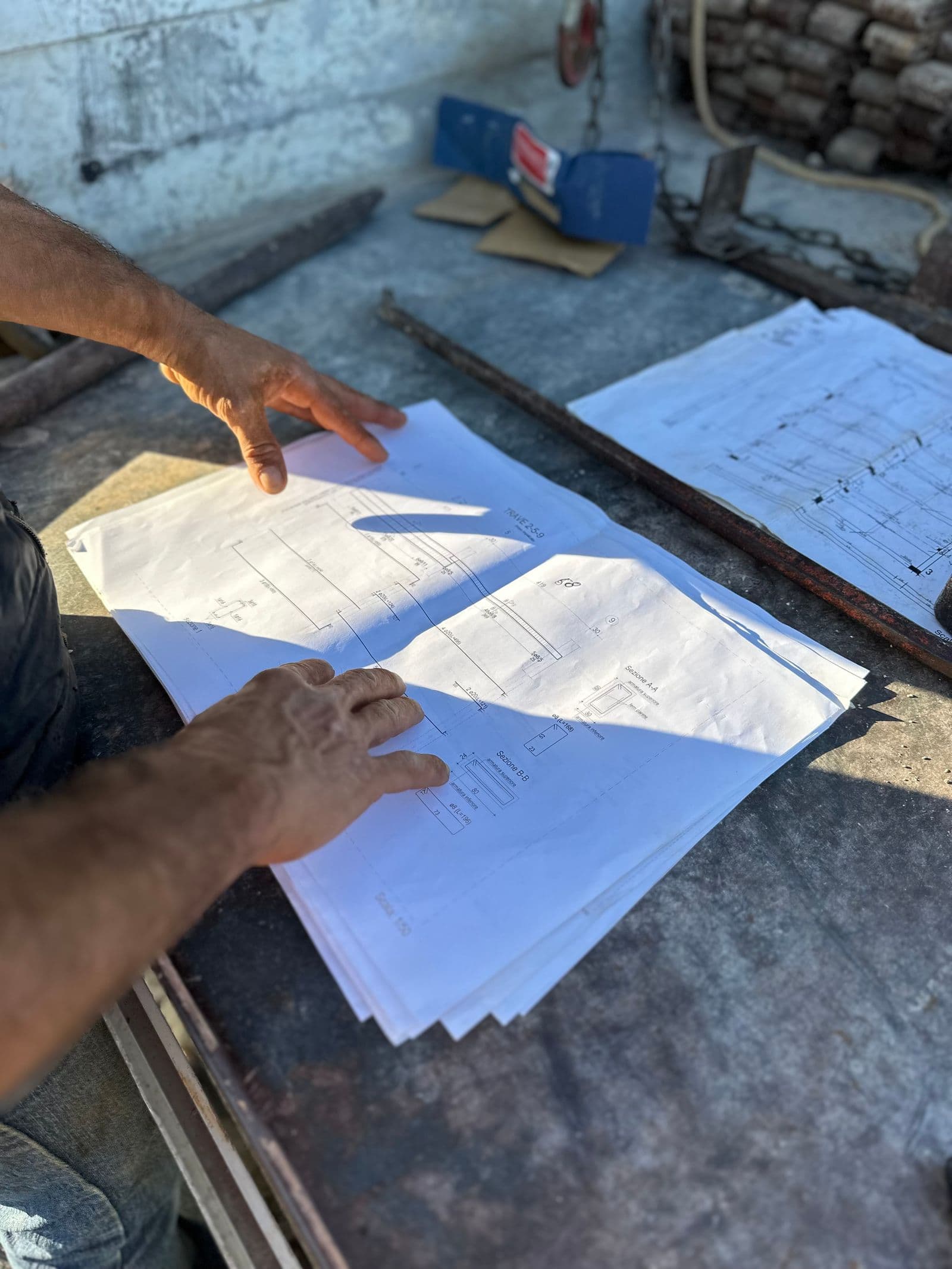
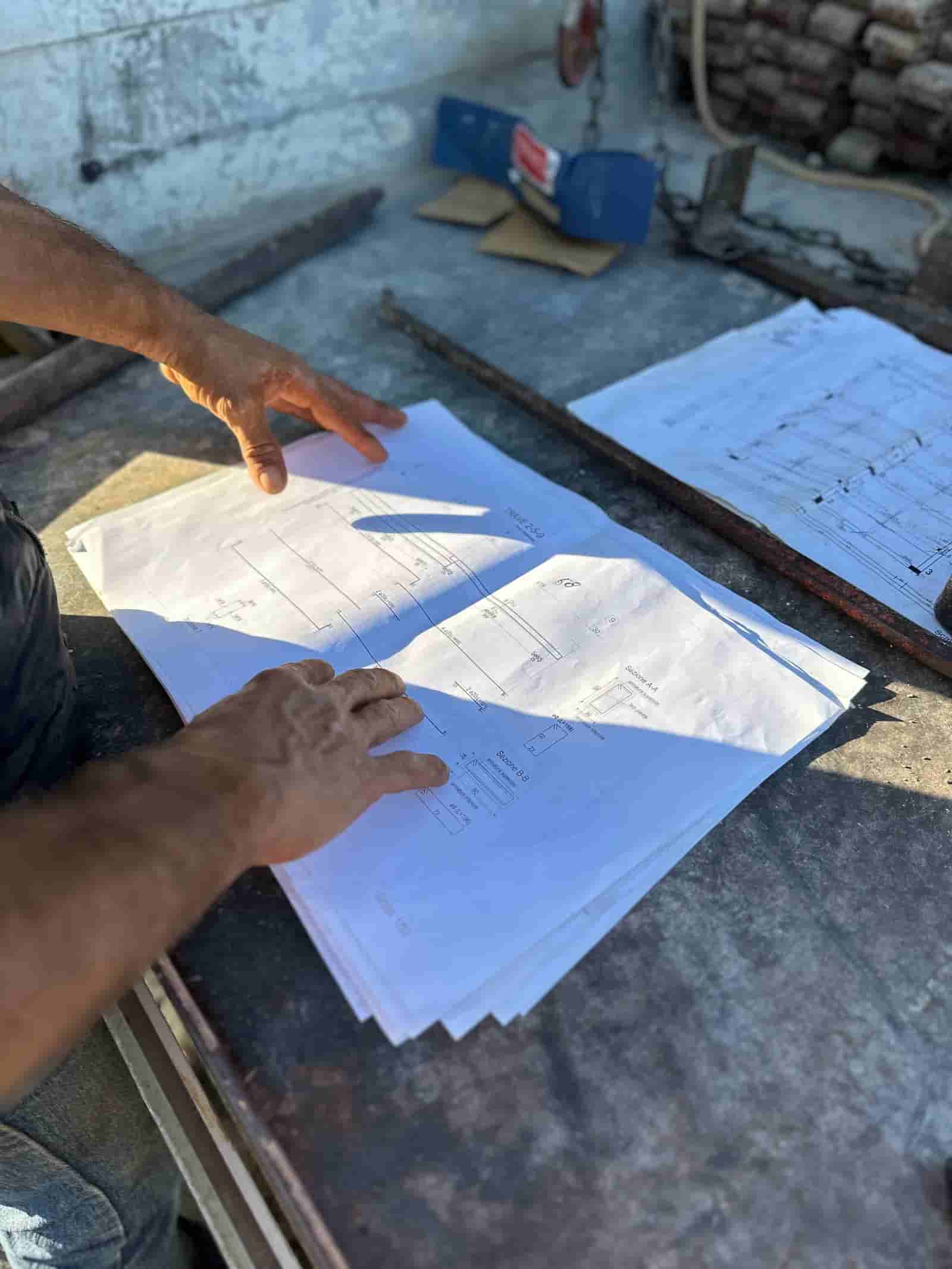
The manual flow is familiar to anyone who has run a construction back office. An invoice arrives by email or paper. Someone keys the header and the line detail into a spreadsheet or the accounting system. Someone pulls up the subcontract or PO and the current pay app to confirm the amount, the unit rates, and the retainage. Someone assigns the cost code by reading the scope and guessing where it belongs. The invoice then circulates for approval, usually by forwarding emails and waiting. Finally someone confirms the waiver is on file and posts the entry.
Every one of those steps is a place where minutes accumulate and errors enter. Re-keying introduces transposition mistakes. Manual matching against a paper subcontract is slow and easy to skip when the queue is deep at month end. Approval by email has no audit trail and stalls the moment an approver is traveling. The hours are real, and they scale with invoice volume, which is exactly why this is worth measuring.
The automated flow, step by step
The automated flow keeps the same logical steps and removes the manual labor inside each one.
Capture. The invoice enters through a monitored inbox, an upload, or a vendor portal. The document is stored once, and a duplicate check runs immediately on vendor plus invoice number plus amount so the same invoice billed twice gets flagged at the door.
Header and line extraction. The system reads the vendor, invoice number, date, totals, tax, and the individual line items. Line-level extraction matters because matching and coding both happen at the line, not just the invoice total.
Coding suggestion. Based on the vendor, the commitment, and the history of how similar invoices were coded, the system proposes a cost code per line. The back office confirms or corrects. Over time the suggestions sharpen because the model learns your coding patterns.
Match against the commitment. The invoice lines reconcile against the subcontract or PO, the schedule of values, and any approved change orders. The system checks the unit rates against the agreed rates, confirms the billing does not exceed the remaining commitment, and calculates the retainage to withhold. Mismatches are surfaced rather than buried.
Approval routing. The invoice routes by rule to the project manager, the appropriate authority by dollar threshold, and anyone else the workflow requires. Every action is timestamped, so the audit trail builds itself.
Sync to the accounting system. Once approved, the entry posts to the accounting or job cost system with the cost code, commitment reference, retainage, and waiver status attached. No re-keying, so the transposition errors of the manual flow never get the chance to appear.
Worked example: invoice volume and the time it takes
These figures are illustrative, meant to show the method rather than to claim a benchmark. Suppose a midsize GC processes 420 subcontractor and supplier invoices per month.
In the manual flow, estimate the minutes per invoice across the steps: data entry 4 min, coding 3 min, matching against the commitment 5 min, and chasing approval 2 min. That is 4 + 3 + 5 + 2 = 14 minutes per invoice. Across the month: 420 x 14 = 5,880 minutes, which is 5,880 / 60 = 98 hours.
In the automated flow the human work shifts to review and exception handling: correct the extraction 1.5 min, confirm the suggested coding 0.5 min, and clear approval 1 min. That is 1.5 + 0.5 + 1 = 3 minutes per invoice. Across the month: 420 x 3 = 1,260 minutes, or 1,260 / 60 = 21 hours.
The difference is 98 - 21 = 77 hours per month of back-office time returned, again illustrative and dependent on your own step times and exception rate. The point is the shape: the manual minutes that scale linearly with volume are exactly the minutes automation compresses, while the judgment minutes stay with a person.
Worked example: retainage and the waiver on a progress invoice
Take a single subcontractor progress invoice so the arithmetic is concrete. The drywall subcontract is valued at $480,000. This period the sub bills $60,000 of completed work on their schedule of values. The contract holds retainage at 10 percent.
Retainage withheld this period: 60,000 x 0.10 = $6,000. Net payable on this invoice before tax: 60,000 - 6,000 = $54,000. The conditional lien waiver the sub provides should cover that $54,000 progress payment, not the gross $60,000, because the waiver tracks the money actually released.
Now the cumulative view, which is the part manual processes lose. Say work billed to date including this period is $300,000. Cumulative retainage held: 300,000 x 0.10 = $30,000. Remaining commitment after this invoice: 480,000 - 300,000 = $180,000. So the back office knows three things at once: pay $54,000 now against a signed conditional waiver, carry $30,000 in retainage on this sub for later release, and $180,000 of the commitment is still open. Automated matching computes all four of those numbers from the invoice and the commitment, and blocks release until the waiver is on file.
How can I automate purchase orders and vendor invoices in construction?
Automation matches each vendor invoice line to the purchase order or subcontract it draws down and checks billed unit rates against agreed rates. It blocks anything that exceeds the remaining commitment or bills unauthorised change order work, sending the exception for human review.
Common failure modes
Three patterns cause most of the pain, and all three are catchable.
Duplicate invoices. A vendor resends an invoice under a slightly different number, or a PM and the office both submit the same one. Without a duplicate check on vendor, amount, and invoice number, it gets paid twice. The fix is a check at capture, before anything routes for approval.
Rate mismatches against the subcontract. The invoice bills a unit rate higher than the agreed subcontract rate, or claims quantities beyond the schedule of values, or includes change order work that was never authorized. Matching the line rates against the commitment and approved changes catches this; eyeballing the total does not.
Missing waivers. Payment releases before the conditional waiver is on file, leaving lien exposure on the project. The fix is to make the waiver a hard gate in the workflow, so the invoice cannot reach paid status until the document is attached.
The through-line is that none of these are accounting errors in the narrow sense. The books can balance while every one of them is happening. They are construction-specific controls, which is why construction AP needs tooling that understands commitments, retainage, and waivers rather than a generic AP product bolted onto a job cost system. If you want to see how this works against your own subcontracts and pay apps, that is the core of purpose-built construction invoice software. The same back-office discipline pairs with the upstream estimating workflow covered in how to estimate construction costs, because the commitments your AP process matches against are the ones your estimate and subcontracts created.
Try Ruh on a real bid. 100% money-back guarantee if you are not satisfied.*
*Scoped delivery, terms apply. Read the guarantee terms
Frequently asked questions
How is construction AP automation different from generic AP automation?+
Generic AP matches an invoice to a purchase order and a GL account. Construction AP has to match against the committed cost of a subcontract or PO, code to a job cost code rather than a GL account alone, hold retainage on each progress invoice, and confirm a signed lien waiver before release. A tool that only does two-way PO matching will miss most of what construction back offices actually check.
What is a three-way match in construction?+
In construction the three-way match compares the invoice against the original commitment (the subcontract or PO), the work or quantity verified in the field, and any approved change orders that revise the commitment value. The point is to confirm the contractor is billing the agreed rate for work that was authorized and performed, not just that an invoice arrived.
Does AP automation handle retainage and lien waivers?+
Good construction AP automation calculates the retainage withheld on each progress invoice against the schedule of values, tracks the cumulative amount held, and flags the lien waiver required before payment releases. It does not sign the waiver or decide what to pay. It surfaces the obligation and blocks release until the waiver is on file, which is where most manual processes leak risk.
Will AP automation post entries to my accounting system automatically?+
It drafts the entry with the cost code, commitment reference, retainage, and approval trail attached, then syncs it to the accounting or job cost system once approved. Most teams keep a human approval gate before the sync so nothing posts to a job without sign-off. The sync removes re-keying, which is where duplicate and transposition errors usually enter.
What are the most common construction AP errors automation catches?+
The frequent ones are duplicate invoices billed twice under different numbers, rates that do not match the subcontract unit price or schedule of values, retainage withheld at the wrong percentage, and payments released without a lien waiver on file. Automated matching against the commitment and a duplicate check on vendor plus amount plus invoice number catch most of these before approval.
Still pricing in a spreadsheet? Your price book, automated end to end. Your estimator signs off.
See it runTerms used in this guide
Figures on this page are illustrative. Construction estimates depend on project-specific conditions, source documents, market pricing, and professional judgment. Ruh's AI assists the estimator and does not replace professional review: your team reviews, validates, and approves every estimate, bid, and pricing decision.